The visual way to edit content models
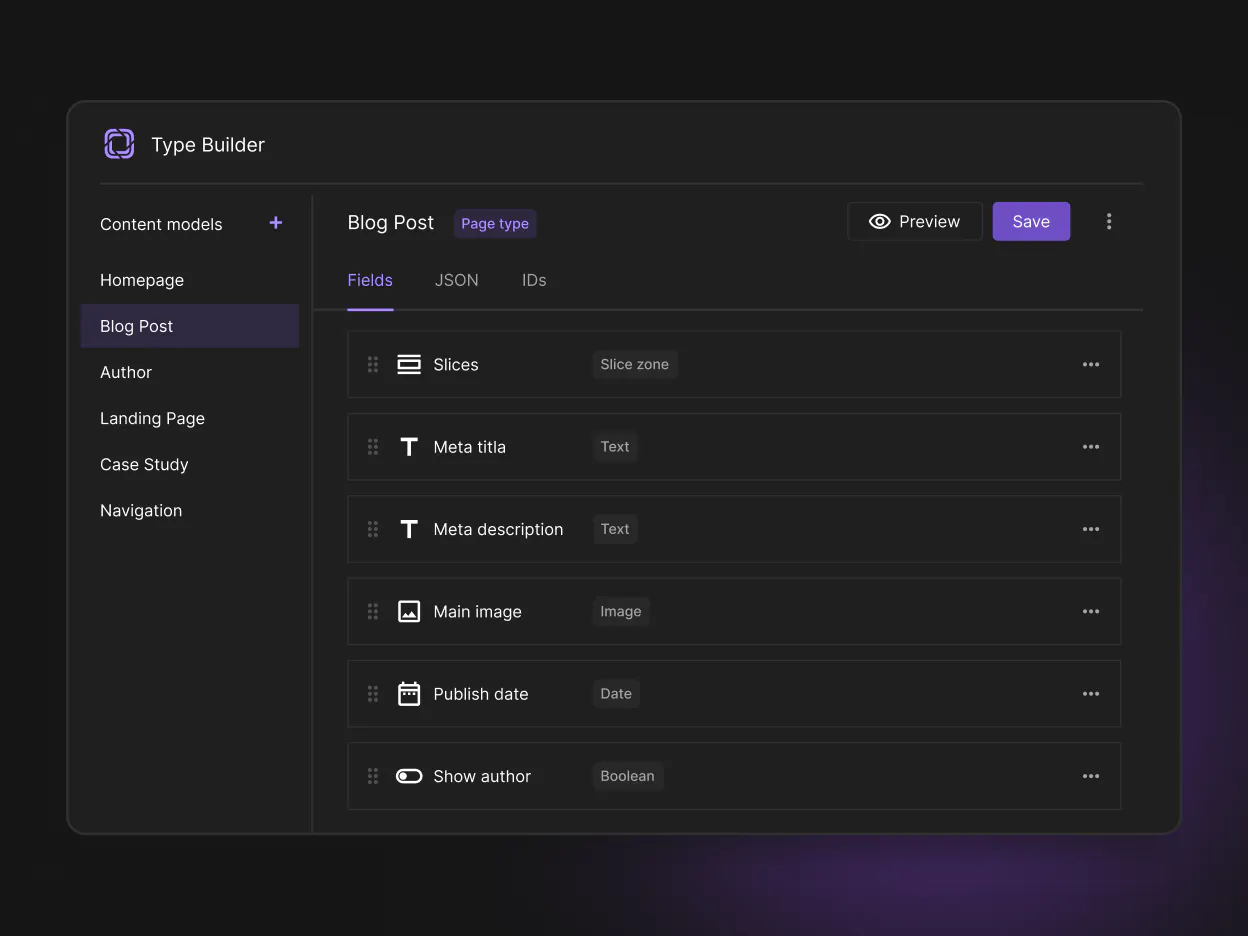
Type Builder is Prismic's visual content model editor. Inspect schemas, tweak fields and explore your content structure.
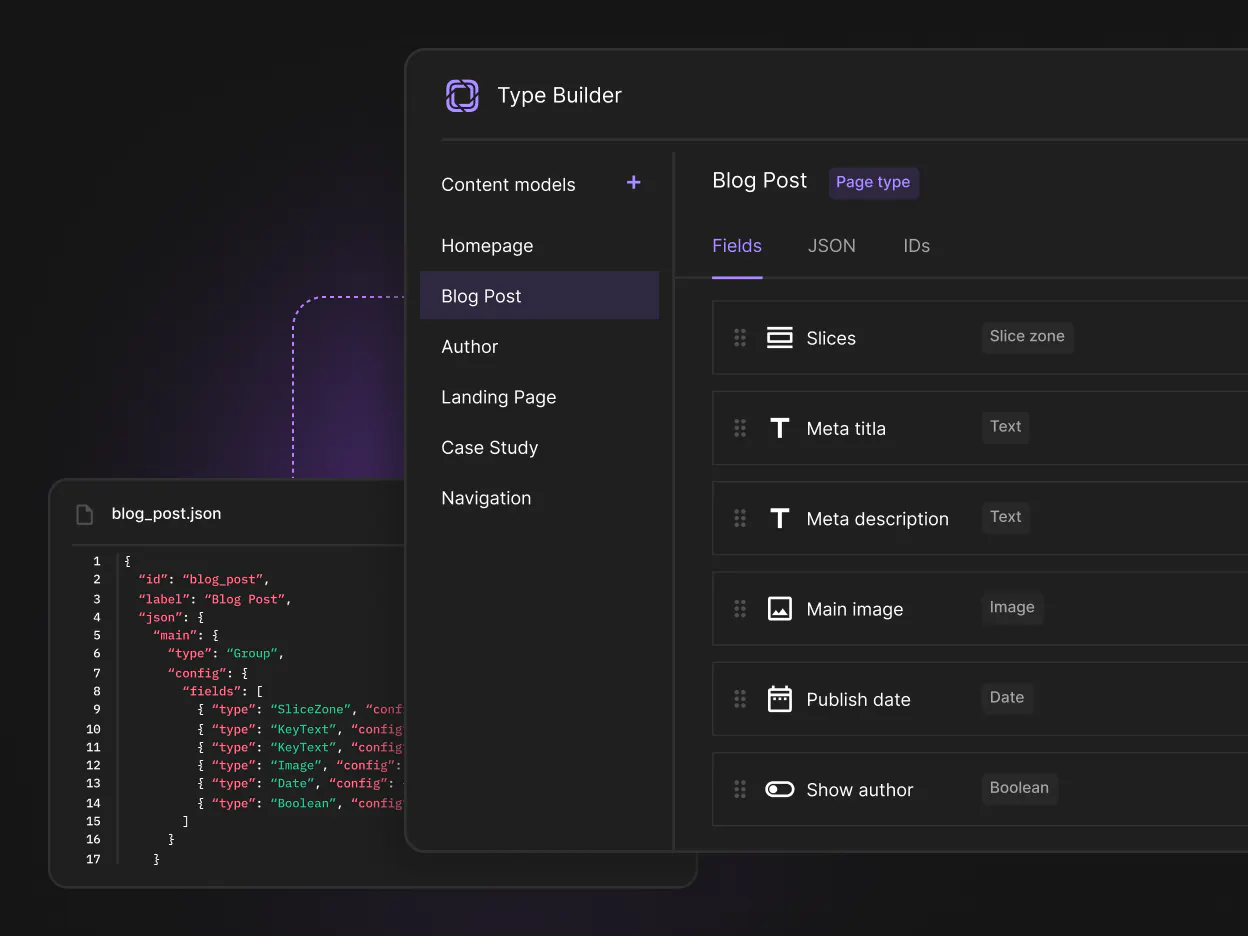
The visual layer on top of your CLI
The CLI is the recommended way to build with Prismic. Type Builder adds a visual layer on top: the same content models, edited however's easier in the moment.
Switch between AI, the terminal, and Type Builder without juggling separate models or workflows.

When to use Type Builder
Type Builder is best suited for:
- Reviewing existing schemas
- Making quick visual edits to content models
- Exploring unfamiliar projects
- Inspecting generated content models
Your content models remain stored in your repository, ready to be reviewed, versioned, and deployed with the rest of your code.
Ready to start?
Open your project's content models in Type Builder and make changes visually, whenever you need to.