8 Best Contentful Alternatives for Your Next Headless CMS in 2026


Large enterprise teams use Contentful to manage content across many channels and markets. Overall, it's a popular, capable platform with capabilities such as Studio (its visual editing builder), personalization, and AI Actions that automate tasks like translations and alt text.
Still, a growing number of teams are looking for alternatives, for a few reasons:
- Price: Besides its custom Enterprise tier, Contentful has only one paid plan, Lite, and it costs $300 a month. Going from $0 to $300 is a steep jump.
- Plan limits: Contentful’s Free plan includes 100k API calls, 50GB of CDN bandwidth a month, 2 roles, and 2 locales. Lite raises that to 1M API calls, 100GB of bandwidth, 3 roles, and 3 locales.
- Visual editing: Only those on the Enterprise plan get Studio, Contentful's visual editor, and pricing isn't public, so you have to contact sales to find out what it costs. This can be a major roadblock for marketers and content teams since visual editing is a core way they interact with CMSs.
- Acquisition: Salesforce finished acquiring Contentful on September 1, 2026. Nothing has changed in pricing or contracts yet, but Salesforce has a post-acquisition track record. Heroku's free tier survived over a decade before Salesforce shut it down in 2022, and Slack's pricing has risen several times since its 2021 acquisition, most recently in 2025.
If you're reading this, you've likely encountered one or more of these concerns. In this guide, we'll review eight Contentful alternatives worth considering and what makes each one a genuine fit.
- Contentful is a capable CMS, but pricing jumps from free to $300 a month, and visual editing requires Studio, a paid add-on that’s only available on the Enterprise plan.
- Prismic is best for teams where developers and marketers build pages together, with AI agents working inside guardrails your team sets.
- Storyblok is best for teams that want nestable components alongside real visual editing for marketers.
- Strapi is best for teams that want open source software and full control over where their content lives.
- Hygraph is best for teams that want a GraphQL-native API, with the option to pull in data from other systems too.
- Sanity is best for developer-led teams that want to shape their own editing studio in code.
- Contentstack is best for enterprise teams that want content management, AI agents, and hosting all in one platform.
- DatoCMS is best for teams that want built-in video streaming alongside an open plugin ecosystem.
- Webflow is best for teams that want visual design, structured content, and hosting together in one platform.
- AI agents are now part of how most of these platforms work, but what an agent can actually do, and how much control your team keeps, still varies a lot from one platform to the next.
Contentful alternatives at a glance
Platform | Free plan limits | Pricing from (Monthly) | Why pick over Contentful |
|---|---|---|---|
Prismic | 1 user, 4M API calls/mo (no overages), 100GB bandwidth/mo (no overages), unlimited assets, unlimited documents, 2 locales | $10 | Prebuilt sections, no schema work, free Page Builder |
Storyblok | 1 seat (up to 2), 100k API requests/mo, 100GB traffic/mo, 2,000 assets (500MB max each), 20,000 stories, 2 locales | $99 | Free visual editor + a richer text editor with AI rewriting and one-click Markdown, ODT, and DOCX export |
Strapi | Unlimited seats, content types, locales, roles, and components (self-hosted) | $45 | Visual editing from $45/mo + unlimited seats, content types, locales, and API calls on the free plan |
Hygraph | 3 seats, 500k API calls/mo (5 req/sec uncached), 100GB asset traffic/mo, unlimited asset storage (50MB max/upload), 1,000 entries, 2 locales | $199 | Free visual editor + AI Assist from every plan (Contentful’s AI Actions is Enterprise-only) |
Sanity | 20 seats, 1M CDN API requests/mo, 100GB bandwidth/mo, 100GB assets, 10,000 documents, unlimited locales | $15 | Free, framework-agnostic visual editor + content models defined as TypeScript schemas in Git, instead of Contentful’s UI-only model with no code history |
Contentstack | 3 users, 100k API calls/mo, 100GB bandwidth/mo, 1,000 assets, 10 content types, 1,000 entries | $29 | Free visual editor + built-in hosting, so no separate deploy pipeline |
DatoCMS | 2 editors, 100k CD API + 25k CM API calls/mo, 10GB bandwidth/mo, 200MB file storage, 300 records, 5 locales | €149 (≈$160*) | Free visual editor + custom roles on all paid plans + open plugin marketplace (Contentful: Enterprise-only roles, closed plugin ecosystem) |
Webflow | 1GB bandwidth/mo, 50 CMS items, 20 CMS collections | $25 (Premium, includes CMS) | Free visual canvas + built-in hosting, plus CMS APIs for a custom frontend when you need one, so you’re not locked into drag-and-drop |
DatoCMS prices are published in euros. The USD figures are estimates and may vary with the exchange rate.
Top 8 Contentful alternatives in 2026
1. Prismic
Best for: Teams looking to run their website with AI while maintaining brand control
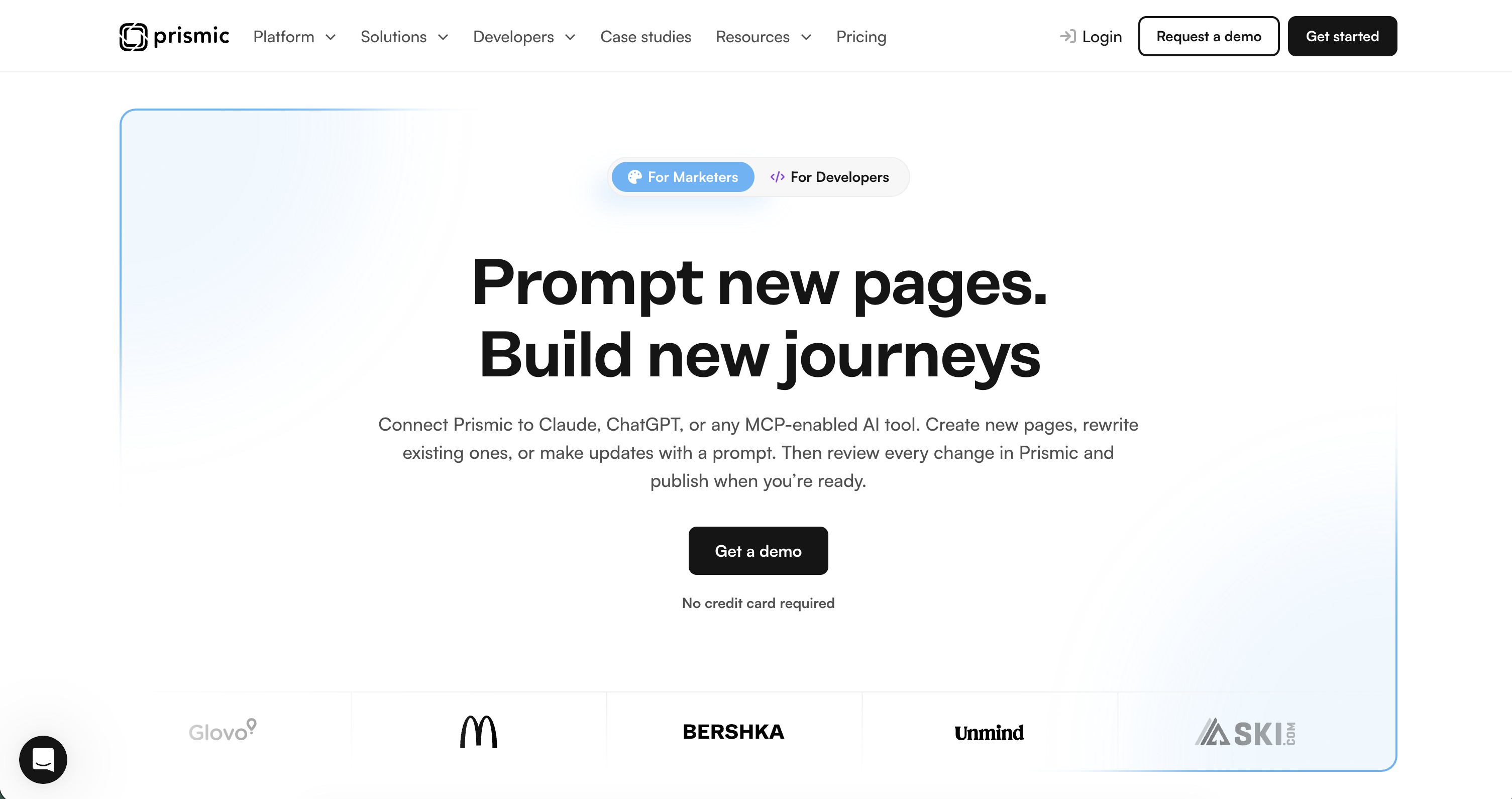
Where Prismic beats Contentful
Contentful lets you model almost anything. You define each content type from scratch, with up to 50 custom fields per type, and fields can also reference other entries, creating nested structures as your model grows.
That flexibility helps when projects need different content structures, like an agency building for clients with nothing in common. But someone still has to design and maintain it, and it’s manageable as long as a developer is the one editing it.
Hand that editing over to an AI agent, though, and a nested structure gives it room to put content in the wrong place, or restructure something it shouldn’t. Referenced entries can also be shared across multiple pages, so an agent editing one entry to fix something on one page can change what shows up everywhere else that entry is used.
Prismic avoids this by giving you slices instead of open-ended content types. A slice is a prebuilt section like a hero or testimonial. Developers build each one once, decide which page types can use it, and it's reusable from there. Slices don't nest inside each other either, so a page always stays a flat list of sections.
Another benefit of Prismic is that the Page Builder, which gives marketers a visual way to assemble and edit pages, comes with every plan. Contentful's equivalent, Studio, is an Enterprise add-on with no listed price, so finding out what it costs means a call with sales.
Features
- Slices: Reusable page sections that live as components in your code. Developers, marketers, and AI agents all build from the same slices, and developers decide which page types each slice is available on.
- Prismic CLI and skill: A CLI built for coding agents from the start, so agents like Claude Code, Cursor, and Codex can set up a project, create content models, and build slices on their own, following Prismic's best practices through the Prismic skill. If you'd rather work visually, the Type Builder lets you inspect your content models and make quick edits straight from the browser.
- Prismic MCP: Connects the AI tools your marketers already use, like Claude and ChatGPT, to your repository, so they can create, update, and localize pages in bulk without anyone touching code.
- Releases and drafts: Every content change an agent makes is saved as a draft inside a release first, never straight to your live site. Agents can't delete content, and only people with publishing rights can push a release live.
- Page Builder: Where your team reviews whatever an agent built, makes quick edits, previews the page, and publishes when it's ready.
- Migration API: When you need to migrate a massive website with thousands of pages, the Migration API lets you do it programmatically, writing your own script with
@prismicio/clientto move content into Prismic. Each release holds up to 1,000 pages, so larger migrations get batched by locale, reviewed, and published when ready. - Localization: Manage content across locales from one repository, or let your AI tools handle the translation work through the MCP.
Check out our headless CMS guides
Explore our headless CMS guides, which cover the subject matter in detail.
MCP, CLI, and agent workflow
For developers
You never have to leave your coding tool to get a Prismic site running. Install the Prismic skill so Claude Code, Cursor, or Codex knows how to use the Prismic CLI, then prompt it with something like "build a new Next.js site using Prismic."
From there, your agent sets up the project, builds your content models, and puts together the slices your site needs, generating TypeScript types as it goes. It works the same way across Next.js, Nuxt, and SvelteKit.
The same CLI-driven workflow handles full site migrations too. Point the agent at an old site, and it builds the page types and slices your content needs, then rebuilds each page against them, staging everything in batches for review.
For marketers
Once the site exists, your team connects Claude, ChatGPT, or another AI tool to the repository through the Prismic MCP. With its 16 tools, an agent can look up documents by keyword, locale, type, status, or tag, create and update content, push changes across multiple pages at once, and manage assets in your library. That includes migrating content into page types that already exist—no script required. Just point the agent at the source and review what it stages.
Every change saves to a release as a draft, and someone with the Publisher role must approve before anything publishes. The only exception is migration releases, which can only be published from the Prismic dashboard, not through the agent. Also, there's no way for an agent to delete content, so you don’t need to worry about destructive actions.
Limitations
- Need a section type that isn't already in your slice library? A developer, or their coding agent, has to build it first.
- Slices can't nest inside each other, so a content model built around deeply nested relationships has to be flattened or restructured to fit.
- Prismic is built for websites and landing pages specifically. If you're feeding one content hub into apps, kiosks, and other channels at the same time, Contentful fits that job better.
- Each plan comes with its own user and locale limits. The Free plan gives you one user and two locales, and even on Platinum, the highest plan before Enterprise, you're capped at eight locales.
- A separate environment for testing changes before they go live is only available on Platinum as a paid option, or on Enterprise.
- The MCP can’t publish migration releases, since those come from the Migration API's own review flow and have to be published through the dashboard or the API itself.
Pricing
- Free
- Starter ($10/month)
- Small ($25/month)
- Medium ($150/month)
- Platinum ($675/month)
- Enterprise (Custom)
Resources
2. Storyblok
Best for: Teams that need nestable components and a visual editor.

Where Storyblok beats Contentful
Contentful doesn't give you a visual editing interface. The closest option is Studio, an Enterprise add-on you have to pay extra for. Then, there's Live Preview, which shows you what a page will look like, but you can't click into it and move things around.
Every change still routes through the sidebar. Storyblok's Visual Editor skips that detour entirely: you click on the actual rendered page and drag, add, or remove components.
Also, while Contentful's rich text field handles standard formatting, headings, links, and embedded entries, that's where it stops. Storyblok's rich text editor goes further, with AI-assisted rewriting, one-click export to Markdown, ODT, or DOCX, inline Markdown shortcuts, and text highlighting and coloring, all without custom development. On Contentful, matching that takes custom work.
Features
- Visual editor: Included on every plan, letting editors click directly on the live page to rearrange or add components, not just preview the result from a sidebar.
- Rich text editor: AI-assisted editing, Markdown and document export, and inline formatting tools come built in, where Contentful needs custom work to match it.
- Built-in content model types: Content types, components, and universal blocks give you a native distinction between pages and reusable pieces.
- Folder-based routing and localization: Routing and locale structure come from how you organize folders, with the Dimensions app managing multiple locale trees.
- Ideation Room and Concept Room: Dedicated spaces for drafting content and mapping site structure before development starts, with no equivalent on Contentful.
MCP, CLI, and agent workflow
Storyblok has an MCP server built on its Management API. It gives an agent seven tools for searching, describing, and executing changes against your space, and anything destructive needs your explicit confirmation before it runs.
However, the server isn't ideal for bulk or repeatable operations. In that scenario, you'd use the CLI instead, which handles pulling and pushing stories and assets, schema changes, migrations, and type generation.
Limitations
- The Starter plan gives you one seat (two at most), two locales, and no uptime SLA. Growth includes two locales as well, and each additional one costs $20 a month.
- Custom roles and workflows don't start until Premium, and unlimited ones are Elite only.
- Storyblok's plugin ecosystem is relatively limited compared to other platforms.
Pricing
- Starter (Free)
- Growth ($99/month)
- Growth Plus ($349/month)
- Premium and Elite (Custom)
Resources
3. Strapi
Best for: Teams that want open-source software and full control over where their content is hosted.
Where Strapi beats Contentful
While both platforms have free plans, Strapi's is more generous, with unlimited CMS seats, content types, locales, roles, components, entries, and API calls. Contentful’s free plan has hard limits: 10 users, 2 roles, 2 locales, 100K API calls/month, and 50 GB/month CDN bandwidth.
Also, Strapi’s paid tier, Growth, costs $45 a month and includes three seats. That’s far cheaper than Contentful’s $300 starting price.
If your team wants or needs self-hosting, Strapi is the right option. It's open source under the MIT license, so you can run it on your own Postgres, MySQL, or MariaDB instance and keep full control over where your content lives. Contentful doesn't have that option. It's SaaS-only.
Features
- Content Type Builder: A visual interface for defining content models and fields without touching code, similar to what Prismic and Storyblok offer through their own builders.
- Blocks Editor: A drag-and-drop WYSIWYG editor for rich text, built to replace the older Markdown-based editor Strapi used before.
- REST and GraphQL APIs: Both are generated automatically from your content types, so you're not locked into one query style.
- Internationalization: Built-in multilingual support for localizing content across locales.
- Releases: Groups several content changes together and publishes them at once, Strapi's version of scheduled, batched publishing.
MCP, CLI, and agent workflow
Strapi's MCP server doesn't ship a fixed set of tools. It generates them based on your content types, up to 8 for each collection type and 6 for every single type, then adds 10 more fixed tools for the Media Library. That's enough for an agent to handle most of what you'd otherwise do by hand in the Content Manager.
The MCP server lets agents list and read entries, create and update them, delete them, and publish or unpublish. The one thing it can't do is upload a new file from scratch. You still add files through the admin panel or the upload API, and the agent takes it from there.
For bigger jobs, like changing content models, moving data between environments, or generating types, you'll use the CLI. It scaffolds content types and their supporting files, exports and imports data between Strapi instances, and generates TypeScript types based on your schema.
Limitations
- Strapi's Live Preview shows editors how a page looks as they edit, but it's view-only, with no clicking into the preview to rearrange components the way Prismic or Storyblok allow, and developers must configure it.
- Audit logs and review workflows are both Enterprise-only, so smaller teams on Community or Growth don't get a formal approval step or a record of who changed what.
- Being self-hosted by default means your team owns the infrastructure: scaling, patching, and backups, unless you move to Strapi Cloud or Enterprise and pay for that to be handled for you.
Pricing
- Community (Free)
- Growth ($45/month)
- Enterprise (Custom)
Resources
4. Hygraph
Best for: Teams that want a GraphQL-native API that can also pull in data from other systems.
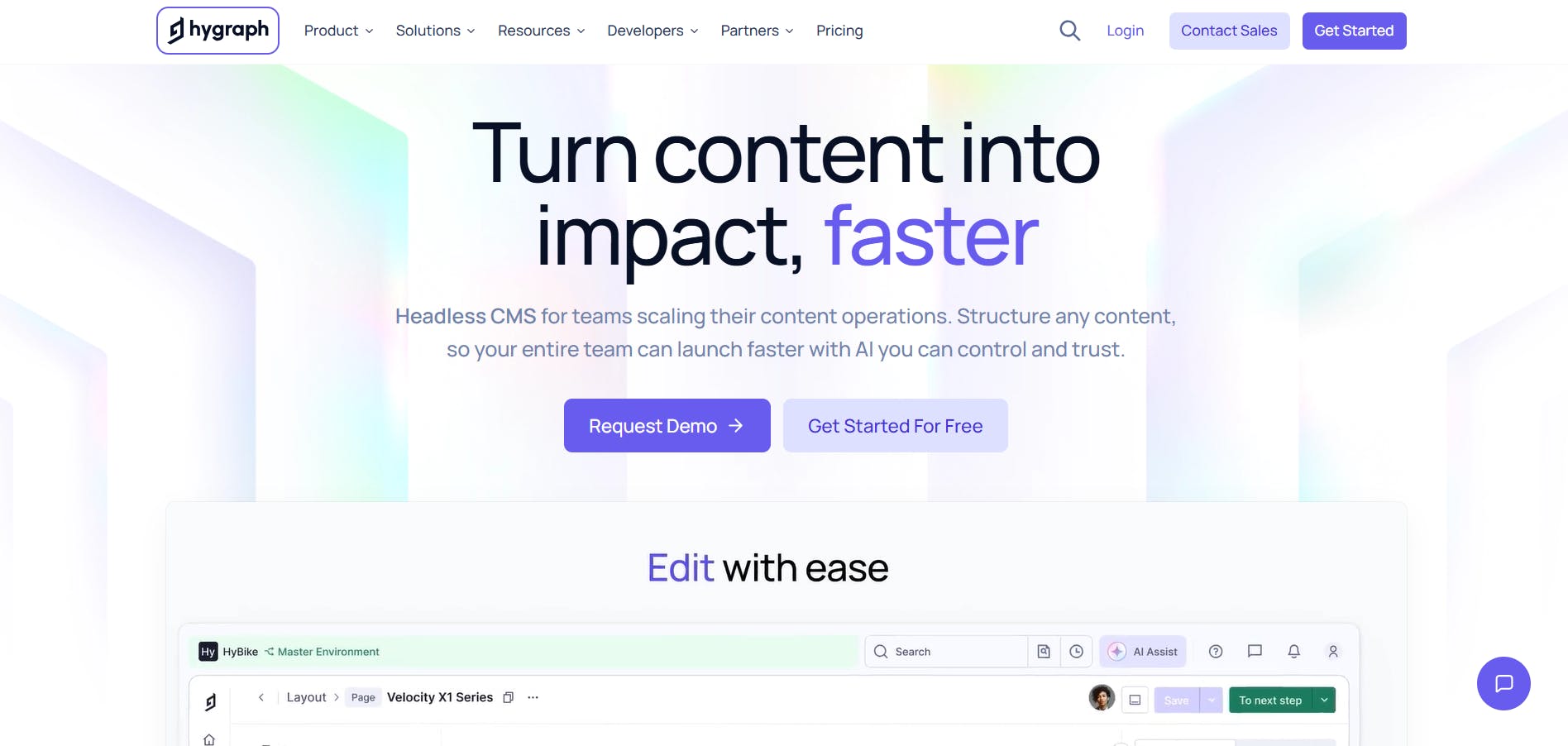
Where Hygraph beats Contentful
Contentful was built around REST, then GraphQL was later added as another way to query the same content. Hygraph is GraphQL-native from the ground up, so the APIs, schema generation, and relational querying are all built directly into the platform rather than bolted on. That means less over-fetching and more control over what data a query retrieves.
Another point in Hygraph's favor is AI. Its AI Assist feature, which handles content generation, rewriting, and translation, is available on every plan, including the free Hobby tier. Contentful's equivalent, AI Actions, is an Enterprise-only add-on.
Features
- GraphQL-native content API: Hygraph is a GraphQL-native structured content platform, with the API built around GraphQL.
- Content Federation: A schema configuration that connects external systems as a remote source inside your Hygraph schema. With it, you query Hygraph content and that outside data together in one request, instead of combining separate API calls.
- Content stages and live preview: Content moves through stages before publishing, and live preview is available starting on the free Hobby plan.
- Variants: A field-level setting that lets one entry hold several named versions of its content for personalization.
- Taxonomies: A schema element for organizing tags into a shared hierarchy, up to six levels deep.
- AI agents: SEO & GEO Expert, Translator, and Content summarizer agents. Their output lands as "Ready for review" rather than publishing directly, so a person approves all generated content before it goes live.
MCP, CLI, and agent workflow
Hygraph's MCP server can read, create, update, publish, and bulk-edit entries for you, move content between environments, and handle schema work like adding fields to a content model or applying several schema changes together in one batch.
The MCP server can’t delete or unpublish content, so you’ll handle those yourself in the platform.
Its AI Agents (SEO & GEO Expert, Translator, Content summarizer) are reachable through MCP too, but they output drafts for you to review. The MCP won't publish an agent's work on its own.
Hygraph doesn’t have a CLI. For structural work like creating models or running migrations, you'll reach for the @hygraph/management-sdk instead, a Node.js and TypeScript package you script against directly or wire into CI/CD.
Limitations
- Hygraph doesn't have a drag-and-drop visual page builder. It's built around GraphQL and content modeling, so assembling and previewing an actual page is still a developer task.
- Hygraph doesn't offer a REST API, so projects built around REST must be adapted to GraphQL.
- AI Agents are only available on the Enterprise plan.
- Hygraph has only one paid plan before Enterprise: Growth, which starts at $199 a month. That's still cheaper than Contentful's Lite tier, but costlier than other alternatives.
Pricing
- Hobby (Free)
- Growth ($199/month)
- Enterprise (Custom)
Resources
5. Sanity
Best for: Developer-led teams that want to shape their own editing studio in code.
Where Sanity beats Contentful
Sanity's biggest edge is how you build the content model. Content types are TypeScript schemas, checked into Git, with a local dev server that hot-reloads the editor as you work. Contentful's content types live in its UI. You can export them as JSON, but you can't define them as code, and changes aren't tracked the way a Git commit is.
As for visual editing, Sanity's is framework-agnostic, click-to-edit on the rendered page, and available starting on the free plan.
Contentful's equivalent, Studio, only ships on Enterprise plans. Also, Contentful's Studio is built specifically for React, so other frameworks don't get an official adapter. You'd have to build your own integration on top of its lower-level SDK packages instead.
Features
- Content Lake: Sanity's real-time content database that stores content as JSON documents.
- GROQ: Sanity's query language for JSON content, used to filter, project, and reshape query results.
- Content releases: Bundles changes across multiple documents into one group, so you can preview them together and publish on a schedule or on demand.
- Multiplayer editing: Multiple people can edit the same document at once, with changes from each editor syncing in real time.
- Functions: Serverless functions that run inside the Content Lake, triggered by content events or on a schedule.
- Content agent: An AI agent that performs bulk edits, content audits, and gap analysis across your dataset, and stages every change for review before anything publishes.
MCP, CLI, and agent workflow
With Sanity's MCP server, agents can query content with GROQ, create and patch documents, publish or unpublish them, explore and deploy schemas, manage Content Releases, run semantic search, and generate or transform images.
Beyond helping you manage content, the MCP server can also build the model for the content you need. Describe a product catalog with specific fields, and the agent defines the schema, deploys it, adds sample content, and sets up a working Studio, all from one prompt.
The Sanity CLI is lower-level and built for tasks like building and deploying Sanity Studio, scaffolding new projects, running migration scripts, and managing datasets and webhooks from the terminal.
Limitations
- Sanity's content model always has to be edited in code, and a developer has to rebuild and deploy Studio before editors see the change in their actual editing interface.
- Sanity uses GROQ, its own custom query language, so developers have to learn it.
- Studio customization is React-only, so teams building their actual site in Vue, Svelte, or anything else still need React to customize or extend the editor itself.
Pricing
- Free
- Growth ($15/user/month)
- Enterprise (Custom)
Resources
6. Contentstack
Best for: Enterprise teams that want content management, AI agents, and hosting in one platform.

Where Contentstack beats Contentful
The visual editing system isn't an add-on, and it's available from the free plan, so you don’t need to pay to unlock it like you would with Contentful.
Front-end hosting is baked into the platform too. You can launch your site straight from Contentstack, so a content change can go live without a separate deployment pipeline sitting between the CMS and production. Contentful doesn't offer hosting, so you set up your own hosting and CI.
If you're switching from Contentful, you won't lose any agentic capabilities because Contentstack has its own AI tooling called Agent OS. Agent OS gives you Polaris, a conversational assistant that handles day-to-day content requests, and an agent builder for designing your own custom agents for recurring work with guardrails attached.
Features
- Visual editor: Lets content teams edit directly against a live preview of the page and see changes update in real time.
- Modular blocks: Drag-and-drop content components you can add, remove, or reorder on a page.
- Branches: Isolated workspaces where developers can test schema or code changes and content managers can edit content at the same time, without either side touching production.
- Timeline: A chronological view of scheduled content changes, so you can compare versions side by side before anything goes live.
- Preview sharing: Generates a shareable link to in-progress content so reviewers outside the platform can leave feedback without needing an account.
- Brand kit: A set of voice, tone, and visual rules enforced on every piece of content, whether it's written by a person or generated by AI.
- Launch: Front-end hosting built into the CMS.
- Polaris: A conversational AI assistant built into the platform that can find, explain, and act on your content and brand rules when you ask it to.
MCP, CLI, and agent workflow
Contentstack’s MCP server covers the whole platform, not just content. Once connected, an agent can manage content, pull audit logs and version history, trigger deployments and check build logs, generate on-brand copy, and look up audience and experiment data.
Alongside that, Contentstack has a CLI that helps with tasks like bulk publishing and unpublishing, importing and exporting content, comparing and merging branches, and executing content migrations.
Limitations
- Contentstack is a broad platform that covers Content Cloud, Data Cloud, Personalization, and Agent OS, all of which take time to learn.
- The full feature set of Contentstack’s hosting system, like static site generation, on-demand CDN cache revalidation, serverless functions, and server logs, is only available for frameworks such as Next.js, Gatsby, Angular, Astro, and Nuxt.
Pricing
- Free
- Build ($29/month)
- Growth ($299/month, includes 10 users)
- Enterprise (Custom)
Resources
7. DatoCMS
Best for: Teams that need built-in video streaming and an open plugin ecosystem.
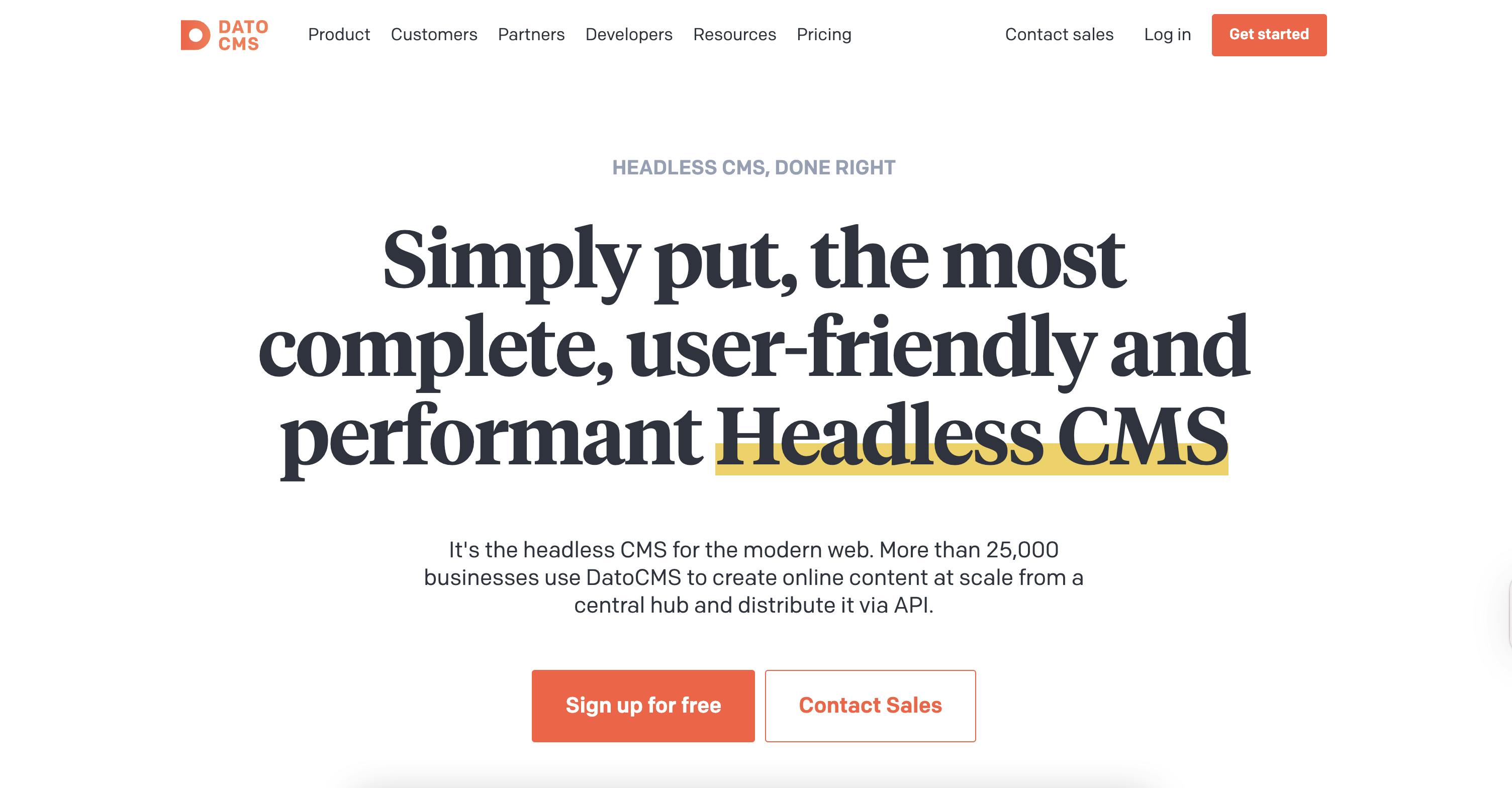
Where DatoCMS beats Contentful
DatoCMS's paid plan costs €149 a month billed annually (about $160), while Contentful's Lite tier costs $300, almost double.
Also, with DatoCMS, visual editing comes with every plan. Click something on the live page, and it opens straight to the matching field in DatoCMS, with changes you save showing up back on the page right away.
Need custom roles for your team? They're available on all paid plans with DatoCMS. However, with Contentful, custom roles are only on Enterprise.
An extra advantage is that DatoCMS has an open plugin marketplace where their team and members of the community can build and publish plugins. Contentful's marketplace is closed, open only to a select group of technology and integration partners.
Features
- Blocks: Reusable components, like a call-to-action or an image carousel, that editors can drop into a page.
- Visual editing: Click something on the live page and edit it right there in DatoCMS.
- Environments: Isolated sandbox projects where you can test schema and content changes without touching production.
- GraphQL Content Delivery API: Pull published content through a cached GraphQL endpoint.
- Real-time Updates API: Keeps a live site in sync the moment content changes, instead of waiting on a rebuild or a manual refresh.
- Video API: Adaptive bitrate streaming powered by Mux, with 4K support and auto-generated subtitles.
- AI translations: A plugin that connects OpenAI, Gemini, Claude, and DeepL to DatoCMS, so you can translate one field or run translations in bulk.
MCP, CLI, and agent workflow
DatoCMS's MCP server lets AI assistants such as Claude and ChatGPT work with your content through natural language. You can use it to create and update records, attach images, add translations, link records, query content, and copy content between models. It can also handle bulk updates and more complex tasks that involve multiple API operations.
The MCP server requires approval before running scripts that involve creating, updating, or deleting. You can also limit the server's access to specific projects and permissions.
The CLI is ideal for automating content operations, managing schema migrations and environments, generating TypeScript types, and importing content from other CMSs.
Limitations
- The Content Delivery API only supports GraphQL. There's no REST option for pulling published content on the frontend.
- DatoCMS calls its own Site Search basic. It's meant to save you from paying for a service like Algolia, but you'd still need Algolia or similar for things like faceted filtering or relevance tuning.
- DatoCMS has only one paid plan before Enterprise: Professional, at €149 a month billed annually. It's cheaper than Contentful, but more expensive than several other platforms here.
Pricing
- Free
- Professional (€149/month billed annually, ≈$160; €199 billed monthly)
- Enterprise (Custom)
Resources
8. Webflow
Best for: Teams that want visual design, structured content, and hosting in one platform

Where Webflow beats Contentful
Contentful's pricing jumps straight from free to $300 a month. Webflow gives you more flexibility: Starter is free, Basic is $15 a month, and Premium (which includes the CMS) is $25 a month, both billed annually.
Contentful only manages your content, so you still handle hosting, deployments, and CDN yourself. Webflow handles all of that infrastructure for you.
Webflow's visual canvas is available from the free plan. Contentful's equivalent, Studio, is a separate paid add-on tied to the Enterprise tier.
People often think of Webflow as just a drag-and-drop page builder. It actually has CMS APIs you can use to pull content into a custom frontend whenever a project calls for one, so you won’t be losing the omnichannel content delivery if you switch.
Features
- Visual canvas: A browser-based design surface where what you build is what ships, so there's no separate mockup for a developer to rebuild later.
- Webflow AI: An assistant that drafts sites, sections, and CMS content from your existing design system, writes copy variants, and draws on a shared AI-credit pool.
- Webflow Localize: A separate visual build and preview for each locale, with AI translation filling in the text underneath.
- SEO and AEO tools: Metadata, schema markup, sitemaps, and 301 redirects live inside the platform, and AI-citation tracking is available on the Team and Enterprise plans.
- Collaboration controls: Page branching, private staging, and approval workflows built into the publishing process itself.
- Collections: Custom-structured content types, each with its own dynamic template, so drafting and publishing stay independent of the live site until an item is ready.
- DevLink: A sync layer that turns visually built components into real React code, keeping your marketing and product component libraries aligned instead of drifting apart.
- Design: A canvas with flexbox, CSS grid, typography settings, etc., all producing real HTML5 and CSS.
MCP, CLI, and agent workflow
Webflow's MCP server lets AI agents create and edit pages, restructure CMS collections, update content in bulk, and make changes to a site's design. You can also give agents site-specific instructions that reference your existing components, styles, and CMS content, helping them follow your team's conventions.
The MCP server can update existing localized CMS items, but it can't create new ones in secondary locales.
For terminal-based workflows, the Webflow CLI lets developers create collections and fields, manage CMS items, upload assets, and publish sites. You can also use it to preview changes before applying them.
Limitations
- Webflow Localize costs extra on some plans, and additional locales can increase the price.
- Page branching is limited to Team and Enterprise plans.
- DevLink has limitations when exporting components that use CMS content, and secondary locales aren't included in exports.
Pricing
- Free
- Basic ($15/month)
- Premium ($25/month)
- Team ($2,500/month, annual contract)
- Add-ons with usage-based pricing: Optimize (from $299/month), Analyze (from $9/month), Localize Essential (from $9/month), and Localize Advanced (from $29/month)
Resources
Why are people leaving Contentful?
Here's a breakdown of the reasons why people are leaving Contentful and searching for alternatives.
- Pricing is the top complaint on Capterra, with people talking about how premium customizations and extra environments can quickly become expensive.
- The learning curve is another major stumbling block. Reviews from March 2024 to January 2025 describe needing real training time, finding the platform's layered structure hard to get used to, and feeling like Contentful's own tutorials aren't as detailed as they'd need to be.
- Studio, Contentful's visual editor, is only available as an add-on and only on the Enterprise plan. Its price isn't publicly listed either, so you'd have to reach out to the sales team to find out how much it costs. A visual editing experience is a core part of how marketers and content teams interact with CMSs daily, and most platforms treat it as standard.
- Some Capterra reviewers mention inconsistent day-to-day behavior. One from March 2024 mentions settings that are hard-coded and hard to adjust, plus a preview that doesn't always work as it should.
How to migrate from Contentful without losing your content model
The exact process depends on which platform you're migrating to. That said, here are some best practices that help you maintain your content model during the move:
- Export everything Contentful will give you. Its CLI pulls a full space into JSON with
contentful space export, bundling entries, assets, content types, and locales together. - Understand what the CLI doesn't export. You don't get version history, releases, tasks, or workflows. You'll have to recreate those by hand in whatever platform you're switching to.
- Document your content model before you touch anything. Once the migration starts, it's easy to lose track of how everything was originally structured.
- Loop in whoever manages the content day-to-day. They'll know which content types need to move and which won’t be needed going forward.
- Set up your assets in the new platform first, then import entries. Entries reference images and files by ID, so an entry imports broken if its asset isn't there yet.
- Rich text formats rarely translate cleanly between platforms, so set aside time to make manual edits. Environments don't map one-to-one either, so plan to reconfigure them.
- Start with a small batch before you move everything. It's the fastest way to catch a field that has no equivalent on the other platform.
- Have your content team review the migrated drafts before anything publishes.
- Keep Contentful running until your content team signs off. The import can succeed technically (fields filled and no errors), while the page still looks broken to an actual reader: text cut off, formatting lost, images misplaced.
Exploring Prismic as your Contentful alternative
If you've made it this far, you probably know what you're after: a content model your marketing team can actually run with, pricing that won’t break the bank, and a setup that works with the AI tools your team already uses.

Prismic is the Contentful alternative that checks all of those boxes.
Developers build or migrate the site with coding agents through the Prismic CLI. Marketers connect their own AI tools through the Prismic MCP to create and update pages. Everyone builds from the same approved slices, so pages stay on-brand no matter who or what made them, and every agent change lands in a release your team reviews before anything goes live.
Ready to move from Contentful to Prismic? Get started with Prismic for free, or read the migration guide to see how the move works.