What is a headless CMS? A complete guide
A headless CMS stores your content in one place and delivers it by API to any website, app, or channel. Here's how it works, how it compares to a traditional CMS, and how to tell if it's right for your team.
What is a headless CMS?
A headless CMS is a content management system that stores and manages content separately from the website or app that displays it. Content is delivered through an API, so developers can build the front end with any technology, and the same content can be reused across pages and channels.
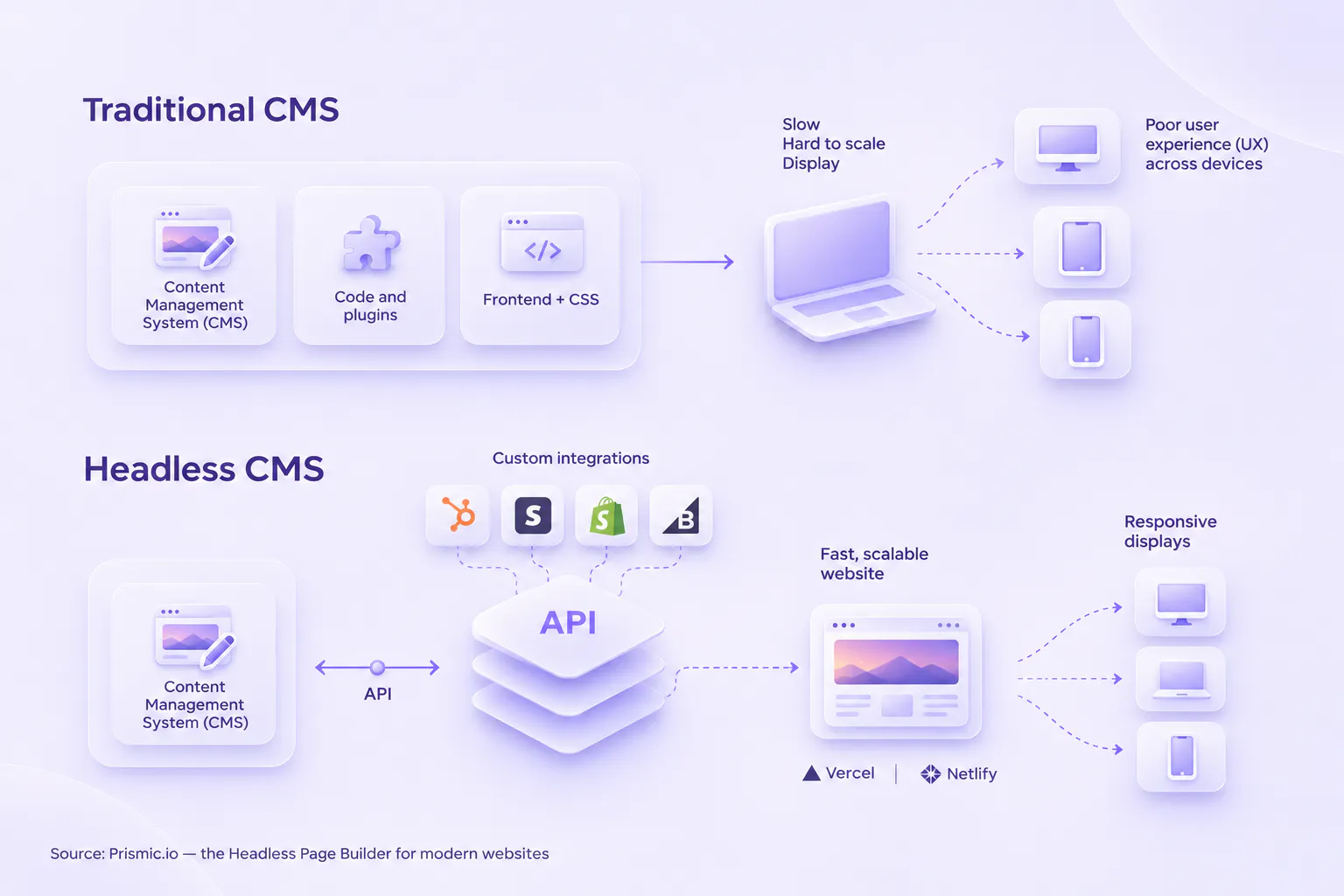
The name comes from the architecture. In a traditional CMS like WordPress or Drupal, the back end (where content is created and stored) and the front end (what visitors see) are bundled into one system. A headless CMS removes the “head,” the front end, and keeps the “body,” the content repository and editing interface.
Most headless CMSs are hosted in the cloud. The vendor builds and maintains the editing interface, and your developers fetch content through an API whenever the site needs it.
How a headless CMS works
You can split a headless CMS into two parts:
- A content repository and editor, where your team creates, updates, organizes, and stores content
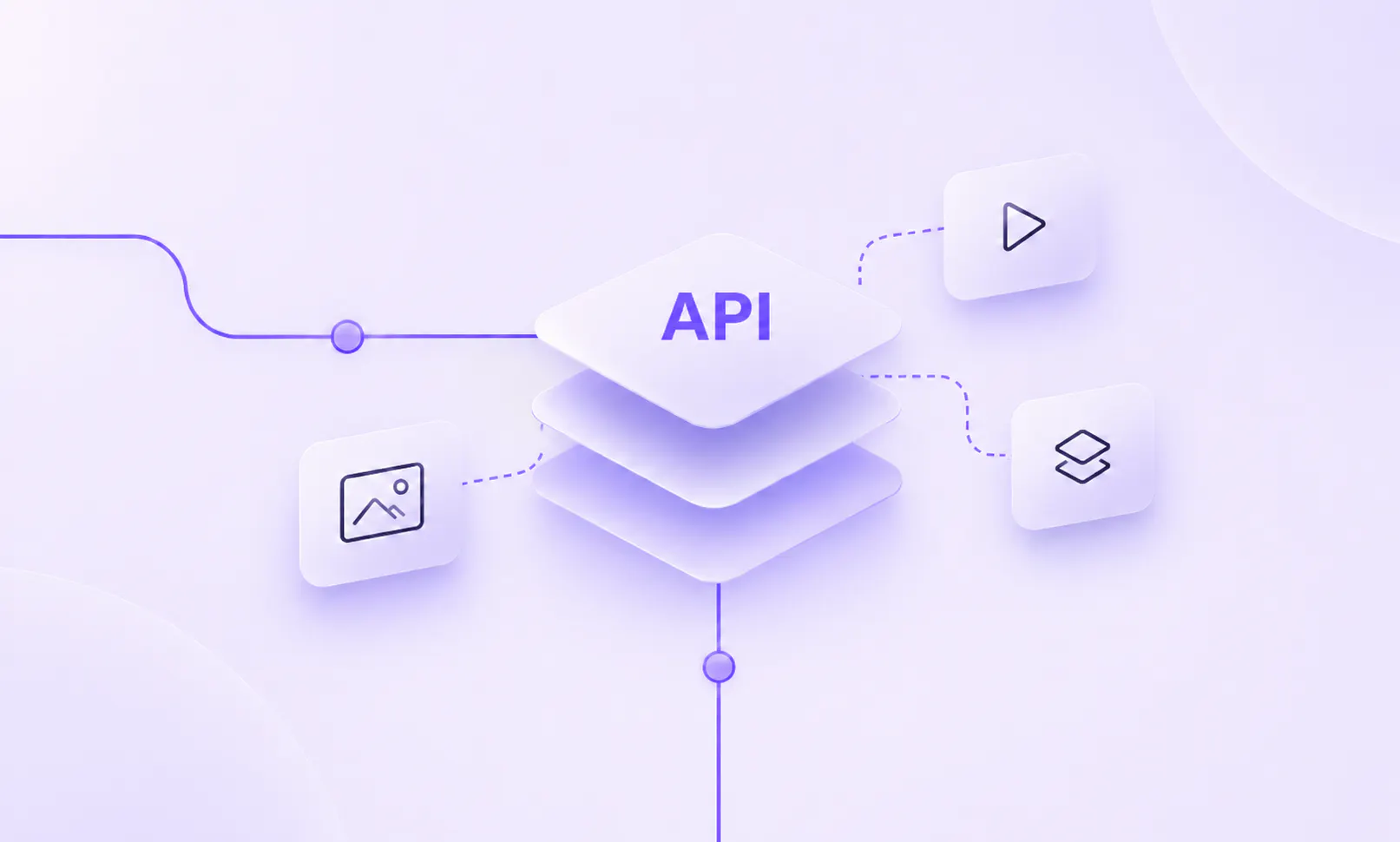
- An API that delivers that content to your website, app, or any other front end, in real time if needed
Developers build the front end and decide where content appears. Wherever they want editable content, they make an API call, get the content back as structured data, and render it. Editors work in the CMS and never have to touch the code.
Headless CMS vs. traditional CMS
A traditional CMS is monolithic: content storage, editing, templates, and the website itself live in one codebase. That makes setup quick, but it ties your site to the CMS’s technology. A headless CMS separates the two, so each side can change without breaking the other.
| Headless CMS | Traditional CMS | |
Architecture | Front end and back end separate, connected by APIs | All-in-one, tightly coupled |
Technology | Developers choose the framework | Locked into the CMS's stack |
Setup | Developers build the front end | Works out of the box with themes |
Speed | Optimized front end served from a CDN | Can be slowed by bundled code and plugins |
Content delivery | Websites, apps, and any other channel | One website |
Integrations | Connects to other tools through APIs | Often relies on plugins |
Hosting and scaling | Usually hosted for you, and each side scales separately | Often self-hosted, scales as one unit |
Security | CMS kept apart from the public site | Plugins and admin panel add risk |
Ease of use | Developers set up the editing experience | Built-in editor, simple to start |
Examples | Prismic, Contentful, Sanity, Storyblok | WordPress, Drupal, Joomla |
Headless vs. decoupled CMS
The terms are often used interchangeably, but there's a difference. Both separate content management from presentation. A decoupled CMS still ships with an optional front end you can use, while a headless CMS has no front end at all and only delivers content through APIs. Every headless CMS is decoupled, but not every decoupled CMS is headless.
Headless CMS vs. website builders and hard-coded sites
No-code website builders like Wix and Squarespace get you online fast with templates and drag-and-drop editing. They work well for small sites, but you get little control over performance, SEO, and design as your needs grow.
Hard-coded sites give developers full control, but every content change, even fixing a typo, goes through a developer. A headless CMS sits between the two: developers keep control of the code, and marketers keep control of the content.
How headless architecture works
Headless architecture splits a system into the front end, the part people interact with, and the back end, which holds the data and logic. Three ideas sit behind it.
For a closer look at how the pieces fit together, read our guide to headless CMS architecture.
Decoupling
The front end and back end are separate projects that talk through APIs. You can redesign the site without migrating content, or change the CMS without rebuilding the site.
API-first
The CMS is designed around its API from the start. Content comes back as structured data, usually through REST or GraphQL, that any front end can use.
Multichannel delivery
Because content isn't tied to one template, the same content can power a website, a mobile app, in-store screens, or an AI assistant.
Types of headless CMS
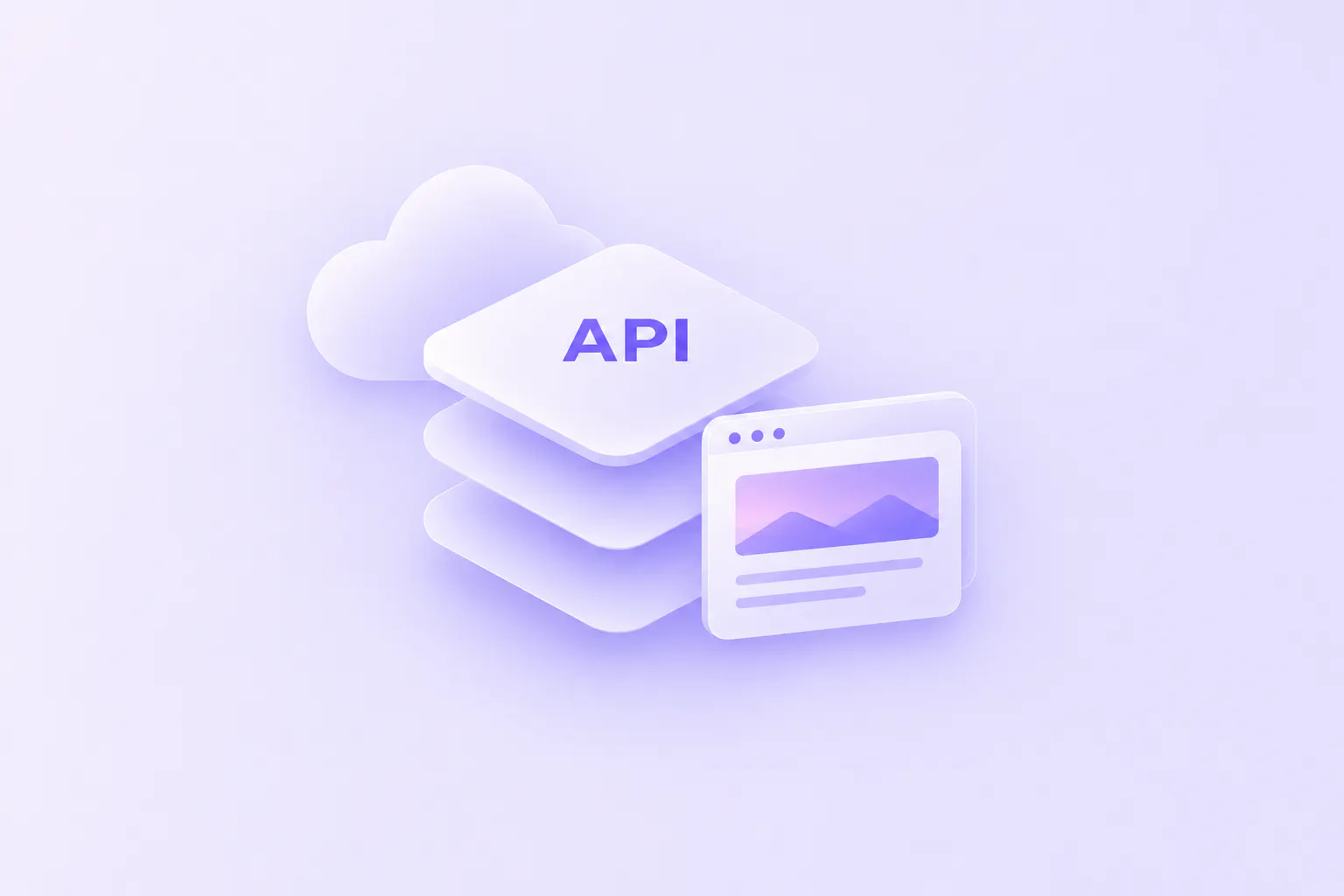
Platforms like Prismic and Contentful host the CMS for you and serve content through a REST or GraphQL API. You get the most flexibility with the least maintenance. The tradeoff is that you need developers to build the front end, and pricing usually grows with usage.

Benefits of a headless CMS
For marketers: independence
Marketers can't afford to hold a campaign while the development team clears its backlog. With a well-built headless setup, marketers create and update pages themselves, using the components and guardrails developers built. Developers spend their time on new features instead of content tweaks.
For developers: freedom of stack
The CMS no longer decides your technology. Developers pick the framework they want, such as Next.js, Nuxt, or SvelteKit, use rendering methods like static site generation, and fetch content only where it's needed. With a hosted CMS, there are no CMS servers or plugin updates to maintain.
Faster sites
Content served from a CDN and an optimized front end help your Core Web Vitals and give visitors a better experience.
More SEO control
You control URLs, metadata, structured content, and page speed instead of working around a theme.
Faster launches
Developers and content teams work in parallel instead of waiting on each other.
Easier scaling
The front end and content API scale separately, so traffic spikes don't slow down your editing tools.
One source of truth
Create content once and reuse it across sites, apps, and languages.
Room to change
Switch frameworks or add new channels without migrating your content.
Headless CMS and AI agents
Structured content and APIs make a headless CMS a natural fit for AI tools. Instead of copying AI-written content into a CMS by hand, teams can connect their agents directly.
- Developers
Build the site with coding agents
In Prismic, developers use coding agents like Claude Code or Cursor with the Prismic CLI to build the site.
- Marketers
Create and update pages with AI
Marketers connect Claude or ChatGPT through the Prismic MCP to create and update pages from approved sections. Every content change made through the MCP is saved as a draft in a release, so the team reviews it before it goes live.
Downsides of a headless CMS
A headless CMS isn't the right call for every project. Weigh these tradeoffs:
You need developers
There's no website out of the box, so someone has to build and maintain the front end.
Upfront cost is higher
Custom development takes more time than installing a theme, even if it pays off later.
Editing depends on setup
Editors only get a good experience if developers model content and build components with them in mind. Visual page builders, like Prismic's Page Builder, help close that gap.
More moving parts
Hosting, the CMS, and integrations are separate services that you connect yourself.
When should you use a headless CMS?
Compare your project against both lists.
- Good fit
Choose a headless CMS if
- Performance is a priority, and you want the fastest tools for your site
- You need a custom design that templates can't deliver
- SEO matters across all your content
- Your team publishes often and doesn't want to wait on developers
- You have a lot of content, like 50+ product pages, or several websites
- You deliver the same content to more than one channel
- Your current CMS keeps developers on an outdated stack, or has editors copying the same change across sites
- Maybe not yet
A traditional CMS or website builder may be enough if
- You need a simple, low-budget site
- It's a personal or one-page site
- You don't have developers to build and maintain the front end
Headless CMS examples and use cases

How to choose a headless CMS
Start with your project's needs, then compare platforms on these points. For side-by-side comparisons, see our roundup of the best headless CMS platforms, the best free headless CMS options, and our picks for marketers, developers, and agencies.
Hosting and maintenance
Do you want a hosted service, or to run your own servers? Hosted platforms handle uptime, security patches, and scaling for you.
Framework support
Does it have SDKs for the tools your developers use? Good SDKs mean typed content, previews, and less glue code.
Editing experience
Can your marketing team build and update pages without help? Look for a visual page builder with live previews.
API features
Does the API cover how you need to query and deliver content? Check filtering, localization, and CDN delivery.
Migration
How easily can you move your existing content in? Some platforms let a coding agent handle the export, modeling, and import.
Docs and support
Can you get started quickly, and get help when something breaks?
AI workflows
Can your team's AI tools work with the CMS safely, with human review?
Price
Is it free, paid, or open source, and how does cost grow with usage?
How to migrate to a headless CMS
Moving off WordPress? Our guide to WordPress alternatives covers your options.
How Prismic fits in
Prismic is a headless CMS with a page builder. Developers build slices, reusable page sections that live as components in their own codebase, and marketers assemble pages from them.
- Marketers build pages in the Page Builder with a live preview
- TypeScript-first SDKs for Next.js, Nuxt, and SvelteKit
- Content served from a CDN with built-in image optimization
- AI tools connected through the MCP build from the same approved slices
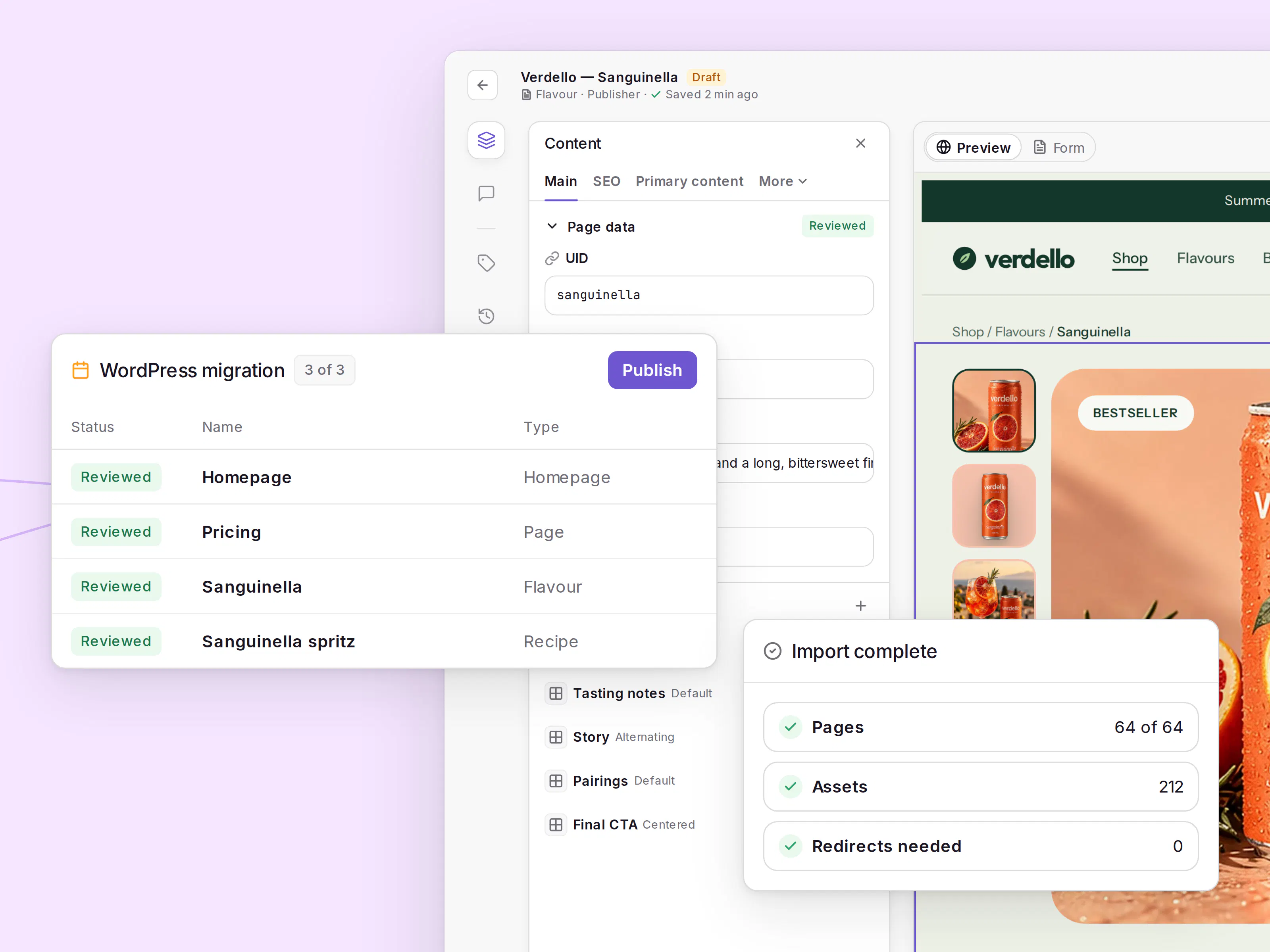
Build and run your site with the AI tools you already use
Start free with Prismic. Build with your coding agent, and let your team update pages from the Page Builder or their own AI tools.
Headless CMS FAQs
Learn more about headless CMS
Go deeper on specific topics with these guides from our blog.
Headless CMS architecture
How the pieces of a headless stack fit together, and how to tell if it's right for your project.
Headless CMS use cases
What teams build with a headless CMS, from marketing sites to apps.
Business benefits
How a headless CMS affects speed, security, scaling, and time to market.
Headless CMS and SEO
How SEO works on a headless site, and what developers should set up.
Headless vs. no-code
How a headless CMS compares to no-code website builders.
Headless commerce
How brands pair a headless CMS with their commerce platform.