Best Headless CMS Options for Developers in 2026 | Top 5 Compared
 By Alison Brunk
Key takeaways
- Headless CMSs are the modern standard for developers in 2026. They offer more flexibility, control, scalability, and performance than traditional all-in-one systems.
- The main idea is separating the backend from the frontend, so you can use any framework like Next.js or SvelteKit and deliver content anywhere, including web, mobile, or IoT, through APIs.
- Some of the top headless CMSs include Prismic (great for visual page building), Sanity (best for teams with complex content operations and significant developer resources), Contentful (a full digital experience platform), Strapi (open-source and self-hosted), and Hygraph (Graph-native).
- Modern platforms often include AI-powered tools for content creation, translation, and automation, such as Prismic and Sanity.
- When picking a headless CMS, think about pricing, API type (REST vs. GraphQL), the ecosystem of integrations, and your team’s workflow needs.
If you're a developer seeking a modern Content Management System (CMS) in 2026, headless options offer the best flexibility and performance. Leading platforms such as Prismic, Sanity, Contentful, Strapi, and Hygraph provide powerful APIs, framework flexibility, and scalability, while giving development teams full control over frontend experiences. Choosing the right headless CMS can save time, simplify collaboration, and accelerate your projects, which is why we created this guide comparing the top options in 2026.
The table below summarizes the key points.
CMS | Pricing | API Type | Best For |
|---|---|---|---|
Prismic | Starts at $10/month | REST | Visual page building and marketer-developer collaboration. |
Sanity | Starts at $15/month | REST & GraphQL | Structured content and automation. |
Contentful | Starts at $300/month | REST & GraphQL | Large teams needing a full digital experience platform. |
Strapi | Starts at $15/month | REST & GraphQL | Open-source flexibility, self-hosting, and plugins. |
Hygraph | Starts at $199/month | GraphQL | GraphQL-native development. |
Explore more about headless CMSs
Our collection of headless CMS guides contains various in-depth resources. Explore them to learn more.
Best headless CMSs for developers
1. Prismic: Best for visual page building and marketer-developer collaboration
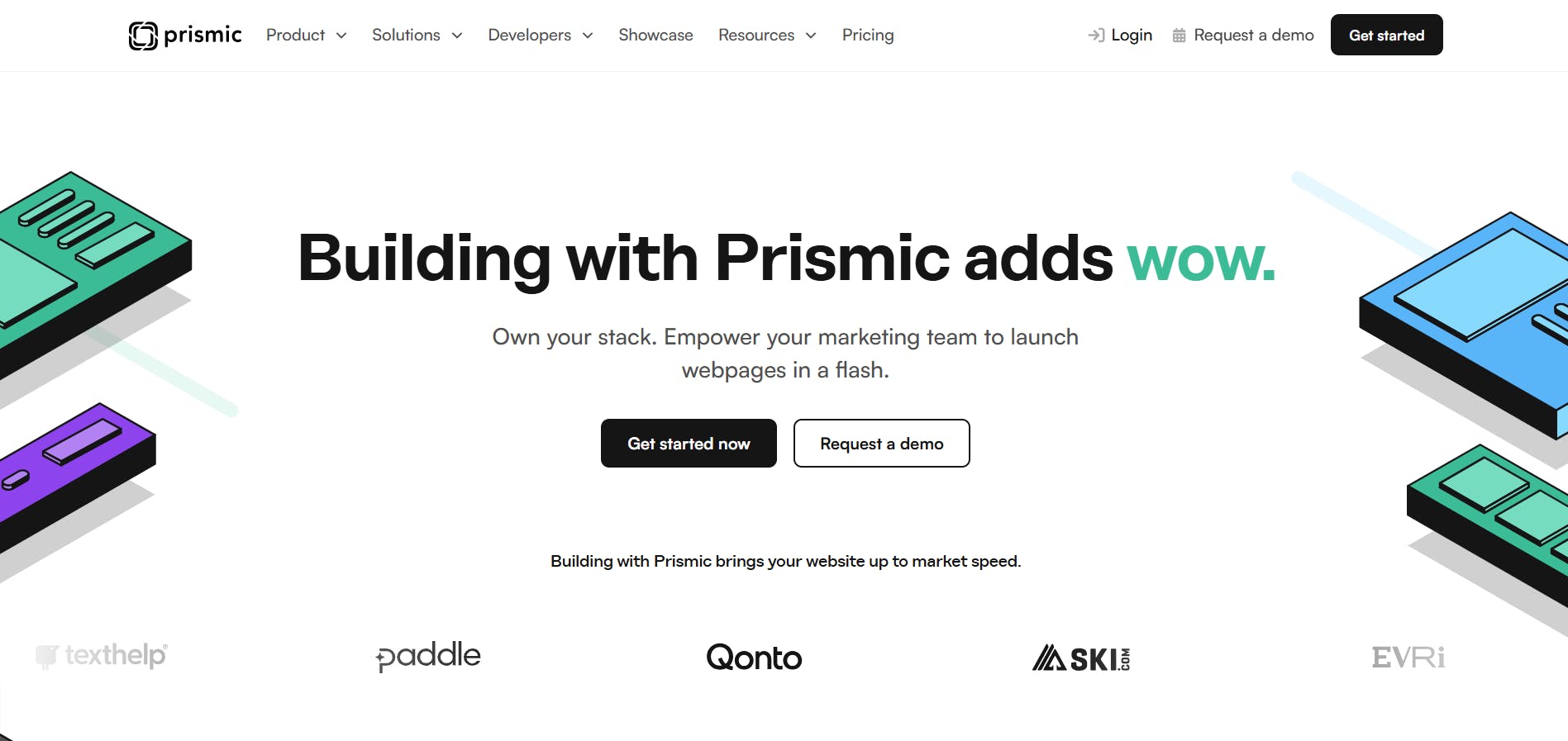
Prismic is a headless page builder built for modern web development. It gives developers everything they need to build fast, high-performing websites using today’s leading frameworks, including Next.js, Nuxt, and more.
With Prismic, developers can build custom components that turn into page sections, while marketers can use those components to create new pages independently. It’s like building a page the same way you’d make a slide deck: drag, drop, arrange, and publish.
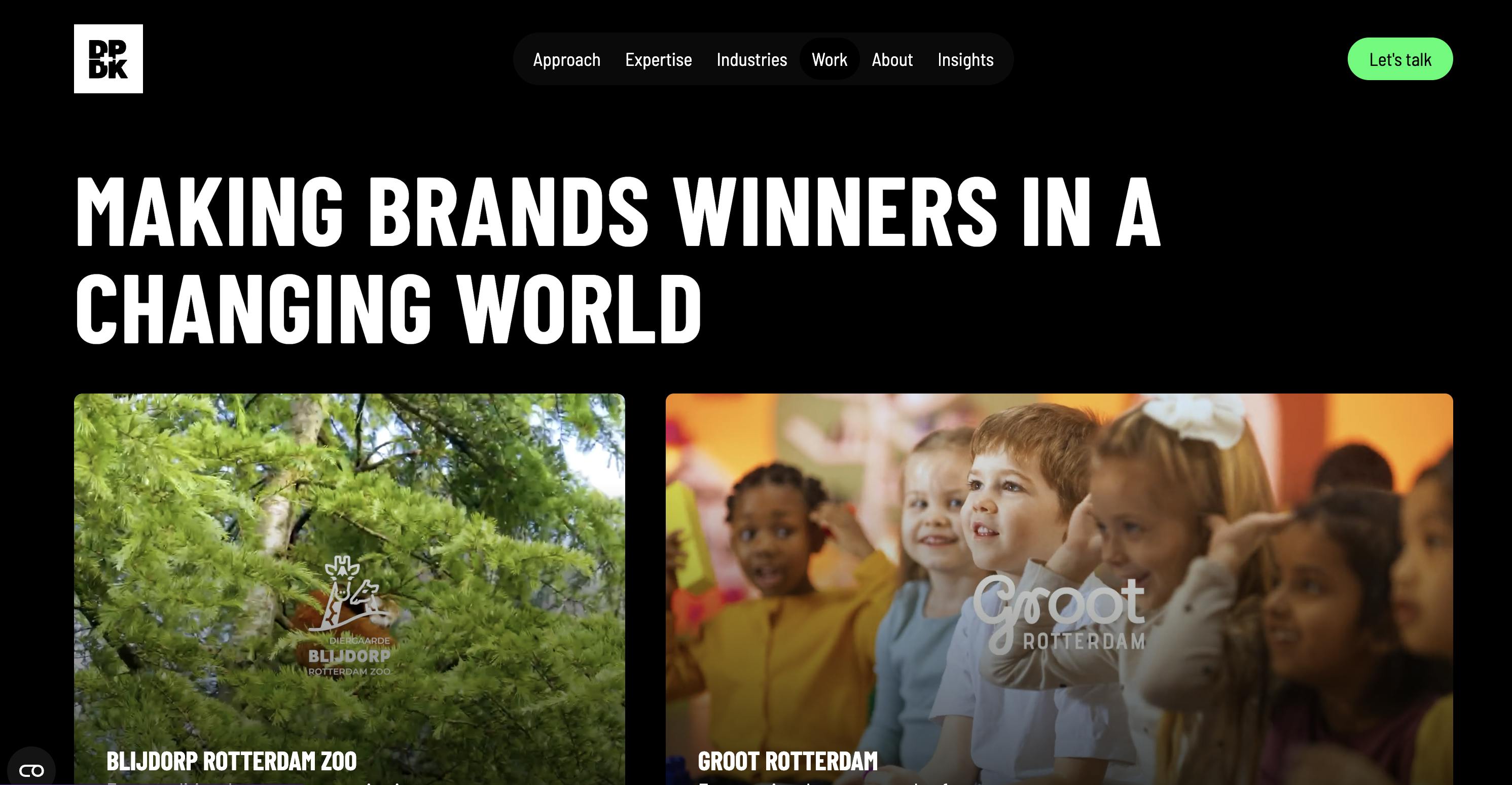
Thousands of companies use Prismic to manage and scale their websites, including DPDK.
Standout features
1. Slice Machine
Slice Machine lets developers create reusable components, called slices, directly inside their codebase and turn them into flexible sections that marketers can use to build pages on their own.
With Slice Machine, developers can model slices locally, preview them in isolation, and test everything with mock data before any real content exists. This keeps the workflow fast and safe, since all changes happen in your local environment without touching production.
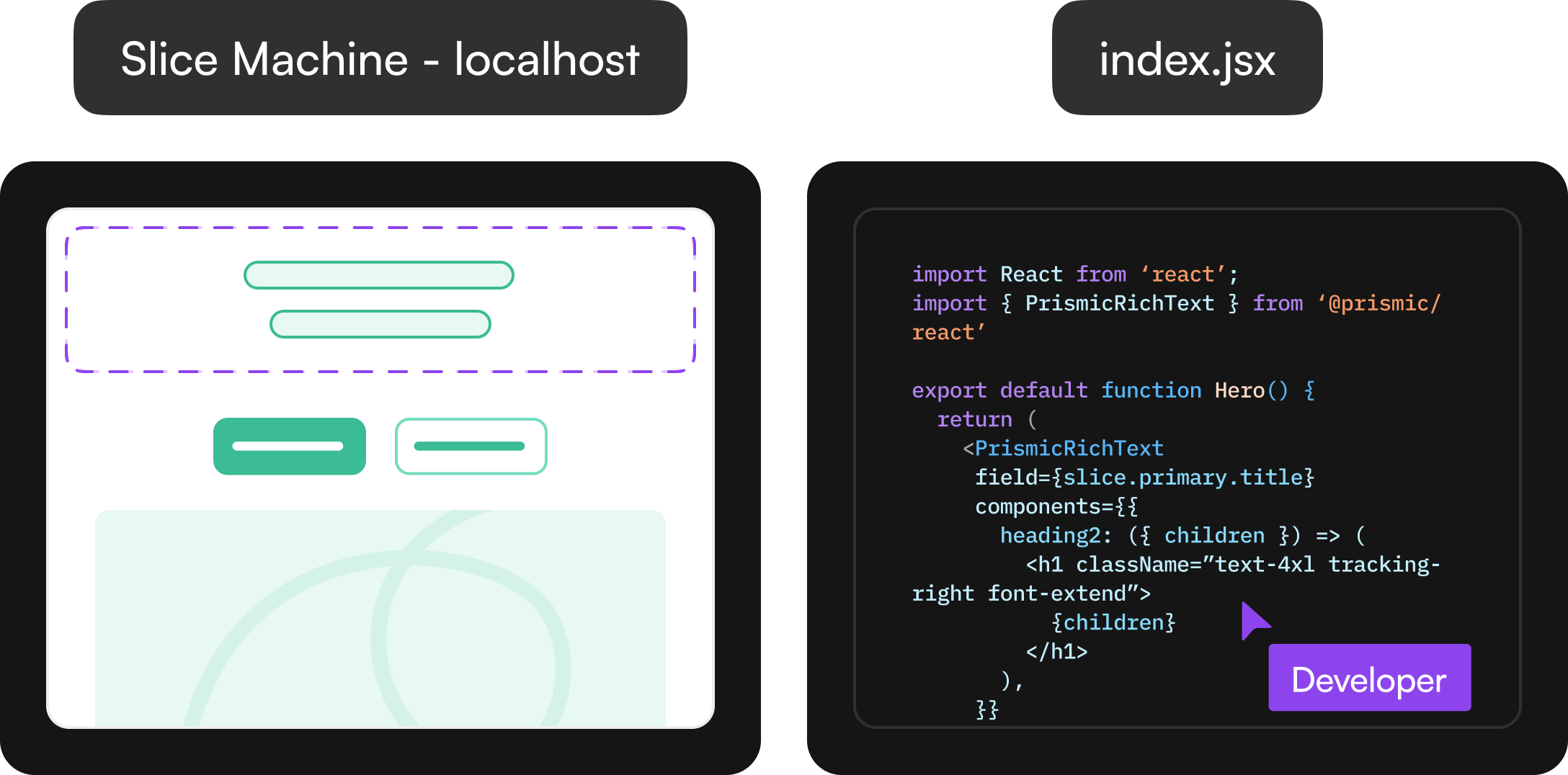
Slice Machine automatically generates components, data models, TypeScript types, and boilerplate code, reducing repetitive setup and helping teams ship faster.
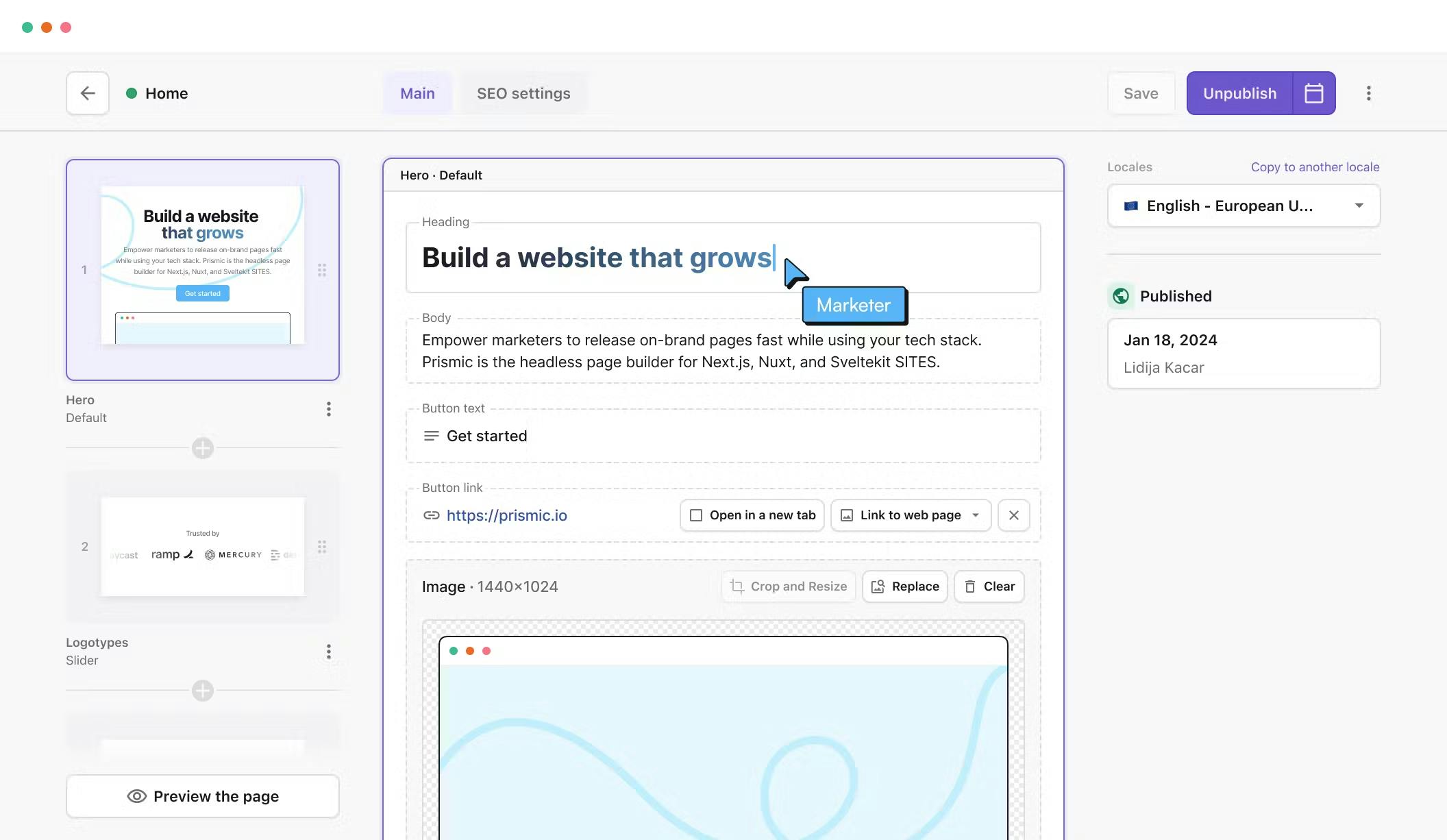
On the content side, slices appear in the Visual Page Builder as reusable sections that marketers can drag-and-drop, customize, and publish. Developers retain control over structure and styling, while content teams can create new, optimized pages without waiting for engineering support.
2. AI capabilities
Primsic offers various AI features that help speed up website creation for developers and content teams.
- AI slice creation: This helps developers turn design screenshots into usable slices faster. You start by uploading a design image. Prismic detects the key elements and generates a slice model automatically. From there, you can open your code editor and get AI-assisted code generation that matches your project setup. This works through Prismic MCP, which understands your framework, styling, existing slices, and SDK configuration.
- Image to slice: It lets developers turn design images into working slice models in seconds. Instead of manually setting up fields, they upload a screenshot of a design, and the AI automatically identifies elements such as text, images, and links. The system then generates a ready-to-use slice model inside Slice Machine, complete with suggested fields that can be adjusted or refined.
- Translate with AI: Instead of copying and pasting text into third-party translation tools, this feature gives you an instant, high-quality first draft right in the page builder. You can translate pages directly inside Prismic while keeping structure, formatting, and internal links intact.
3. Landing Page builder
While developers focus on building scalable systems, marketing teams often struggle with a different bottleneck: creating enough landing pages to meet demand. Relevant, targeted landing pages drive better results across search, paid media, ABM campaigns, and events—but building them manually is slow. Most teams can only produce a few pages per week, leaving high-intent traffic on the table.
Prismic's AI landing page builder solves this by enabling you to create an approved base page and upload a CSV file with your targeting data, such as keywords or audience segments. The AI then generates dozens of high-quality, editable variations, each aligned with your brand voice and tailored to your campaign goals. This means your marketing team can launch comprehensive campaigns faster while developers maintain control over the design system and component library.
This approach works particularly well for two use cases:
SEO campaigns: Scale pages for long-tail keywords and new markets using the SEO landing page builder. Create variations optimized for different search terms without sacrificing brand quality or consistency.
ABM campaigns: Generate personalized pages for different accounts, industries, or buyer roles with the ABM landing page builder. Use CRM or enrichment data to create targeted experiences that resonate with high-value prospects.
Whether you're running paid ad tests, optimizing for search, or personalizing post-event follow-ups, you can scale content creation without compromising quality.
Developer benefits
- Slice Machine: Slice Machine gives developers full control over how components are built, modeled, and maintained. It automatically generates components, data models, TypeScript types, and boilerplate code so that you can move from idea to working code quickly.
- AI-powered workflow automation: Tools like Image to Slice and AI slice creation reduce repetitive setup work, letting you move from design to working code in minutes.
- Framework flexibility: Full support for modern frameworks such as Next.js, Nuxt, and SvelteKit lets you build with your preferred stack without limitations.
- Faster collaboration: The AI landing page builder and visual editor reduce back-and-forth with marketing teams, helping pages go live faster while maintaining your design system.
Limitations
- Primarily REST-based: No native GraphQL API, which some developers prefer for flexible querying.
- Less suited for non-web content delivery — Prismic is optimized for websites first, so multi-channel or app-heavy use cases may require extra workarounds.
Pricing
Prismic offers a free plan for individuals and small projects. For teams, paid plans start at $10/month per user (billed annually) on the Standard plan, which includes unlimited projects and custom types.
2. Sanity: Best for structured content and automation
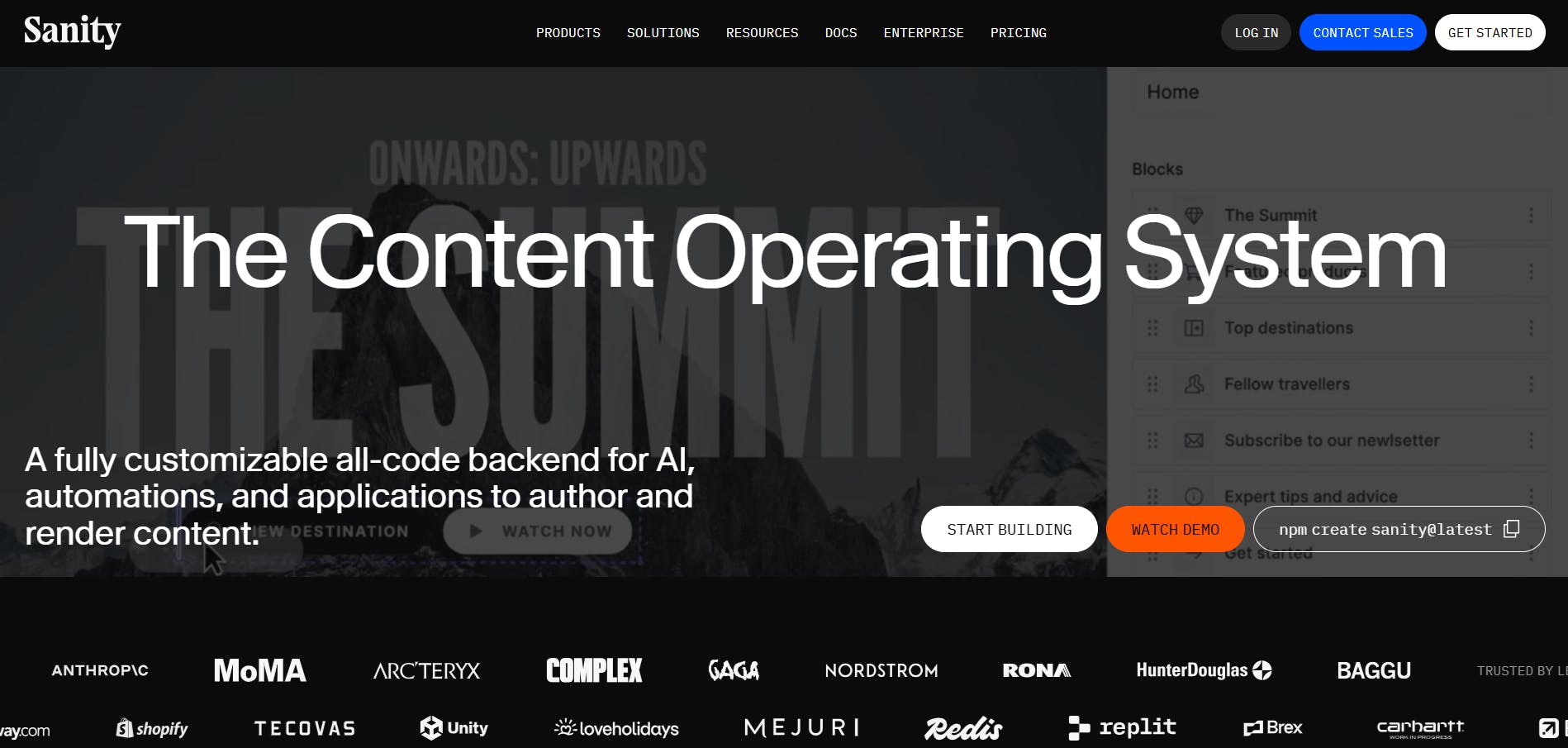
Sanity positions itself as a content operating system that provides teams with a solid foundation for handling a wide range of content workflows. At the heart of Sanity are three main layers:
- Content Lake stores content as structured data so it can be reused and adapted across any front end.
- Compute and AI handles automation, custom logic, and smarter workflows instead of treating content as static files.
- APIs and SDKs let developers build custom content applications, connect tools, and deliver content anywhere.
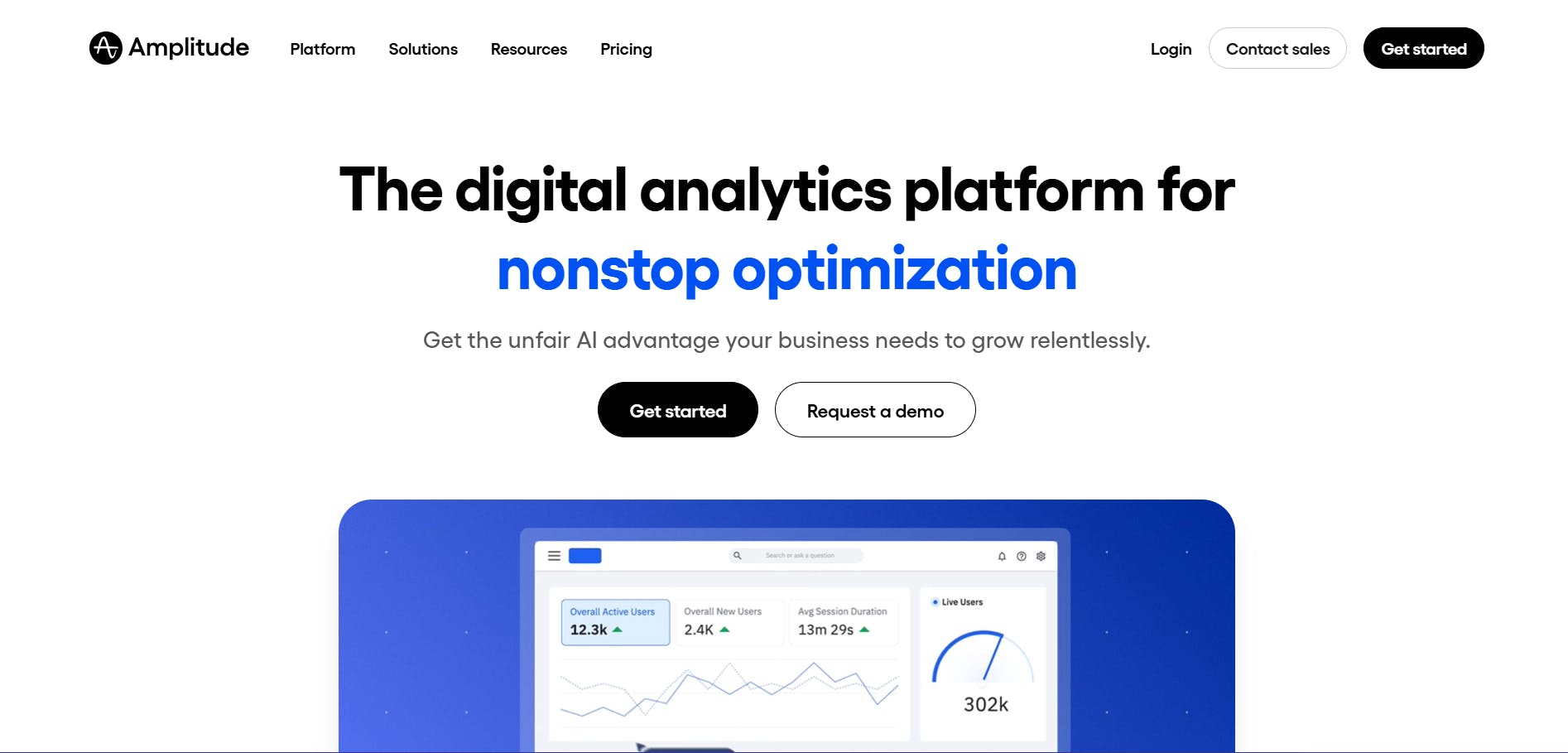
An example of a website built with Sanity is Amplitude’s.
Standout features
1. Content Lake
Sanity’s Content Lake is built to give teams a real-time, structured content hub. It treats content as JSON documents, letting you store any type of content and make it instantly queryable. You can define schemas when you need them without being forced into rigid constraints, which makes evolving content models easier and importing legacy content simpler.
With GROQ (Graph‑Relational Object Queries), Sanity’s open-source query language, developers can pull exactly the content they need from any document structure. It also preserves links between content pieces, so connected data stays accurate and consistent across your project.
2. Sanity Functions
Sanity Functions let you automate content operations and build workflows right inside your CMS. You can package reusable functions that validate data, trigger tasks, update content automatically, and more. This means you write the logic once and use it anywhere, cutting down on repetitive coding.
Functions run directly inside Content Lake, so they have full access to your content, APIs, and schemas. You can respond to events in real time. For example, updating a document can automatically trigger translations or AI tagging.
3. Content Agent
Content Agent is Sanity’s AI built specifically for structured content. It knows your content model, follows references, and works directly with your content. The agent reads your schemas, understands relationships, and keeps everything connected.
You can generate new content, refine existing pages, or run audits across thousands of documents in minutes. Content Agent also combines your content with web research, helping you spot gaps, trends, or outdated information instantly. Also, every change is saved as a draft for review, so nothing goes live without your approval.
Developer benefits
Here are some key benefits developers enjoy with Sanity:
- Single source of structured content: The Content Lake stores all content as structured data, so you can model, query, and reuse it across any channel.
- Easier site and app evolution: The structured content makes it simple to update or expand your projects without starting from scratch.
- Flexible querying: GROQ lets you fetch and shape JSON-based content from the Content Lake.
- Developer-friendly tools: SDKs support popular frameworks, provide type safety, CLI tools, and libraries to help you iterate quickly and safely.
- API options: Sanity supports both REST and GraphQL APIs, so you can fetch and deliver content in the way that fits your project.
Limitations
- Higher learning curve: GROQ, custom schemas, and its Content Lake model can feel complex for beginners.
- Requires developer-heavy setup: Getting full value often depends on strong engineering involvement.
Pricing
Sanity offers a free plan, and its paid plans start at $15/month.
First time here? Discover what Prismic can do!
👋 Meet Prismic, your solution for creating performant websites! Developers, build with your preferred tech stack and deliver a visual page builder to marketers so they can quickly create on-brand pages independently!
3. Contentful: Best for large teams needing a full digital experience platform
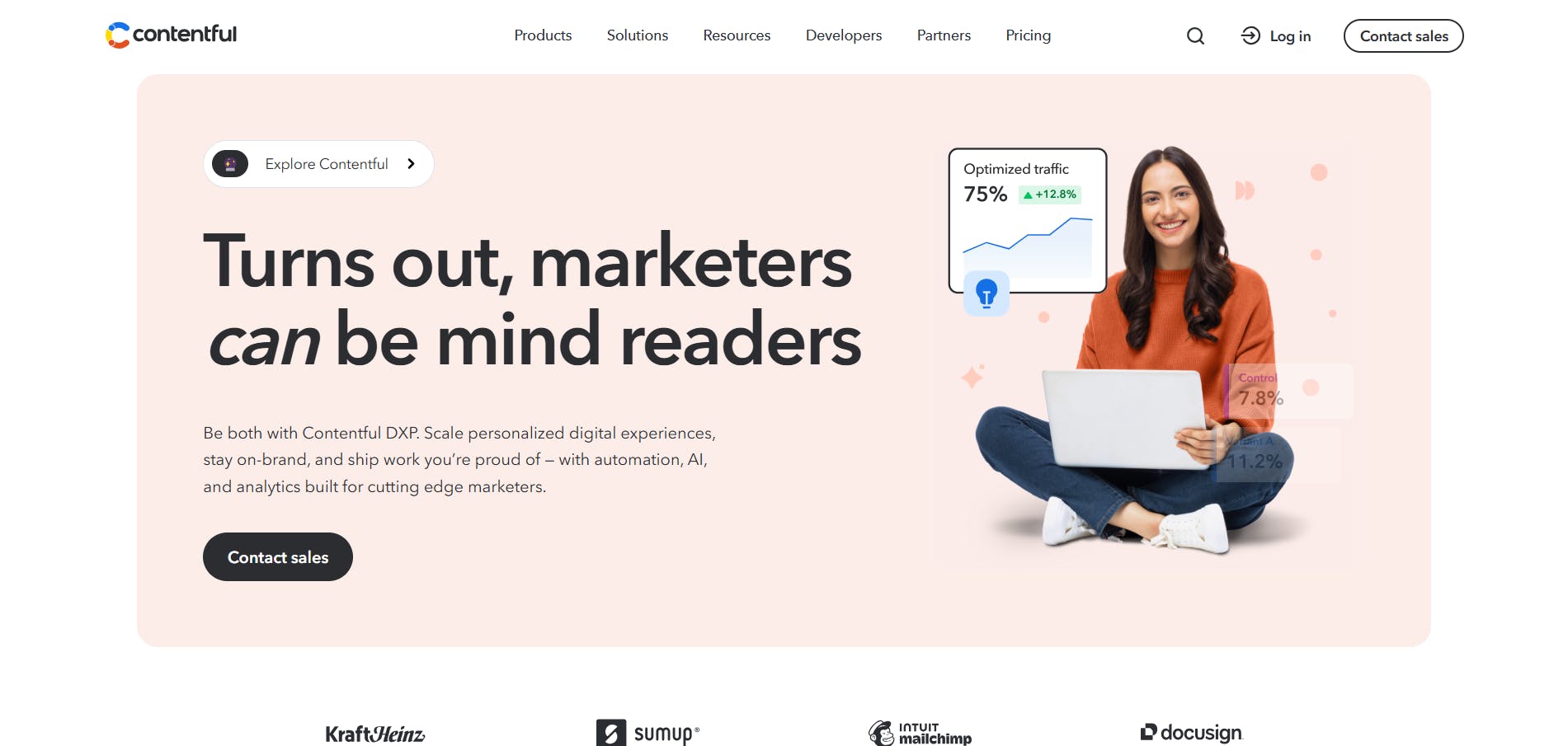
Contentful has evolved from being a headless CMS into a comprehensive digital experience platform (DXP). It's built for larger teams and enterprises that need content management combined with built-in personalization tools, analytics, and experimentation capabilities all in one system.
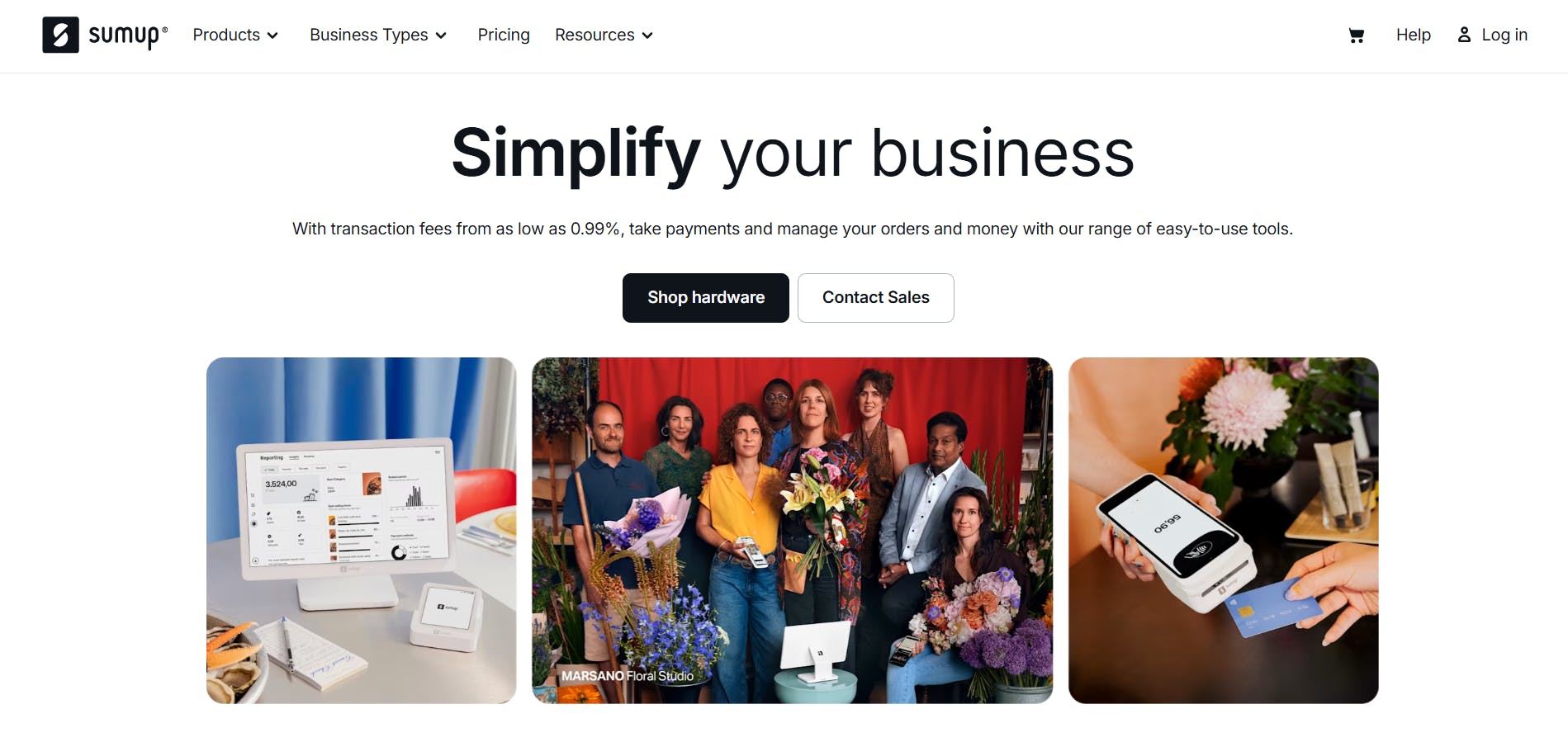
SumUp and many others rely on Contentful for their content management needs.
Standout features
1. Contentful Analytics
Contentful provides a standard analytics dashboard that shows insights such as visitors by country, total visitors, sessions, and page views. The dashboard is fully customizable, so you can set it up to track the metrics that matter most to you.
This system also includes an analytics agent. This agent understands the context of your analytics so that you can ask it questions in plain language. For example, if you are running a webinar, you could ask, “Which traffic source is driving the most sign-ups?” or “Which platform is bringing in the most people?” The agent will give you the answers directly, meaning you don’t have to dig through charts or tables.
2. Contentful Personalization
Contentful Personalization lets you create tailored experiences for different customer segments. For example, say you notice during your analytics that people in the travel industry are not signing up for your webinar as much as other segments. You can use Contentful Personalization to test a different approach for that group.
You start by creating an experiment. Here, you define the metric you want to track, such as conversion rate, and how you want to split traffic. Then you decide how to handle the content for the new variant. You can create it yourself, or let Contentful’s AI generate it automatically using the context of the segment you are targeting.
Once the experiment is running, you can track performance over time. You will quickly see whether the new variant or the original content is performing better. This way, you can run multiple experiments, personalize content for as many audience segments as you need, and measure what really works.
Developer benefits
Contentful doesn't slack when it comes to developers. Some key benefits include:
- API options: Contentful offers both REST and GraphQL APIs so you can fetch exactly the data you need.
- Multiple SDKs: SDKs for JavaScript, Python, Ruby, iOS, and Android make integration faster and easier.
- Webhooks: You can use them to trigger actions automatically when content changes, such as rebuilding a site or sending notifications.
- Image & asset API: There’s an image API that allows you to manipulate images on the fly (resizing, cropping, optimizing) before delivering them.
Limitations
- One of the most expensive options: Pricing starts high and scales quickly with team size and usage.
- Can feel enterprise-heavy: Powerful, but often more than smaller teams or lean marketing teams need.
Pricing
Contentful offers a free plan, and its paid plans start at $300/month, making it one of the costliest options on the market.
4. Strapi: Best for open-source flexibility, self-hosting, and plugins
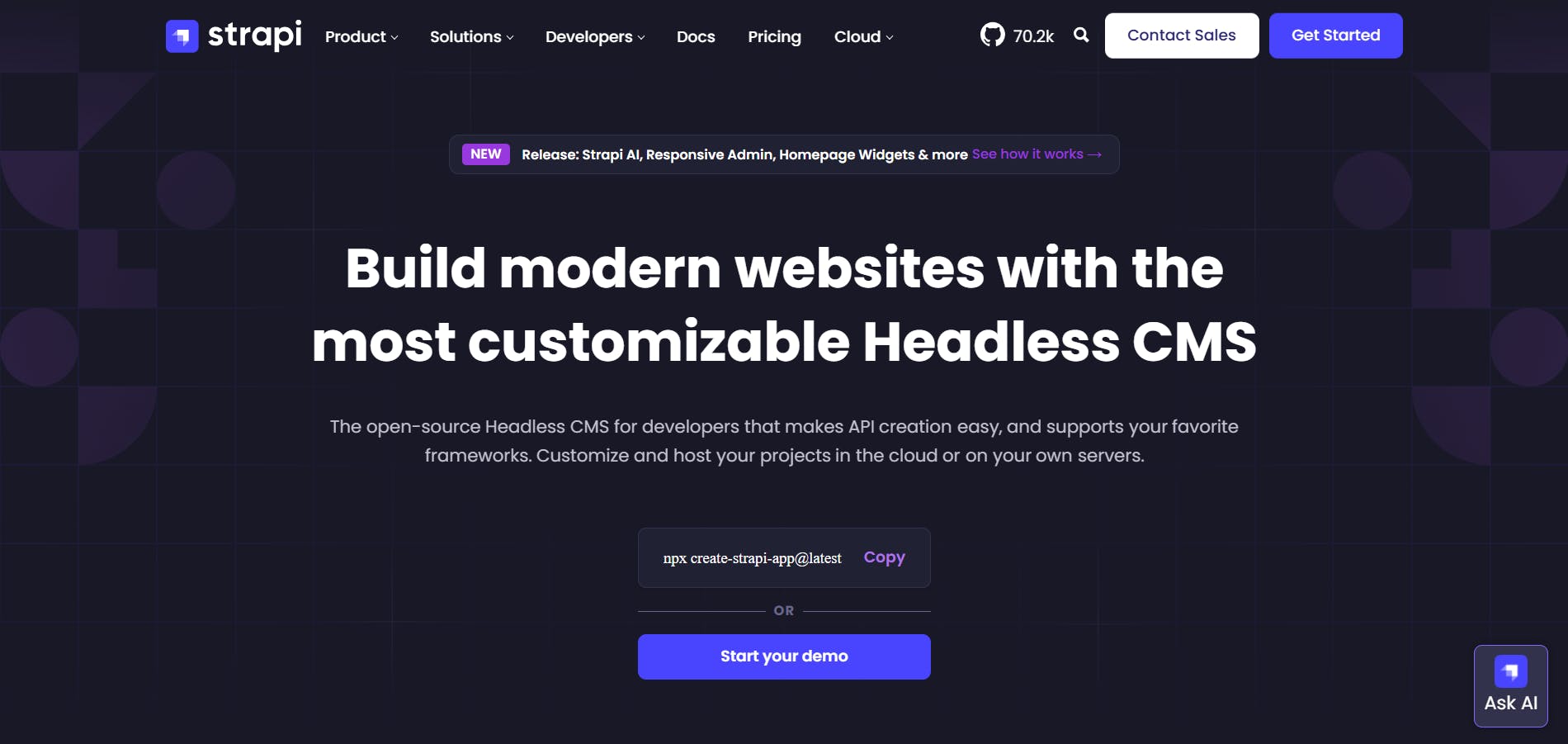
Strapi is a popular open-source headless CMS that gives developers full control over their content and how it’s delivered. It also has a strong community and plugin ecosystem. It provides tools for marketing teams to manage their content, but is considered developer-focused.
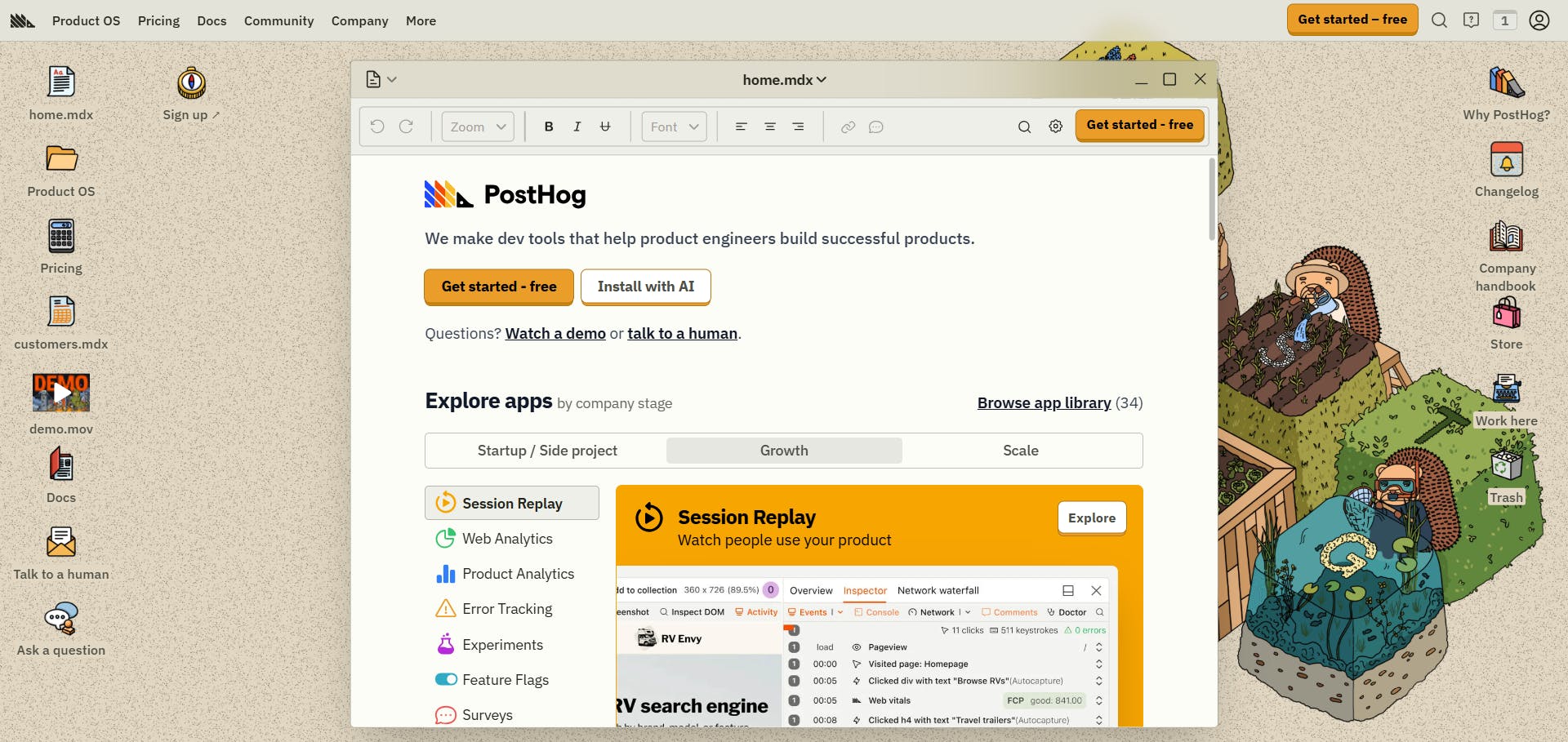
An example of a website built with Strapi is PostHog’s.
Standout features
1. Create API
Strapi’s Create API feature makes it easy to build the backend structure your project needs without getting bogged down in heavy setup. You can use the Content-Type Builder to define your content models, add fields, and set up relationships through a simple interface, which saves you from writing boilerplate code.
Once your content models are ready, Strapi automatically creates REST and GraphQL APIs for them, so your frontend can start consuming the data immediately.
2. Plugin system and marketplace
Strapi’s plugin system is one of its strongest advantages. Its plugin marketplace has over 350 plugins covering a wide range of use cases, from accessibility tools to image generation and utilities like auto-UUID.
Some plugins are built and maintained by Strapi, others come from the community, and many are created by official technology partners.
Developers can also build their own plugins with Strapi’s plugin APIs and SDKs. This makes it easy to add new features, integrate external services, or customize the admin panel to fit specific needs.
Developer benefits
These are some reasons why development teams like Strapi:
- API-first architecture: Strapi automatically generates REST and GraphQL APIs from your content types, speeding up backend development.
- Open-source flexibility: Because Strapi is open-source, developers can inspect the source code, extend it, and fully customize it without vendor lock-in.
- Plugin ecosystem: With over 350 plugins, developers can add new capabilities quickly without having to build everything from scratch.
- Custom plugin development: Strapi’s plugin APIs and SDKs let developers build their own plugins to extend or customize the platform.
Limitations
- Self-hosting adds overhead: Security, scaling, and maintenance fall on your team unless you use Strapi Cloud.
- Performance depends on your hosting: Infrastructure choices directly impact speed and reliability.
Pricing
- Self-hosted: Strapi is open-source and free to use, perfect for personal projects or single users. For teams, there’s a paid plan that starts at $45/month for three seats.
- Cloud hosting: Strapi Cloud is the managed, hosted version. It also offers a free tier/project, and the paid plan starts at $15/month/project for additional features and support.
5. Hygraph: Best for graphQL-native development
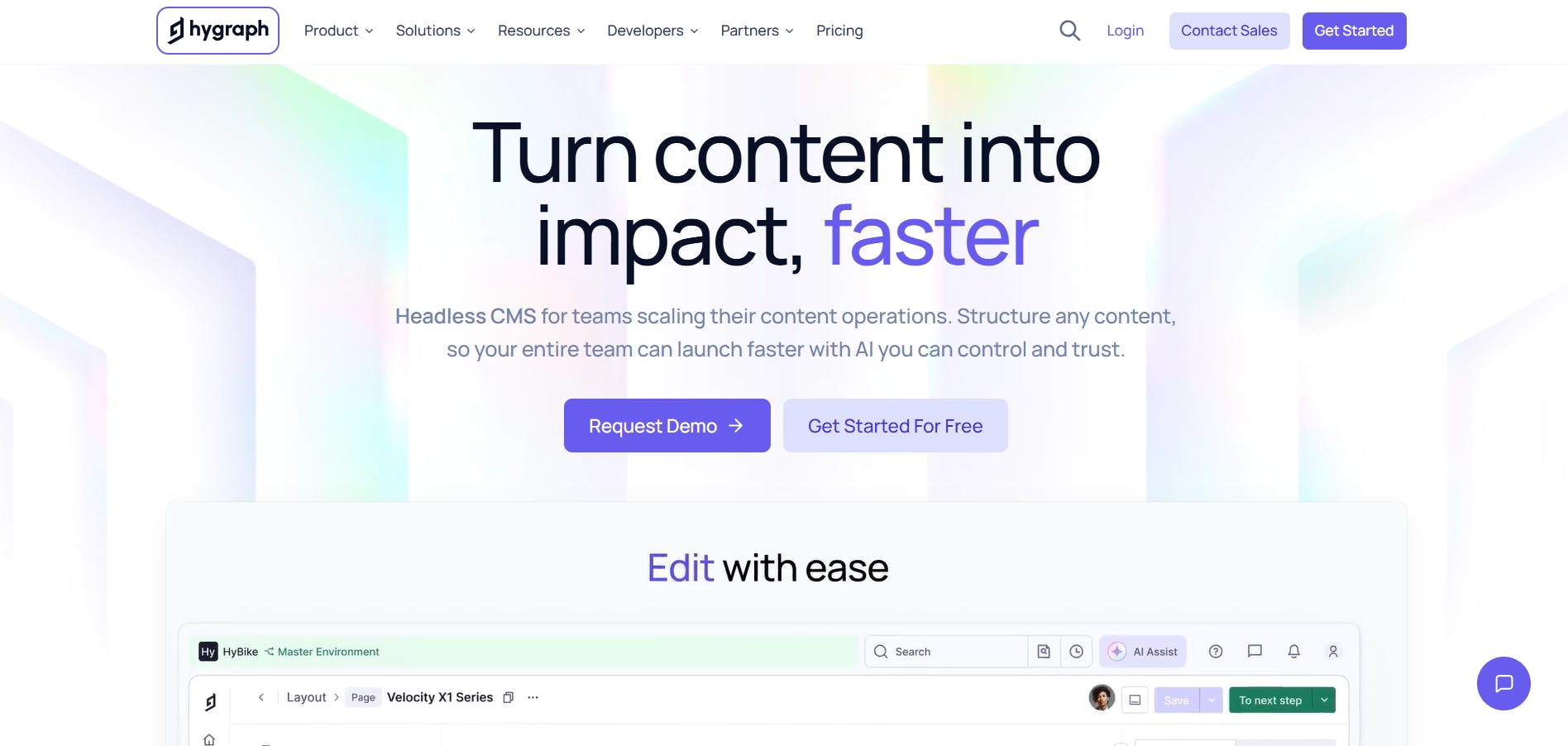
Hygraph is a headless CMS that uses a GraphQL-native approach, meaning it is built around flexible relationships rather than fixed content structures. This makes it easier to model complex content, connect it across systems, and deliver it through any channel.
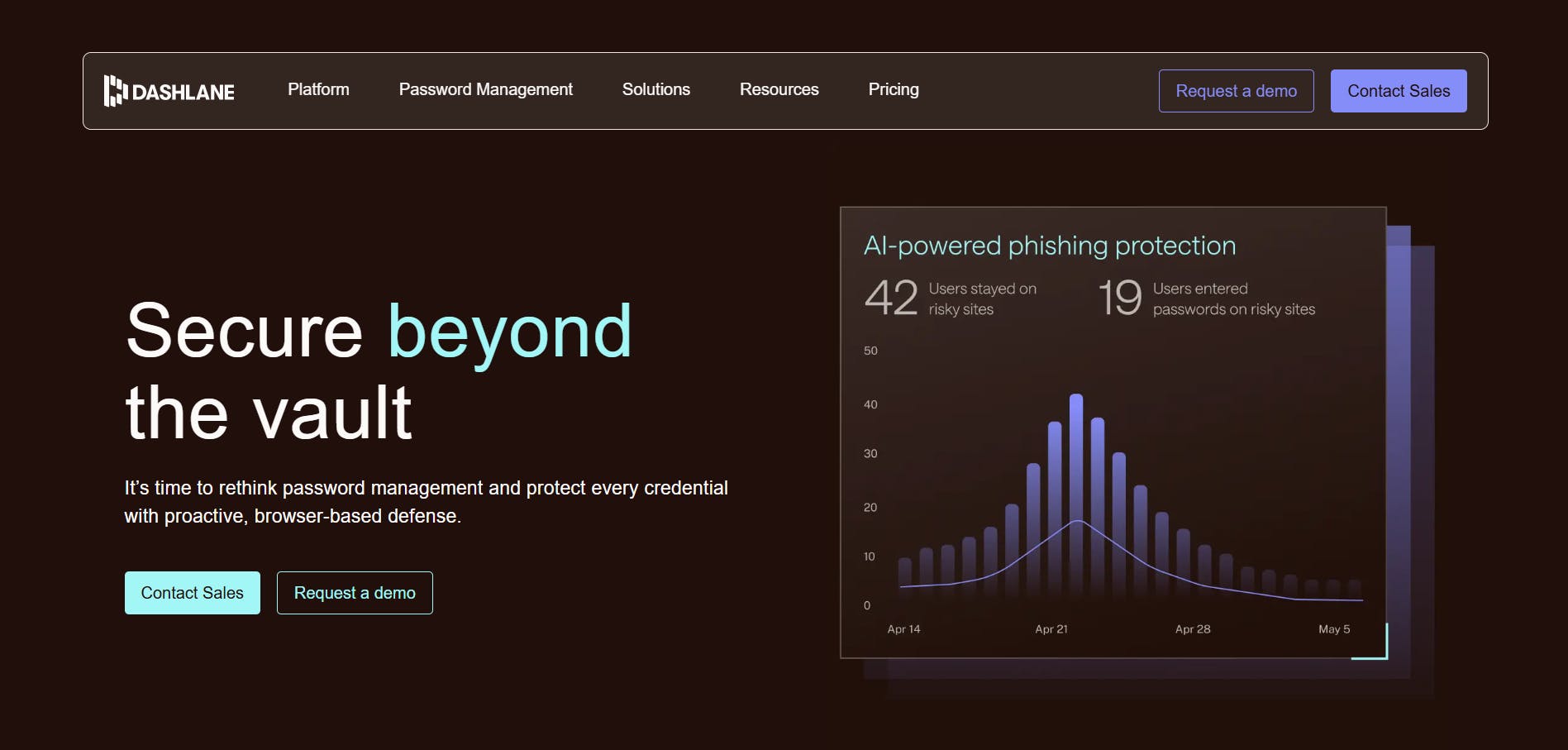
Hygraph’s content management solution powers Dashlane’s and many other websites.
Standout features
1. AI solutions
Hygraph brings AI directly into content workflows, making it easier and faster to create, improve, and manage content while maintaining governance. Its AI Assist tool can help you generate, translate, or refine entries in seconds, while giving you control of your content’s clarity and tone.
Hygraph also provides various AI agents:
- Translation agent: Localizes entries into the languages you want, allowing you to enter new markets faster while maintaining brand consistency.
- Summarization agent: Helps you condense content while preserving core meaning, saving time when repurposing.
- SEO and GEO agent: Optimizes content for search engines and generative search, ensuring your pages perform well in both traditional SEO and AI-driven results.
2. MCP Server
The Hygraph MCP Server lets you connect your content directly to AI assistants using the Model Context Protocol (MCP). This means you can manage, query, and publish content through natural language commands in tools like Claude, Cursor, or VS Code.
It allows you to perform tasks like discovering content schemas, creating or updating entries, generating TypeScript types, and publishing content. The MCP Server also supports CRUD operations, bulk updates, and workflow automation.
Developer benefits
These are some of the advantages developers get with Hygraph:
- Flexible schema management: It allows developers to modify content models through the UI, API, Management SDK, or MCP server to fit any workflow.
- GraphQL playground: Developers can explore, test, and debug queries and mutations interactively for faster development cycles.
- Marketplace extensions: The plugin ecosystem allows developers to quickly add functionality without building everything from scratch.
- Custom app development: Developers can build their own apps, fields, or sidebar tools to extend Hygraph exactly as needed.
- MCP server support: The MCP server means developers can safely connect LLMs and agentic workflows to read, write, and publish content programmatically.
Limitations
- Higher starting price: Paid plans begin at a much higher tier than most competitors.
- GraphQL-only: Great for developers, but non-technical teams may require more onboarding.
Pricing
Hygraph offers a free plan, and its paid plans start at $199/month.
Why Prismic stands out: the sweet spot for modern teams
While every platform on this list has strengths, Prismic hits a unique balance that most developers and content teams need: power without complexity.
Here's what sets it apart:
➡️ You ship faster. Slice Machine eliminates the repetitive work of building reusable components and connecting them to your CMS. The AI tools turn design screenshots into working code in minutes, not hours. You spend less time on setup and more time building actual features.
➡️ It works with your stack. Full support for modern frameworks like Next.js, Nuxt, and SvelteKit means you're never fighting your tools. The automatic code generation, TypeScript types, and SDK support make integration seamless.
➡️ Your content team becomes independent. The visual page builder gives marketers real autonomy without breaking your design system. They can create, test, and publish new pages without filing tickets or waiting on developers.
Prismic gives you the control and performance of a headless CMS without forcing you to become a CMS expert. It gets out of your way and lets you build.
How to choose the right headless CMS
Choosing the right headless CMS depends on how your team works, the kind of websites or apps you build, and what you value most in your workflow. There isn’t one platform that fits everyone, so it helps to look closely at a few key factors before committing to a system.
Budget and pricing model
Some platforms charge based on usage or the number of API calls, while others use a flat monthly or annual fee. Your budget should account for more than just the subscription cost. Also, think about setup, hosting, and ongoing maintenance.
A self-hosted option may save money upfront, but often requires more developer time. Fully managed platforms handle hosting and updates for you, which reduces workload but can get expensive as your content and traffic grow.
API type
Most headless CMSs offer REST or GraphQL APIs.
REST is widely supported, easier for beginners, and follows clear conventions. It also benefits from built-in caching at the browser or CDN level because each resource has a predictable URL. However, REST can become limiting as projects grow. Because endpoints return fixed data structures, you might end up over-fetching, increasing latency, and slowing performance.
GraphQL, on the other hand, gives developers far more flexibility. Instead of calling multiple endpoints, you can fetch all the data you need in a single query and only the exact fields you want.
Ecosystem and integrations
A strong ecosystem can save hours of setup work. Look for CMSs that integrate smoothly and provide strong support for your preferred framework and tools such as Vercel, Netlify, or Cloudflare. Also, check for built-in extensions or plugins that integrate with the services your team uses.
Content workflow and team experience
How your team works with content should guide your CMS choice.
If you have content-heavy teams, built-in visual editors or live previews will be very useful. They allow editors to see how a page will look before publishing, reducing back-and-forth with developers.
If your project is more developer-led, focus on CMSs that support version control, API flexibility, and local development environments. Being able to sync content models with Git or deploy through CI/CD pipelines makes development faster and easier to manage.
Key takeaways and next steps
So far, we’ve looked at some of the best headless CMSs for developers in 2026. You’ve seen how each one approaches content management, their key features, pricing, and what developers stand to gain from using them. We’ve also walked through the main factors to consider when choosing a CMS.
Each platform has its strengths, but some go further in helping teams build faster, collaborate better, and stay consistent across channels. Unsurprisingly, we strongly recommend Prismic. Our headless page builder lets developers and marketers build on-brand pages faster, without losing control of code or design.
If you’re curious to see how it works, here are a few ways to get started:
- Create a free Prismic account to explore the interface and see how content modeling and publishing work.
- Request a demo to get a walkthrough tailored to your team’s workflow and goals.