Prismic MCP
Connect Claude, ChatGPT, and the other AI tools your team already uses straight to your Prismic content. Ask the AI to bulk-edit page sections, create pages, or localize a campaign, and it builds every change as a draft for your team to review and publish.

Benjamin Martin
August 11, 2026Publish a release without leaving your AI tool
Prismic MCP can now publish a release, and only when someone asks it to. You say it in words, something like "publish the August promo release," and it goes through only if you already have publishing rights in the repository. The agent can't do anything you couldn't do yourself.
Nothing is scheduled and nothing runs on its own. The agent never decides a release is ready, it still can't delete anything (documents are archived, not deleted), and it still stages its work as drafts. You decide what goes live.
What this unblocks
Until now, the MCP did the whole job and then stopped one step short. It staged everything as drafts, and someone had to open Prismic to push the release live. That's fine for most content work, but it meant every automated job ended in a manual step, and some of the things customers asked us for weren't possible at all. A bulk edit, a localization pass, or a migration can now run start to finish in the tool you're already working in.
Also in the Migration API
You can publish a release from the Migration API too, so it works the same whether you're in an AI tool or in your own code.
We're working on a clearer way to confirm a publish from inside the MCP. More on that soon.
The Prismic MCP docs cover setup, connection, and the full list of tools.
Benjamin Martin
June 8, 2026Do your content work without leaving the AI tools you already use
Most content work still happens in two places at once. You draft in ChatGPT or Claude, then copy it into Prismic by hand, one document at a time. Renaming a feature across thirty landing pages, or localizing a campaign across markets, can eat hours of clicking with no record of what changed.
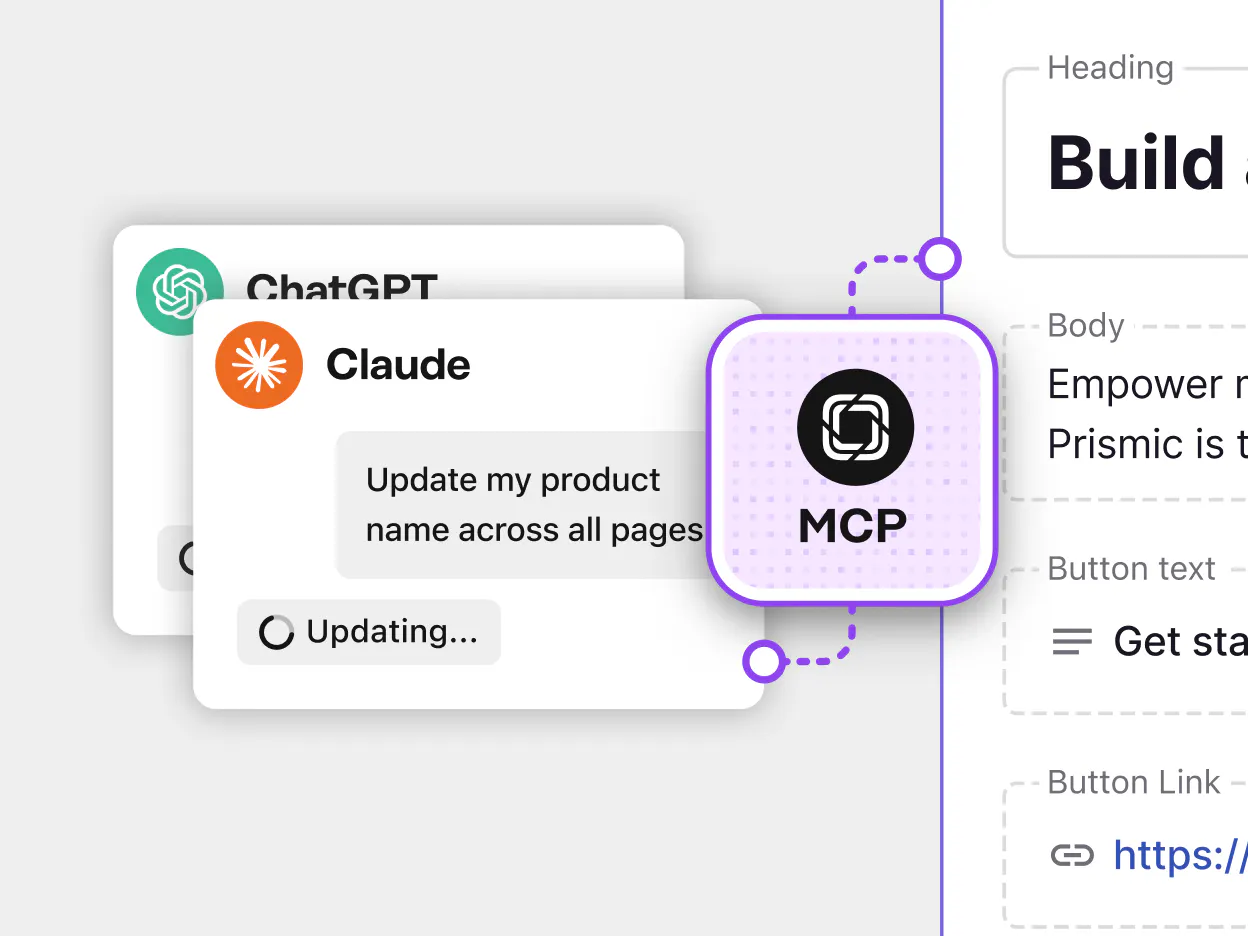
Prismic MCP closes that gap. It's the official MCP server that connects AI tools to your Prismic content, so the work happens inside the agent you already have open. Ask Claude or ChatGPT to make the change, and it builds the result as drafts in a release. Your team reviews and publishes the way it works today.
What you can do
Teams are already using Prismic MCP to:
- bulk-edit content across many pages at once, like renaming a product or swapping a CTA across every feature and landing page
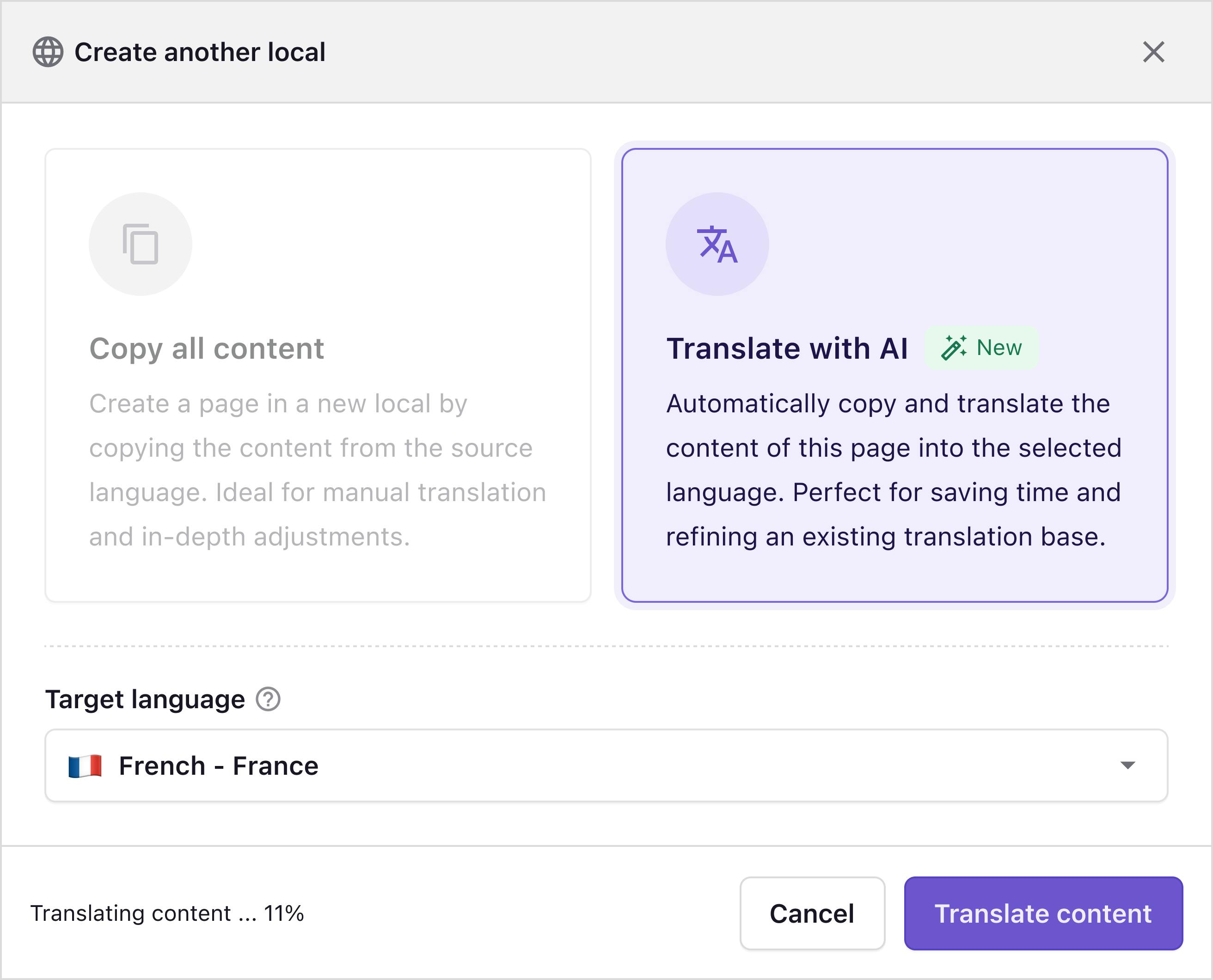
- localize a campaign across markets, instead of copy-pasting between ChatGPT and Prismic
- roll out a messaging change everywhere it appears, like updating a plan name, a price, or a key stat across the whole site
- migrate content into Prismic from another platform, by giving the agent your content and a field mapping
Safe by design
You can give this to your team without worrying about the AI making a mess. Prismic MCP can't delete your content and can't publish on its own. Every change is saved as a draft, nothing is ever deleted (only archived), and a person is always in charge of deciding what goes live. The safety guarantees are built in, not optional settings you have to remember to switch on.
Free on every plan, set up in minutes
Prismic MCP is currently free on every plan, and any Prismic user can turn it on for their repository with an in-app button. No developer, no procurement step, no waiting on your CSM. The docs walk through setup, connection, and the full list of tools. It works with any MCP-compatible client, including Claude, Claude Code, ChatGPT, Codex, and Cursor.
MCP and the Prismic CLI work together
If you write code, the Prismic CLI is the companion piece. The CLI handles project structure, so AI tools can create types, slices, and scaffolding. Prismic MCP handles content, so AI tools can read, edit, and populate content in a repository you've already built. While you're building, that means you can populate content and test the pages you develop straight from your agent, in Claude, Cursor, or ChatGPT, instead of hand-filling the editor. Used together, the CLI and MCP take a project from setup to published content inside the same AI workflow.
Note: The old prismic/prismic-mcp-server for AI-assisted slice coding is deprecated and replaced by the Prismic CLI. If you land on the old GitHub repo, head to the Prismic CLI instead.
Fresh out of the oven
There's more to explore
Discover the latest features and get a sneak peek at what's coming next.
