6 Best Headless CMS Solutions for Agencies with Diverse Client Needs
 By Alison Brunk
When you're running a multi-client agency, your CMS choice affects every project you ship. The wrong platform slows down your second client as much as your first, creates support overhead you didn't budget for, and makes client handoffs harder than they need to be.
This guide evaluates six headless CMS platforms—Prismic, Storyblok, Zesty, Webiny, Strapi, and Payload—specifically through an agency lens, so you can confidently choose the right one for your needs.
TL;DR (key takeaways)
- No single headless CMS is the right fit for every agency or every client type. The best choice depends on the clients you serve, how your developers work, and what you need from a partner program.
- Prismic is the strongest fit for agencies focused on website delivery. Its slice-based architecture reduces per-project build time, the visual Page Builder gives clients editorial independence, and the Migration API efficiently handles legacy content onboarding.
- Storyblok is the best pick for agencies that work across multiple frontend frameworks and need a visual editor that clients can use regardless of how the site was built.
- Zesty is worth considering if your agency wants to resell managed website solutions to clients under your own brand and earn recurring revenue without additional developer resources.
- Webiny is built for agencies that need to embed a fully white-labeled, multi-tenant CMS into a product or platform running on AWS infrastructure.
- Strapi is a solid open-source starting point for agencies that want full data control and a flexible content modeling workflow.
- Payload gives agencies complete ownership of the codebase, the admin interface, and the data. It is free to self-host and supports full white-labeling, but several key features are only available on an enterprise engagement.
- White-labeling matters most for retainer clients who log in daily. Know which platforms support it before you commit.
- Partner programs vary significantly. Prismic, Storyblok, Zesty, and Webiny offer revenue share. Payload limits participation to 30 agencies. Strapi does not offer revenue share.
What makes a CMS "agency-ready?"
Before getting into the platforms, let’s clarify what "agency-ready” actually means and what agencies should watch for when evaluating headless CMS solutions.
- Multi-project management. Can you quickly and easily create a new client project with its own content model, user permissions, API keys, etc.?
- Component reuse across projects. If you've already built a hero section and a pricing table for one client, can you repurpose them for another project instead of rebuilding from scratch?
- Client editor UX. If, on handover, your client can't easily publish a blog post or update a landing page without calling you, that poor UX experience could add to the support burden. What's the editor experience like for non-technical users?
- Role-based access control. The CMS should let you control what each person can do, both within your agency team and on the client side. Who can draft, publish, delete, and access settings?
- White-labeling. Some agency clients will see the CMS brand name every time they log in. For some relationships, that's fine; for others, it's not. Know which platforms let you customize or remove vendor branding.
- Pricing at agency scale. A platform that's affordable for one project can become expensive across 20 or more. Understand whether pricing is per-project, per-seat, or per-API-call, and model what that looks like at your scale.
- Migration tooling. Agencies that deal with clients are coming from somewhere, whether that’s WordPress, Squarespace, a legacy custom CMS, or some other headless platform. How painful is it to migrate their existing content? Does the platform give you tools to do it, or are you writing custom scripts—or worse, manually migrating?
Now, we’re set to evaluate the platform with the “agency context” in mind. The table below summarizes the learnings from each platform.
Check out our collection of headless guides
Explore our headless CMS guides, which cover the subject matter in detail.
Platform | Best for | Visual editor | Partner program | Revenue share |
|---|---|---|---|---|
Prismic | Agencies that want to deliver websites with a branded page builder to clients | ✅ | ✅ | ✅ |
Storyblok | Agencies that work across multiple frontend frameworks | ✅ | ✅ | ✅ 10% on enterprise deals |
Zesty | Agencies that want to resell managed website solutions under their own brand | ✅ | ✅ | ✅ Up to 25% initial, 10% recurring |
Webiny | Agencies building embedded, white-label CMS products on AWS | ✅ | ✅ | ✅ 25% for full contract duration |
Strapi | Agencies that need an open-source, self-hosted starting point | ❌ | ✅ | ❌ |
Payload | Agencies that need full code and data ownership | ❌ | ✅ | ❌ |
6 Best Headless CMS Solutions for Agencies
1. Prismic
Best for: agencies that want to deliver websites with a branded, reusable page-building experience to clients
Prismic is a headless website builder built for developers and marketing teams to work fast and independently.
Developers build reusable page components through Slice Machine, a local development tool that lets you create, preview, and manage slices alongside your code. Marketers use those components to assemble and publish pages visually through the Page Builder, an editing interface that lets them build on-brand pages without filing a single ticket.
Agency-specific strengths
- You deliver more than a website. When you hand over a Prismic project to a client, you are handing over more than a website; you are handing over a custom page-building interface built entirely from the components your team designed. Clients get a branded, structured editing experience that reflects your agency's work, not a generic CMS admin panel.
- Component reuse across projects. Slice Machine lets you build a base slice library and copy it to a new client project with a single CLI step. Unlike CMSs that wrap components in their own proprietary system, Prismic slices are real framework components—Next.js, Nuxt, or SvelteKit—that live in your codebase like any other component.
- Brand consistency is structural, not enforced by rules. Editors can only use sections you have built and approved. There is no way to accidentally break the design system because it is embedded in the components themselves. Agencies hand clients a creative tool with built-in guardrails.
- Shareable preview links. Before handing a page to a client for approval, you can generate a shareable preview link and send it directly. Your client clicks the link, sees the page exactly as it will appear live, and gives feedback without needing to log in to Prismic or touch the editor.
- Migration API. Most clients are coming from somewhere, often WordPress. Prismic's Migration API lets you import thousands of pages in hours, including content in multiple locales.
- Environments for safe staging. Each client repository can have staging environments. Developers can test slice changes and content model updates in staging before moving to production, so clients never see half-finished work.
- Role-based access control. Writer, publisher, and administrator roles are available starting with the Medium plan. Custom roles per Space and per locale are available as add-ons on the Enterprise plan and are useful for agencies managing clients with multiple regional teams or content that requires stricter access control.
- Spaces. Spaces let you organize content by team or section within a single repository. For example, you can separate a client's blog from their marketing pages, each with different user access, so every team works in the right place.
- Partnership program. Prismic has an agency partner program with revenue share, different levels of technical support, and more.
Limitations from an agency perspective
- Prismic is built for websites and may not be the right fit if a client needs content delivered to non-web channels, such as mobile apps and digital signage.
- Prismic doesn’t offer white-labeling, so there is no option to replace the platform's logo and colors with your agency's branding or your client's identity.
Pricing
- Free
- Starter ($10/month)
- Small ($25/month)
- Medium ($150/month)
- Platinum ($675/month)
- Enterprise (Custom)
Resources
2. Storyblok
Best for: agencies that need a visual editor that clients can use regardless of how the site was built
Storyblok is a headless CMS built around a component-based content architecture that maps directly to how modern frontend teams build interfaces.
Agency-specific strengths
- Offers a partner program. The Storyblok Partner Program comes with benefits such as early access to product innovations and roadmaps, as well as referrals from Storyblok's sales team when enterprise clients are evaluating agencies.
- Framework-agnostic visual editor. Storyblok renders the actual frontend directly in the editor rather than using a proprietary preview. The visual editing experience works the same way, regardless of the frontend tooling.
- White-labeling options available. Enterprise customers can replace the Storyblok logo in the sidebar and Visual Editor directly through Organization settings, and configure a custom domain for the editor. For non-enterprise plans, developers can embed the Storyblok app on their own server and override the branding with custom CSS, replacing the logo, colors, and UI style.
- Revenue share on enterprise projects. When you bring a client to Storyblok and close an enterprise deal, you earn a 10% revenue share on the contract value.
- Migration tooling for WordPress clients. Storyblok provides an official WordPress Importer that transforms WordPress pages into Storyblok blocks, as well as a CLI-based migration path to move content from any platform via its management API.
- Component-based content modeling. Storyblok's block structure maps well to agency workflows. Define a component library, hand clients the visual editor, and they can independently assemble and update pages from those components.
Limitations from an agency perspective
- A recurring complaint from agencies is that Storyblok has raised prices and reduced limits multiple times, with no grandfathering for existing customers. If you built a client project on a specific plan with certain limits, those limits may not be in place next year. Several agency reviewers on G2, Trustpilot, and AWS Marketplace flagged this as a major issue.
Pricing
- Starter (Free)
- Growth (€90.75/mo)
- Growth Plus (€319.91/mo)
- Premium & Elite (Custom)
Resources
3. Zesty
Best for: agencies that want to resell managed website solutions to clients under their own brand and earn recurring revenue
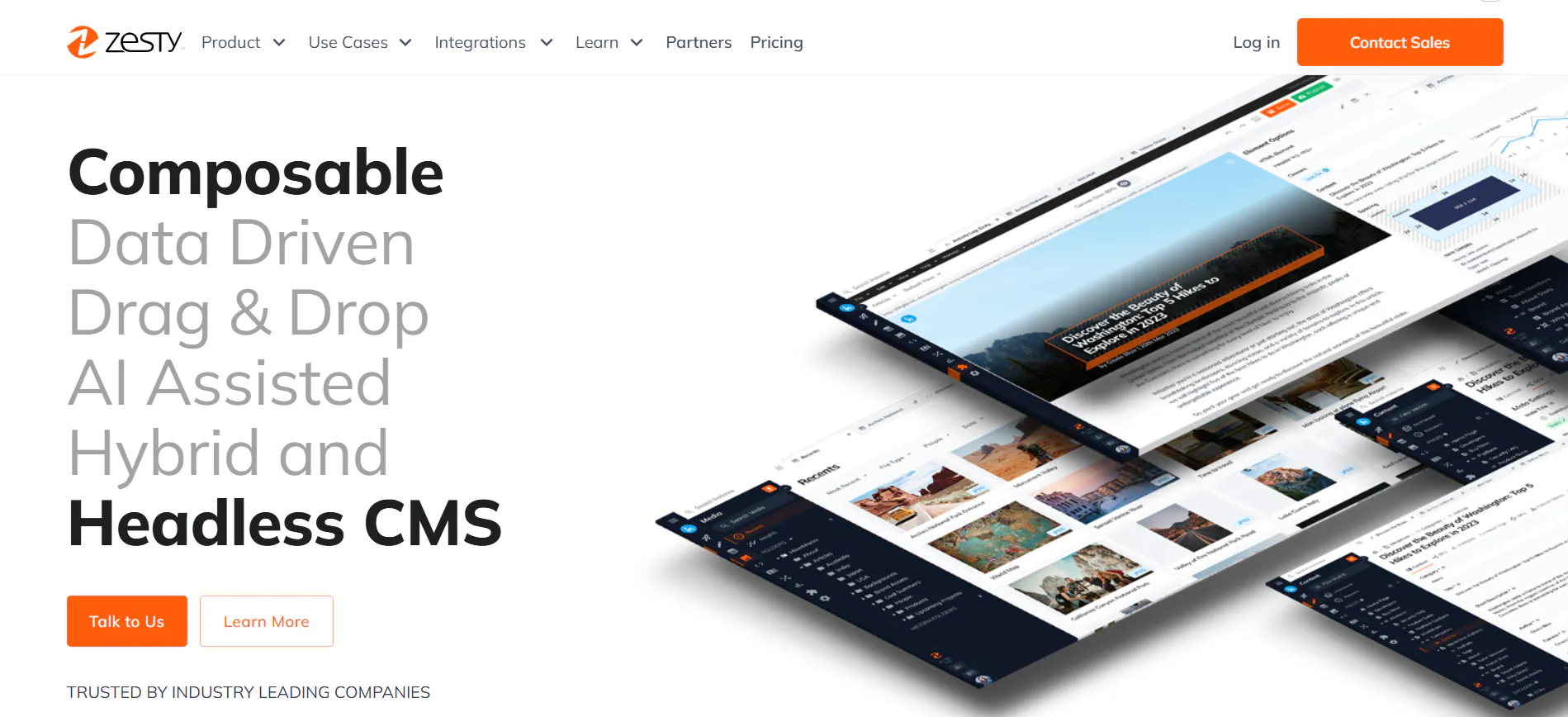
Zesty is a hybrid headless CMS that combines the content delivery flexibility of a headless architecture with the visual publishing experience of a traditional CMS. Teams can create, edit, preview, and publish content directly within the platform without switching between tools, while still delivering that content to any channel through Zesty's APIs.
Agency-specific strengths
- White-label SaaS reseller model. Zesty lets you resell fully managed websites to your clients under your own brand, including pre-configured templates, a visual editor for content updates, automated SEO, automatic security, and compliance updates. You bring the client, Zesty powers the product, and you earn a commission.
- Free instance and unlimited test environments. All registered agency partners get a free Zesty instance for their own website, plus unlimited access to staging and proof-of-concept environments for client pitches.
- Multi-site management from one portal. You can manage multiple client websites from a single centralized dashboard, including sharing media assets, enforcing brand guidelines, configuring user permissions, and tracking multi-site analytics—all without switching between separate accounts.
- Agency partner program. Becoming a Zesty agency partner gives you access to benefits like up to 25% initial commission and 10% recurring revenue share for the lifetime of the customer contract, free migration for clients moving off WordPress or Drupal, unlimited users and testing environments, co-marketing support, hands-on onboarding for your first project at no charge, and a listing on Zesty's partner network with referral preference when Zesty sends clients to agencies.
Limitations from an agency perspective
- Zesty is less popular than other, more established headless CMS platforms. This means you may find a smaller community and may struggle to find ecosystem support, tutorials, and other resources.
- Not being a well-known headless CMS means that Zesty can find it harder to sell to clients who have already researched their options and chosen a more familiar name.
- Zesty sits on the higher end of the pricing spectrum, and the jump between plans is steep. Moving from the free plan to the first paid tier is a significant cost increase, and the next tier up is 7x more expensive. Also, the platform requires a minimum 12-month contract for paid plans, meaning you and your client are locked in for at least a year before you know if the platform is the right long-term fit.
Pricing
- Community (Free)
- Start Up ($475/month)
- Business ($3,500/month)
- Enterprise (Custom)
Resources
4. Webiny
Best for: agencies that need to embed a white-labeled CMS into a product or platform running on AWS infrastructure
Webiny is an open-source, self-hosted CMS that runs inside your own AWS account on a serverless architecture. It is built around multi-tenancy, full white-labeling, and extensibility through code and API.
Agency-specific strengths
- Fully programmable architecture. Webiny lets you define content models, extend GraphQL APIs with custom resolvers, customize the admin UI, and add logic to content lifecycle events. All of this is done in TypeScript, versioned in your repo, and deployable via CI/CD. For agencies building a client's internal platform or a product that requires custom business logic, tailored workflows, and deep API integrations baked into the CMS itself, this is a level of control most platforms cannot offer.
- Full white-labeling and embedded CMS. You can embed Webiny's admin UI—which won't control the Webiny watermark—directly into your own application and fully control the experience. Your clients stay inside your product, see your branding, use your navigation, and manage content as part of their normal workflow. You control which features are visible to which users, and Webiny can reuse your existing authentication provider, so users do not even need to know a CMS is involved.
- Self-hosted on your own AWS account. Webiny runs on serverless AWS infrastructure inside your own cloud account. This is especially useful for clients with data sovereignty or security requirements.
- Agency partner program. Webiny's partner program gives agencies 25% revenue share on all client licenses for the full contract duration, including upsells and renewals. Partners also get direct access to Webiny's engineering team and a free full enterprise license for proofs of concept and testing.
- Multi-tenancy by design. Webiny lets you run thousands of client projects from a single instance, with each tenant fully isolated with its own content, assets, users, permissions, workflows, and settings. You can create and manage tenants programmatically via the API, automatically seed new tenants during client onboarding, and set up parent-child hierarchies for agencies that manage clients across multiple brands or regions.
- Fully customizable admin UI. Webiny's admin panel is a React application that lives in your codebase. If you want to add a custom field type or build a custom sidebar panel, you write a React component, register it with Webiny's extension system, and it becomes part of the interface.
Limitations from an agency perspective
- Webiny only runs on AWS, meaning there’s no support for Google Cloud, Azure, or on-premises hosting. If a client's infrastructure is not on AWS, Webiny is not an option.
- Webiny’s system is built on TypeScript and React, and teams that don't work with this stack will face a hard learning curve while customizing the admin interface, extending the API, or modifying workflows. There is no low-code or configuration-based alternative for teams outside this stack.
- Webiny is not built for simple projects. If a client needs a small brochure site or a basic blog, the setup complexity and AWS infrastructure overhead may not be justified.
- The community and ecosystem are smaller than other headless CMS platforms, meaning there are fewer third-party tutorials, plugins, community resources, etc.
Pricing
- Community (Free)
- Business ($79/mo)
- Enterprise (Custom)
Resources
5. Strapi
Best for: agencies that need an open-source, self-hosted CMS with full data control and a flexible content modeling workflow
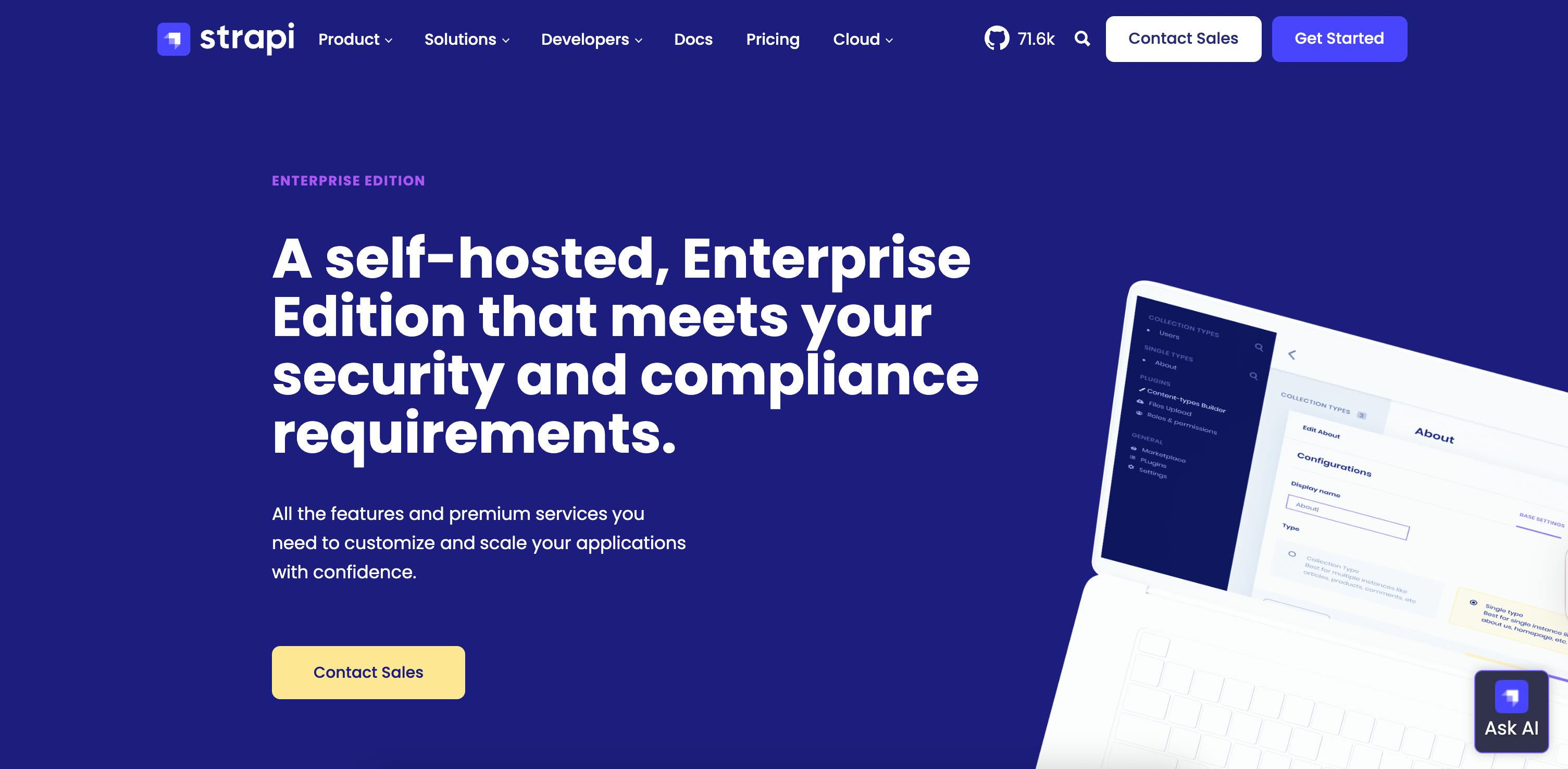
Strapi is one of the most established open-source headless CMS platforms available. Content types are defined through a browser-based Content Type Builder, and both REST and GraphQL APIs are generated automatically for every content type.
Non-technical editors get a clean admin panel for managing content, while developers get full control over the underlying architecture.
Agency-specific strengths
- Admin panel white-labeling. Strapi lets you replace its logo on both the login screen and main navigation, swap out the favicon, and override the color theme for light and dark modes. All customizations are made through code.
- AI-assisted content modeling. Strapi AI lets developers generate content types from plain English descriptions or uploaded assets like Figma files. Instead of manually scaffolding schemas, you describe what you need, and Strapi generates the collection types, relations, and components. For agencies spinning up new client projects frequently, this reduces repetitive setup work.
- Reusable components via the Content Type Builder. During development, you can build reusable content structures like SEO blocks and link sections, and share them across multiple content types and projects. Once you have built a solid component library on one client project, it becomes the starting point for the next one, cutting down repetitive schema work across engagements.
- Large plugin ecosystem. Strapi's marketplace contains over 300 plugins for SEO metadata, internationalization, email, media management, and more, so agencies can extend the functionality of their client’s applications without building custom integrations.
- Self-hosted with full data control. Strapi runs on your infrastructure, which matters for clients in regulated industries or markets with strict data residency laws.
- Strapi partner program. Strapi's Solution Partner program gives agencies a listing in the Strapi Partner Directory as well as priority referrals. Other benefits include co-marketing support, up to 10% discounts on client subscriptions, and demo licenses for testing the platform with prospects.
Limitations from an agency perspective
- Strapi gives editors a form-based interface for managing content records, not a visual page builder where they can assemble and publish full pages independently. All page assembly logic lived in the frontend code. Clients who expect to build and update pages without developer involvement will find this limiting.
- Strapi does not offer revenue share in its partner program.
- With Strapi, you own the installation, so every time a major version comes out, your team does the upgrade work, on Strapi's timeline, not yours. Strapi has released three major versions over the past five years: v3 in 2019, v4 in March 2022, and v5 in September 2024. The v5 update, in particular, introduced many breaking changes to the core API and most existing plugins.
Pricing
- Community (Free)
- Growth ($45/month)
- Enterprise (Custom)
Resources
6. Payload
Best for: agencies that need full ownership of the codebase, the admin interface, and data
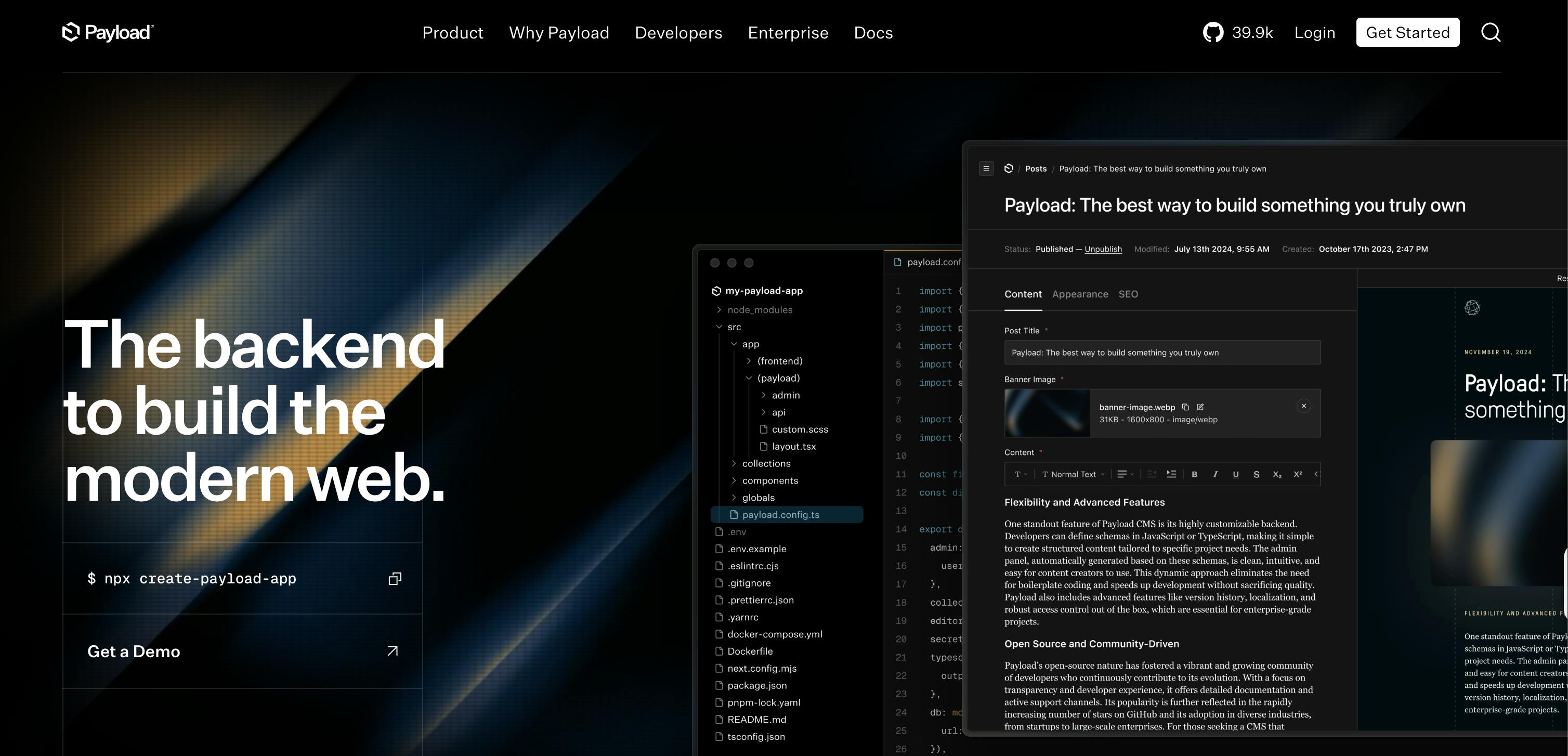
Payload is an open-source, TypeScript-native CMS that lives inside your codebase rather than running as a separate system. It runs directly within a Next.js application, with the admin panel, API routes, and frontend coexisting in one project. Everything, including the content schema, access rules, and admin UI, is defined in code.
Agency-specific strengths
- Full white-labeling. The admin UI code lives in your codebase. You can override individual React components, remove vendor logos, replace login screens, rename navigation items, apply custom CSS at every level, and extend the interface with hooks, so the admin experience matches your client's needs.
- Self-hosted, any infrastructure. Deploy on client-owned servers for clients with data residency requirements, on shared agency infrastructure to keep costs centralized, or on serverless platforms like Vercel. The hosting model is entirely your choice.
- Built-in localization. For agencies building multilingual sites, Payload handles localization natively, without requiring any extra installations. You define locales in code, manage translations at the field level, and query specific locales through the API.
- Built-in authentication and SSO support. Enterprise clients have authentication requirements that other platforms handle through expensive add-ons or third-party integrations. Payload ships with JWT-based authentication, configurable limits on login attempts, and email verification out of the box. For enterprise clients who need their team to log in through an existing identity provider, Payload supports SSO via SAML and OAuth 2.0 at no extra cost.
- Built-in A/B testing. Payload makes it straightforward for agencies to run A/B tests for clients. You create both page versions directly in the Payload admin panel, and Payload handles delivering the right version to the right visitor. There's no separate testing tool to set up or maintain, and it connects to whatever analytics platform the client already uses.
- Full data ownership. All content lives in the client's own database, which is key for clients with legal or compliance requirements around the location where their data is stored.
Limitations from an agency perspective
- Payload currently does not have a visual editor. Editors manage content through a form-based admin panel, which works well for structured content like blog posts, products, or documentation, but means clients cannot build or update pages visually without developer involvement.
- Payload has a partner program, but it intentionally restricts the number of agencies that can participate. Currently, only 30 agencies are accepted. There is no revenue share, and the benefits on offer are limited compared to other platforms we've explored.
- Several features that matter most to agencies are locked behind an enterprise engagement. Visual editing, publishing workflows, SSO, A/B testing, and AI features are all enterprise-only. Payload does not publicly list enterprise pricing, and you have to contact them directly to get a quote.
Pricing
Free (Open source)
Resources
How to choose a headless CMS as an agency in 2026
Below are some questions to ask when deciding what headless CMS your agency should use.
What does your client mix actually look like?
A CMS that works perfectly for brochure sites and marketing pages may not be the right foundation for a client building a multi-region editorial platform or a data-rich product portal. Think about the kind of work you're doing today and the kind of work you want to be doing in two years.
What does the client handoff actually look like?
For every platform you're considering, check the editor experience for technical users. Specifically, evaluate whether users can easily do the following—and more—without needing agency support:
- Navigate the interface and find what they need without guidance.
- Create, edit, and publish a page without filing a developer ticket.
- Update existing content without accidentally breaking the layout.
What does vendor support actually look like?
Support quality varies significantly across platforms, so before committing to a platform, find out:
- How quickly does the support team respond to paid versus free plans?
- Is there a dedicated support channel for agency partners?
- How active and helpful is their community?
- How thorough and up-to-date is their documentation?
How active is the vendor's product roadmap?
A platform that ships meaningful updates regularly is a good long-term bet. Beyond the marketing pages:
- Check the changelog to see how frequently updates are shipped.
- If the updates fix real problems or just add surface-level features.
- If the vendor publishes a public roadmap and actually follows it.
- Agencies and developers are involved in shaping what they build.
White-labeling and client portals: what to look for
White-labeling a CMS means delivering an editorial interface that carries your client's—or your agency's—branding rather than the CMS vendor's. It matters most for retainer relationships where clients log in daily.
When a client sees "Prismic" or "Storyblok" every time they open their browser, they're aware they're using a third-party tool. When they see their own logo, the experience feels like part of their product.
The common white labeling options you’ll see include:
- Full white-labeling: The admin UI code lives in your codebase. You can replace logos, rewrite navigation labels, restyle every component, and swap out login screens. The client opens a browser and sees no trace of the platform vendor.
- Settings-based customization: The vendor owns the admin UI code. You can change what they expose in their settings panel, typically a logo upload, color adjustments, and sometimes a custom domain. The navigation structure, login screens, system emails, and component layout remain the way the vendor built them.
Why Prismic is the right fit for your agency
Throughout this guide, we've explored six headless CMS solutions that are great for agencies handling multi-client relationships, each with its own strengths.
The day-to-day reality is that you need to ship client projects faster than the last, deliver an editing experience clients can use without calling you, and build a component library that compounds in value over time rather than starting from scratch on every engagement.
That is what Prismic is built for.
Your developers build slices once in the Slice Machine and reuse them across every client project. Your clients get a visual Page Builder assembled from your own component library, not a generic CMS interface. And when a new client comes with five years of WordPress content to migrate, the Migration API handles it in hours.
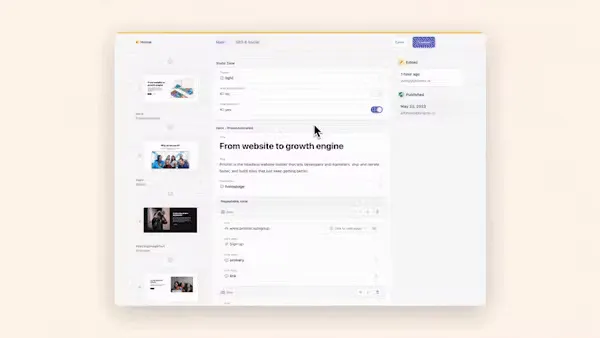
If you are ready to see how Prismic fits your agency's workflow, you can get started for free or book a demo with the team to walk through your specific use cases.
If you are already building with Prismic and want to explore the partnership program, including revenue share and certified agency status, the partner page is the right place to start.