
The short version
- The best GEO tools do four different jobs: tracking where you stand in AI answers, creating new pages, refreshing pages you already have, and one-off auditing. Most comparisons mix all four, which is why the tools look interchangeable when they are not.
- For tracking: Peec AI for fan-out queries and unlimited seats, Profound for enterprise prompt-volume depth, Promptwatch for crawler and visitor data alongside visibility, Otterly for the cheapest credible baseline, AthenaHQ for nine models plus an action layer, Scrunch for Sitecore estates, Semrush if you already own the suite.
- For creating and publishing: Prismic reads your visibility data, tells you which pages to build, drafts them from your own sales calls and docs, and publishes them. AirOps runs workflows over an external CMS, SEOmatic generates pages from datasets, Scalenut bundles planning and writing.
- For refreshing: Prismic decides whether a gap needs a new page or an update to an existing one. AirOps runs bulk edits across a large library.
- For a first look: free audits from Prismic, HubSpot and Geoptie tell you whether you have a problem before you spend anything.
- Most teams need one tracking tool plus one creation tool. Tracking alone is where most programmes stall, because a dashboard tells you that you are invisible without telling you what to publish.
- Headline prices are not entry prices. Profound's $99 tier watches ChatGPT alone, Promptwatch tracks four models on every plan rather than all of them, and Peec lets you choose three.
- Publishing generated pages at volume can raise visibility briefly and then cost you the gain, because Google's spam policies target scaled content however it was produced. No tool in any category connects AI visibility to revenue yet either, so treat any claim otherwise as a roadmap.
Most lists of the best GEO tools compare at least four different products as though they compete. A monitoring dashboard and a content agent do not do the same job, and a shared feature grid produces a recommendation nobody can act on.
This guide groups the tools by the job they do, compares each group on the criteria that decide the purchase, and names what none of them can do yet.
How we grouped the tools
Placement was decided by the job a tool does: track, create, refresh, or audit. Tools that genuinely span two jobs appear in both.
Within each category, the comparison criteria come from what buyers ask in evaluations rather than from feature lists. Those questions cluster tightly:
- Can I see which pages get cited, not just a score? Knowing your visibility dropped is useless. Knowing a competitor's comparison page took the citation is a brief.
- What do I do next? A dashboard that ends at a number leaves the work with you.
- Where does the content come from? Anything assembled from the open web can be assembled by a competitor too.
- How much of this lands on my developers? Most teams have no engineering time to spare, and a tool that needs a sprint will not get used.
Prices below were checked against each vendor's own pricing page. Several vendors change tiers often, so confirm before anything enters a budget.
Best GEO tools for tracking your AI visibility
Buy from this category first. Without tracking you are guessing at which prompts you lose, and every later decision inherits the guess.
1. Peec AI
Peec tracks visibility, share of voice, position and sentiment across the major answer engines, with unlimited seats on every plan.
Standout capability: it surfaces the fan-out queries that models run underneath a prompt, and its Actions view clusters cited sources into owned and earned opportunities scored by size of gap. That turns a visibility score into a list of things to write.
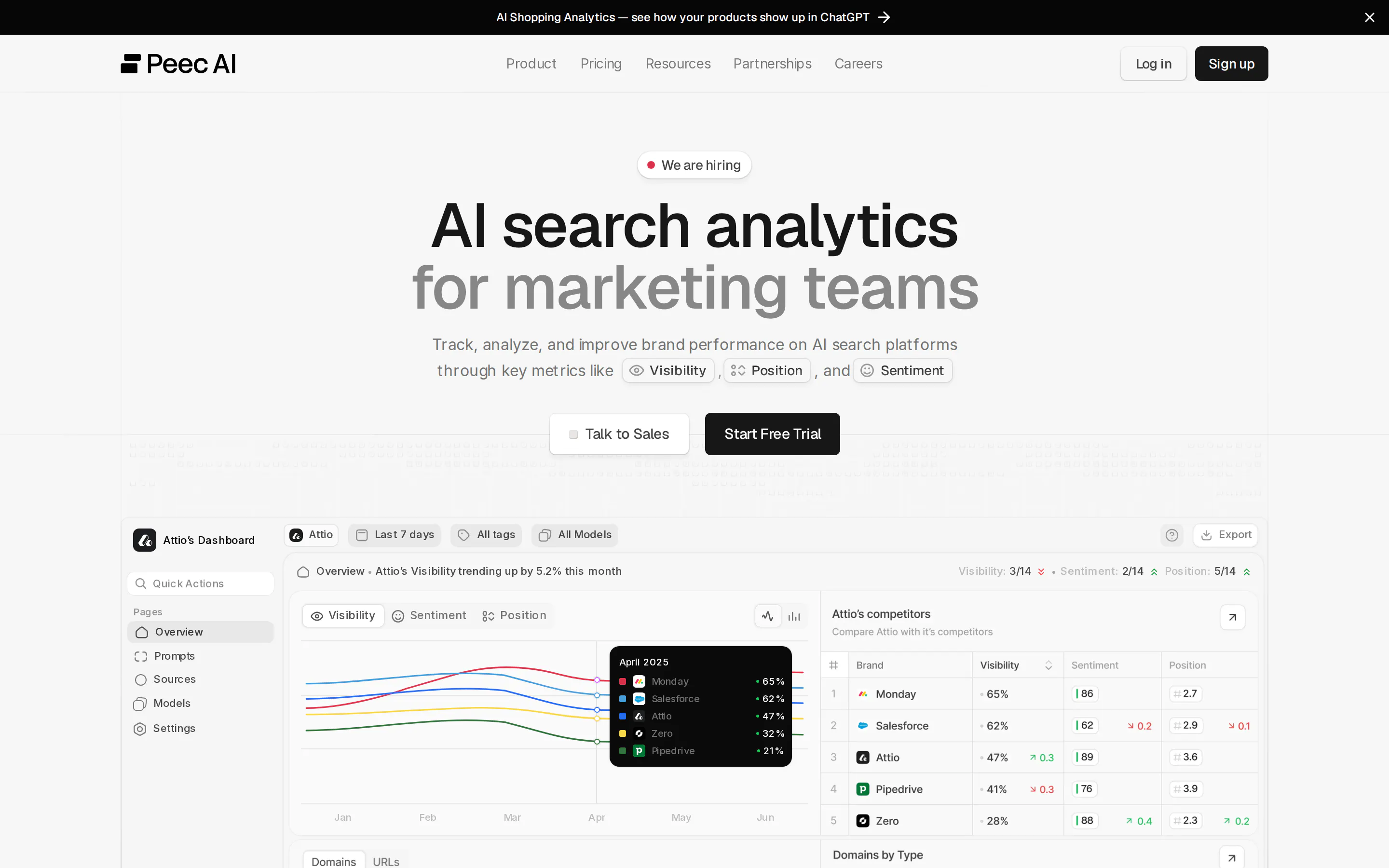
Peec scrapes the consumer interface rather than calling APIs. Its reasoning is that APIs run fewer web searches, return fewer sources and drop formatting and ads, so API numbers diverge from what a buyer sees on screen.
Best for: content teams that want the output to be a work queue rather than a dashboard.
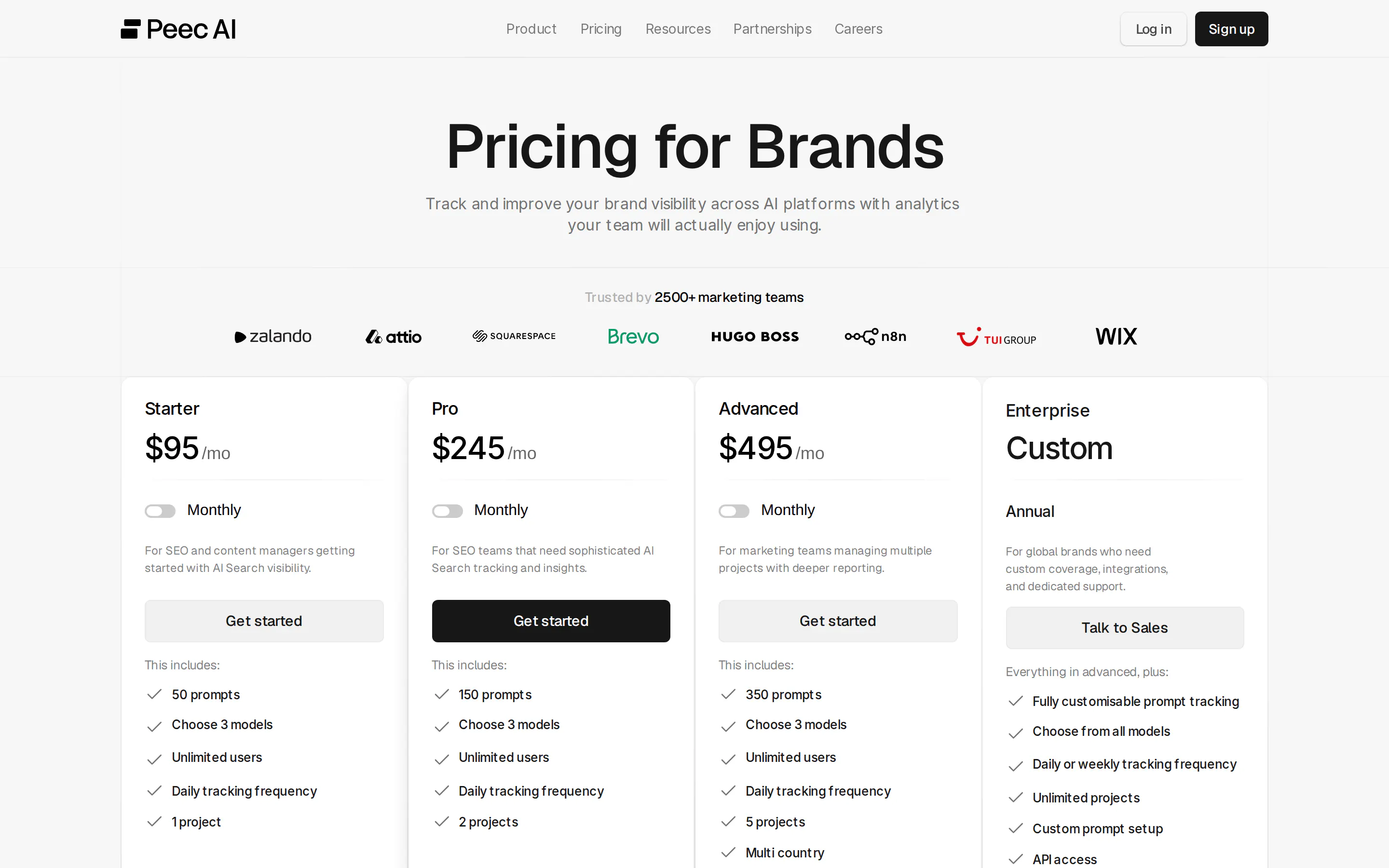
Limitation: Peec publishes Starter at $95 per month for 50 prompts, Pro at $245 for 150, and Advanced at $495 for 350. Every self-serve tier lets you choose three models, so broader engine coverage means paying for add-ons or moving to Enterprise.
2. Profound
Profound is the enterprise option, pairing visibility analytics with agent workflows and the deepest prompt data in the category.
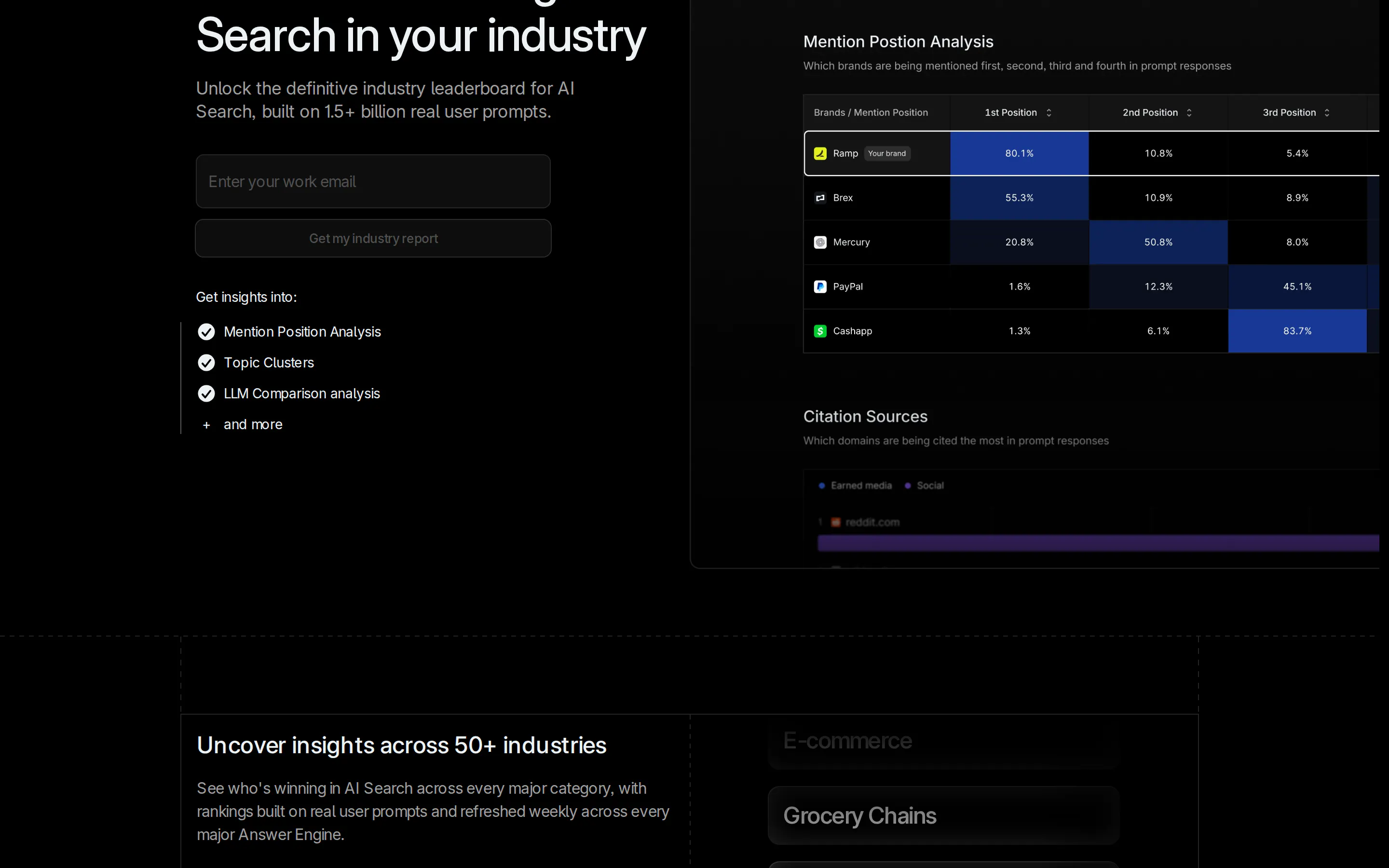
Standout capability: prompt volumes built on real user prompts rather than synthetic ones, segmented by intent, plus a view of how an engine explodes one question into several searches. Agent Analytics shows AI crawlers arriving on your site.
Best for: enterprises that need AI visibility reported at board level and have procurement to match.
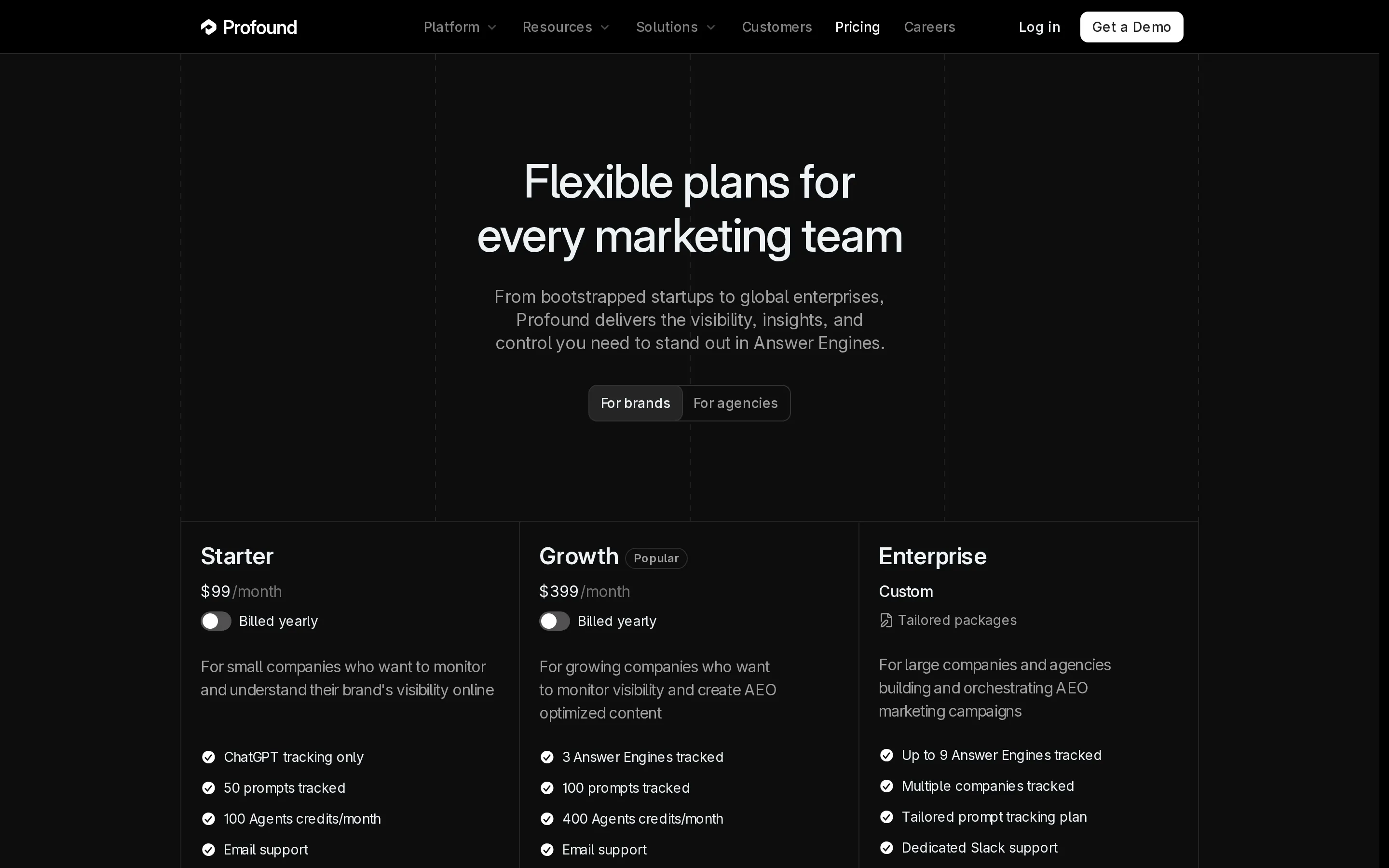
Limitation: Starter is $99 per month and tracks ChatGPT only, with 50 prompts. Growth at $399 covers three answer engines and 100 prompts. Nine engines and multiple tracked companies sit on Enterprise, so $399 is the realistic entry point for anyone who needs more than one engine.
3. Promptwatch
Promptwatch takes a prompt-first approach across ChatGPT, Claude, Gemini, Perplexity, AI Overviews and AI Mode.
Standout capability: it bundles crawler log analysis and visitor analytics into every plan, so you can see AI bots arriving and the traffic that follows rather than inferring the link between them. Country-level tracking is included from the entry tier, and higher plans add state and city.
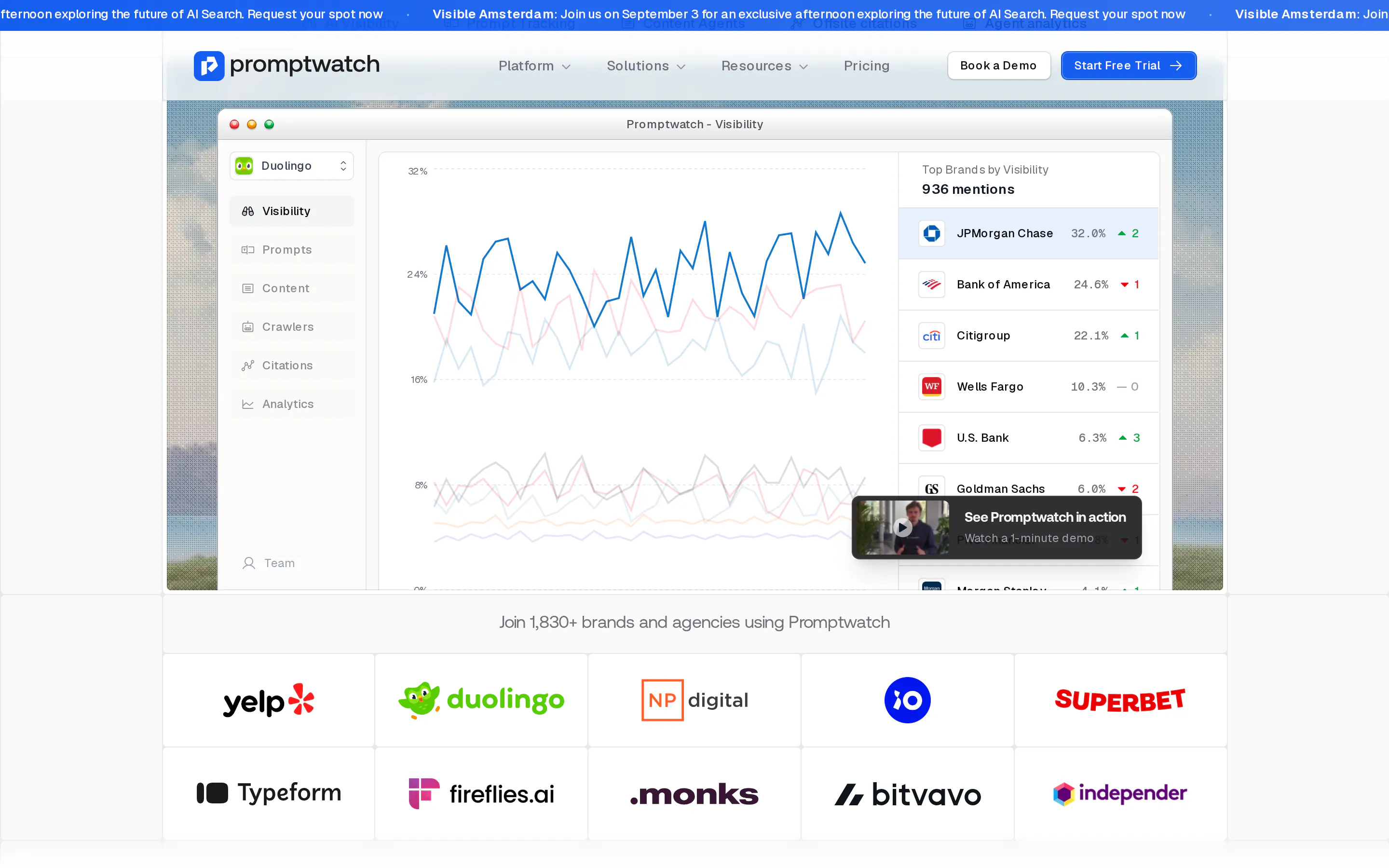
Best for: teams that want to connect AI visibility to actual crawler and visitor behaviour rather than to a score alone.
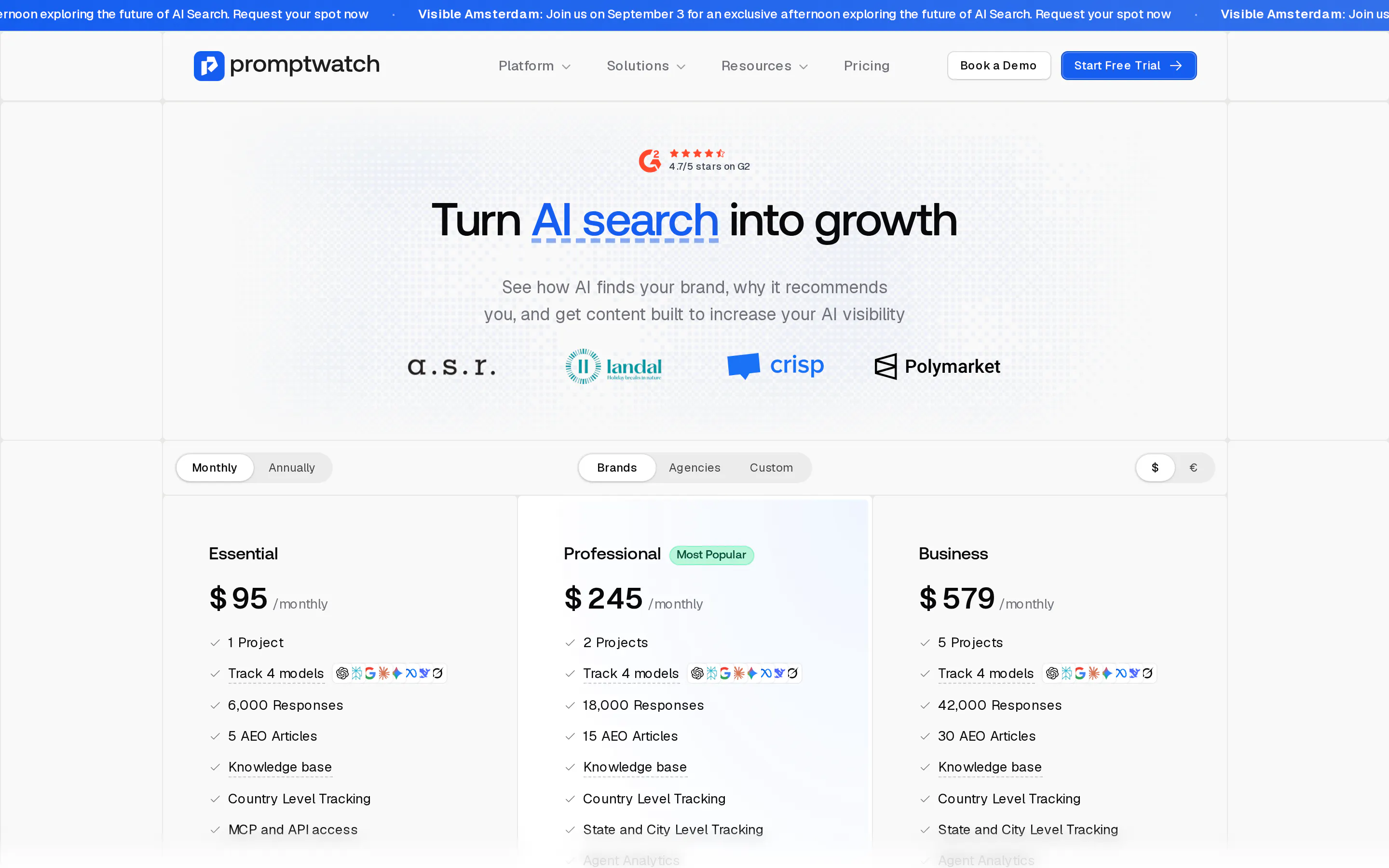
Limitation: published pricing runs $95, $245 and $579 per month, and every tier tracks four models rather than all of them. Response allowances rise steeply between tiers, and the bundled AEO articles are lighter than a dedicated creation tool.
4. Otterly
Otterly is the low-cost entrant and a Gartner Cool Vendor, focused on monitoring and reporting rather than execution.
Standout capability: its GEO audit checks 25 or more on-page factors and returns specific fixes, which is more direction than most tools at this price give. Tracking across 50 or more countries and a Looker Studio connector make client reporting straightforward.
Best for: consultants, small teams, and anyone proving the opportunity exists before asking for budget.
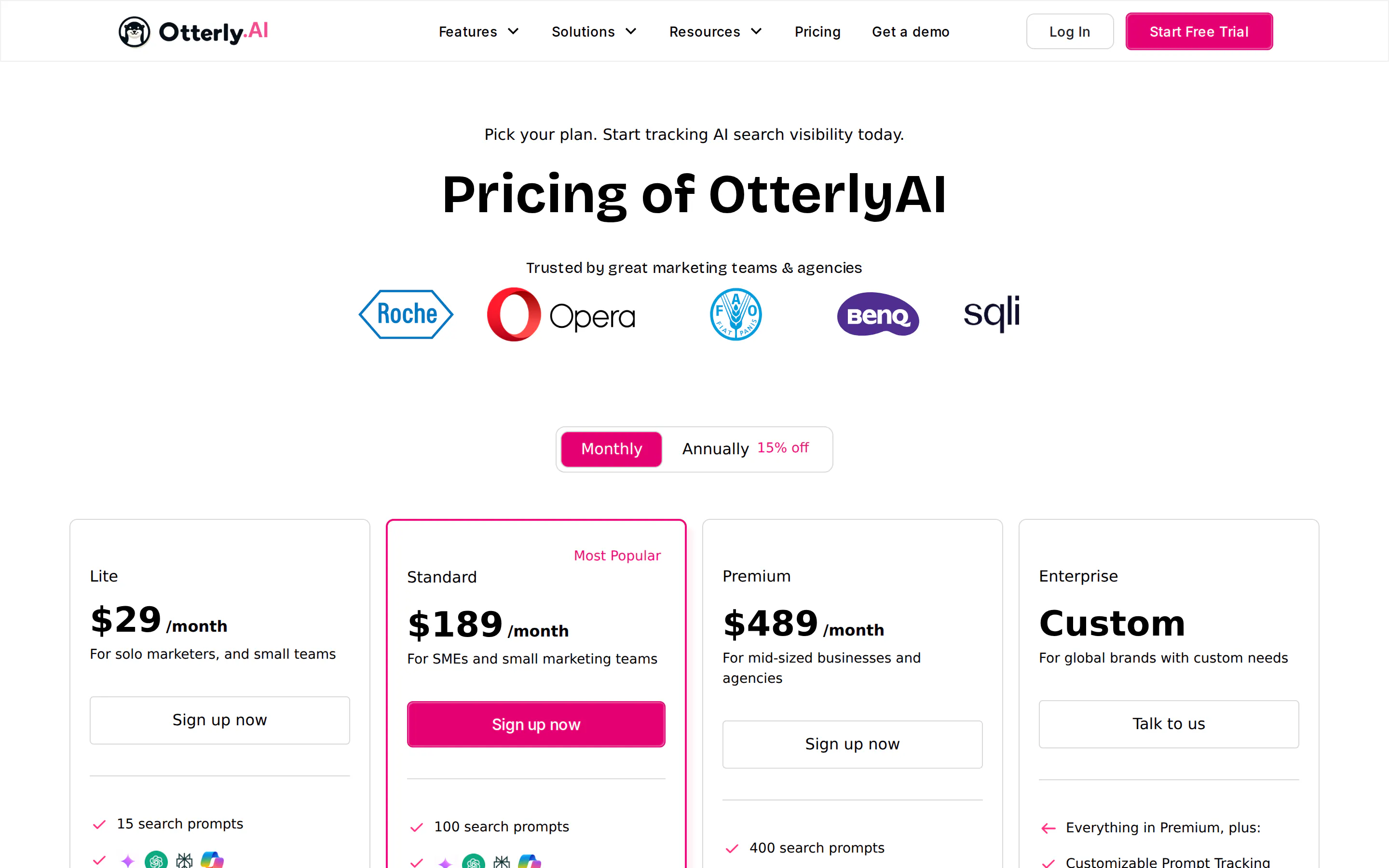
Limitation: Lite is $29 per month for 15 search prompts, which is the real constraint: the next tier up is $189 for 100. There is no prompt-volume data, so prioritisation depends on your judgement rather than the tool's.
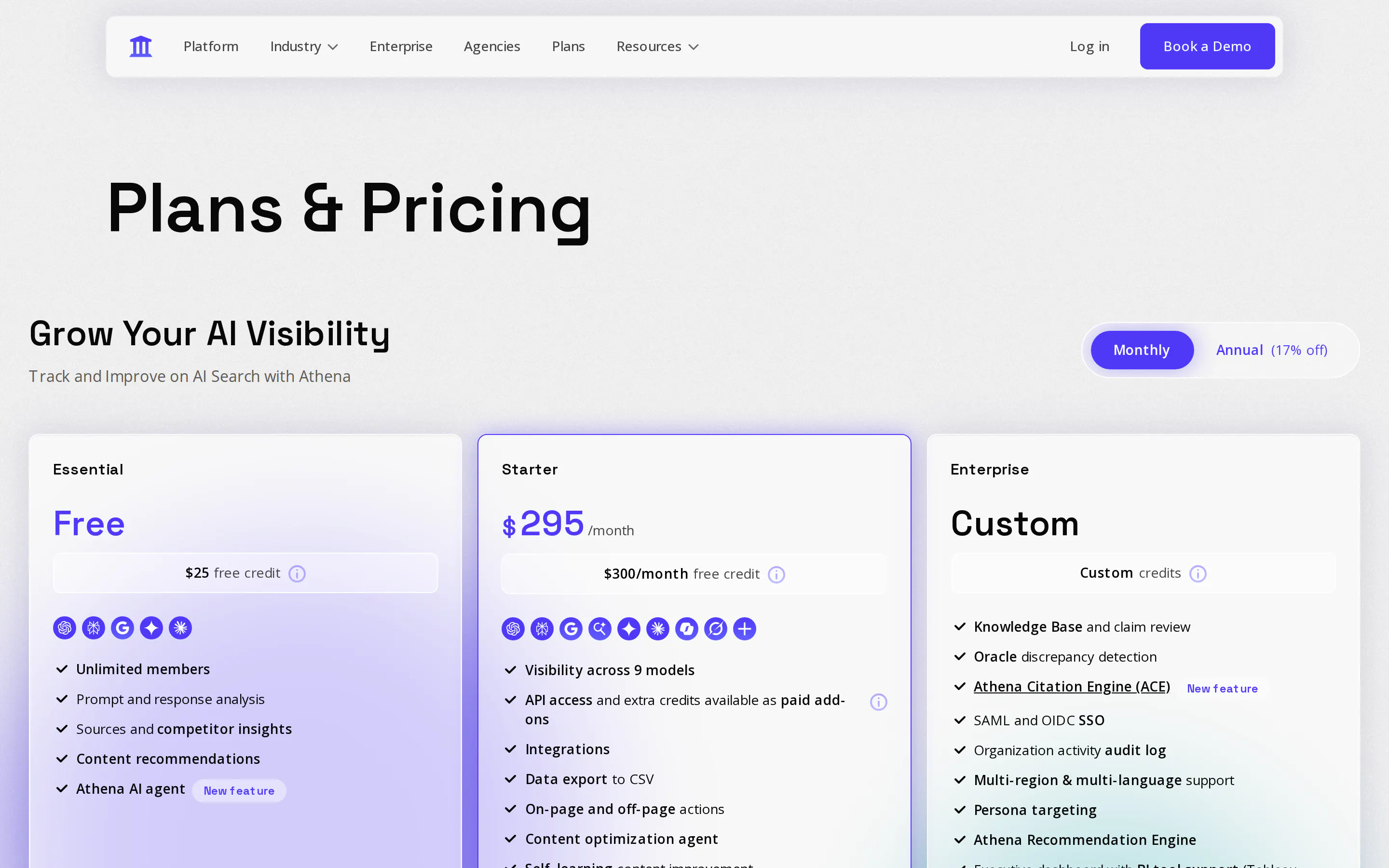
5. AthenaHQ
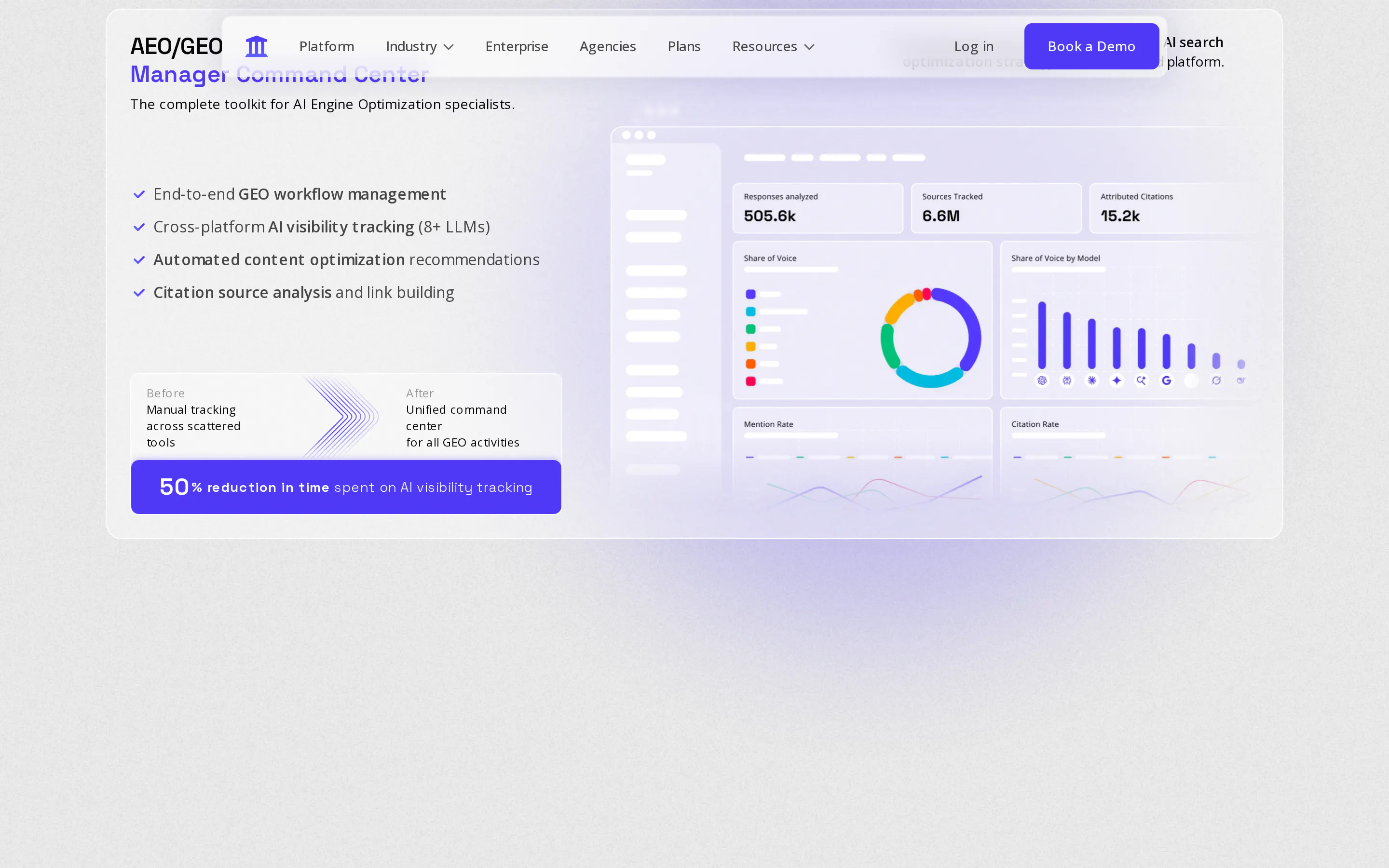
AthenaHQ was built by former Google Search and DeepMind engineers and tracks nine models including Claude, Copilot and Grok.
Standout capability: the paid entry tier covers nine models at once, with no upgrade needed for coverage, and a genuinely free tier exists for testing. Its Action Center converts findings into content tasks, and native GA4 and Google Search Console integrations attempt to tie visibility lifts to downstream traffic.
Best for: teams that want engine breadth and recommendations from the same platform, and agencies using its partner programme.
Limitation: Starter is $295 per month, a large step up from the free tier, and prompt-volume estimates come from a proprietary model the company does not fully disclose. Tracking is metered on credits tied to your plan.
6. Scrunch (now part of Sitecore)
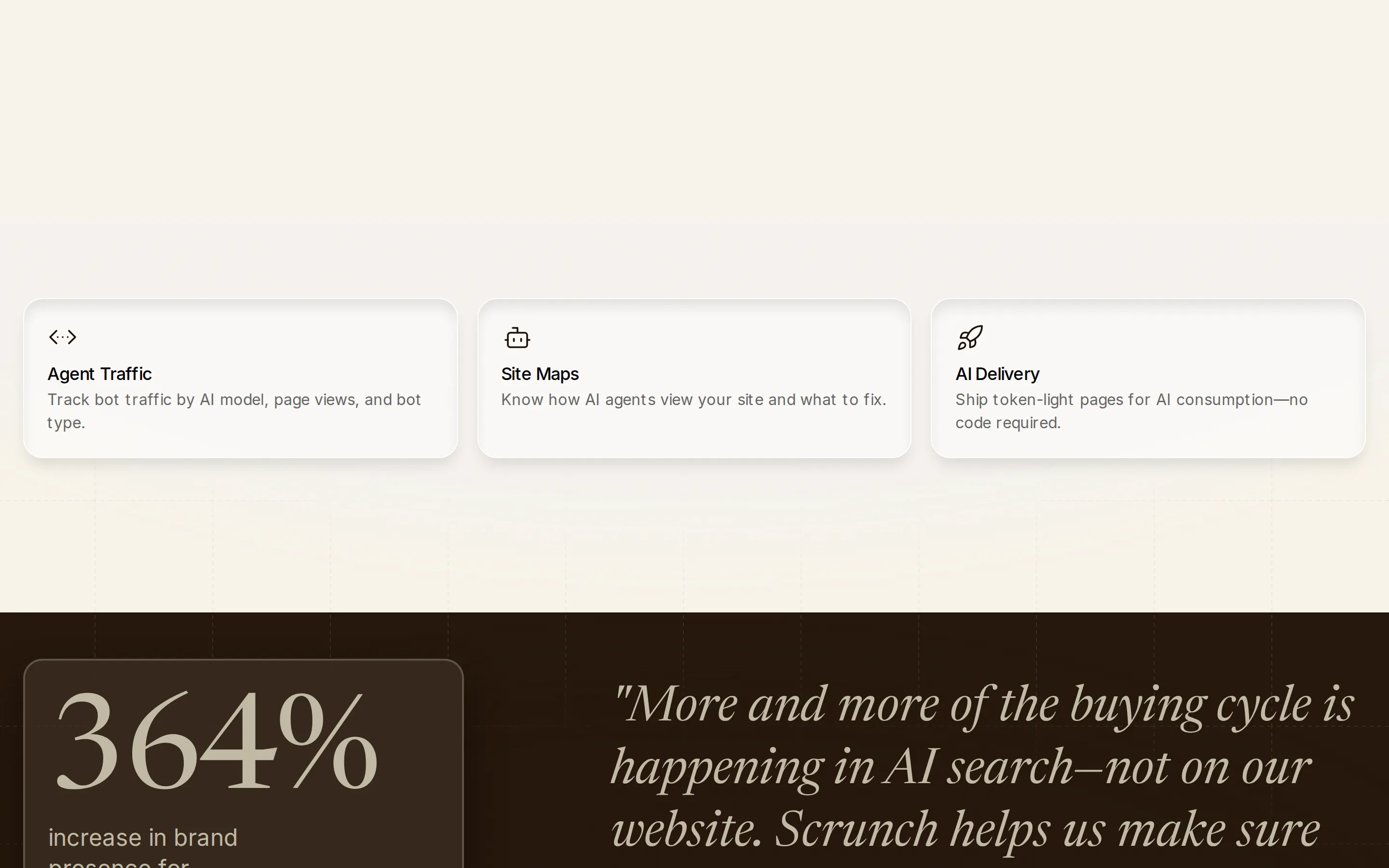
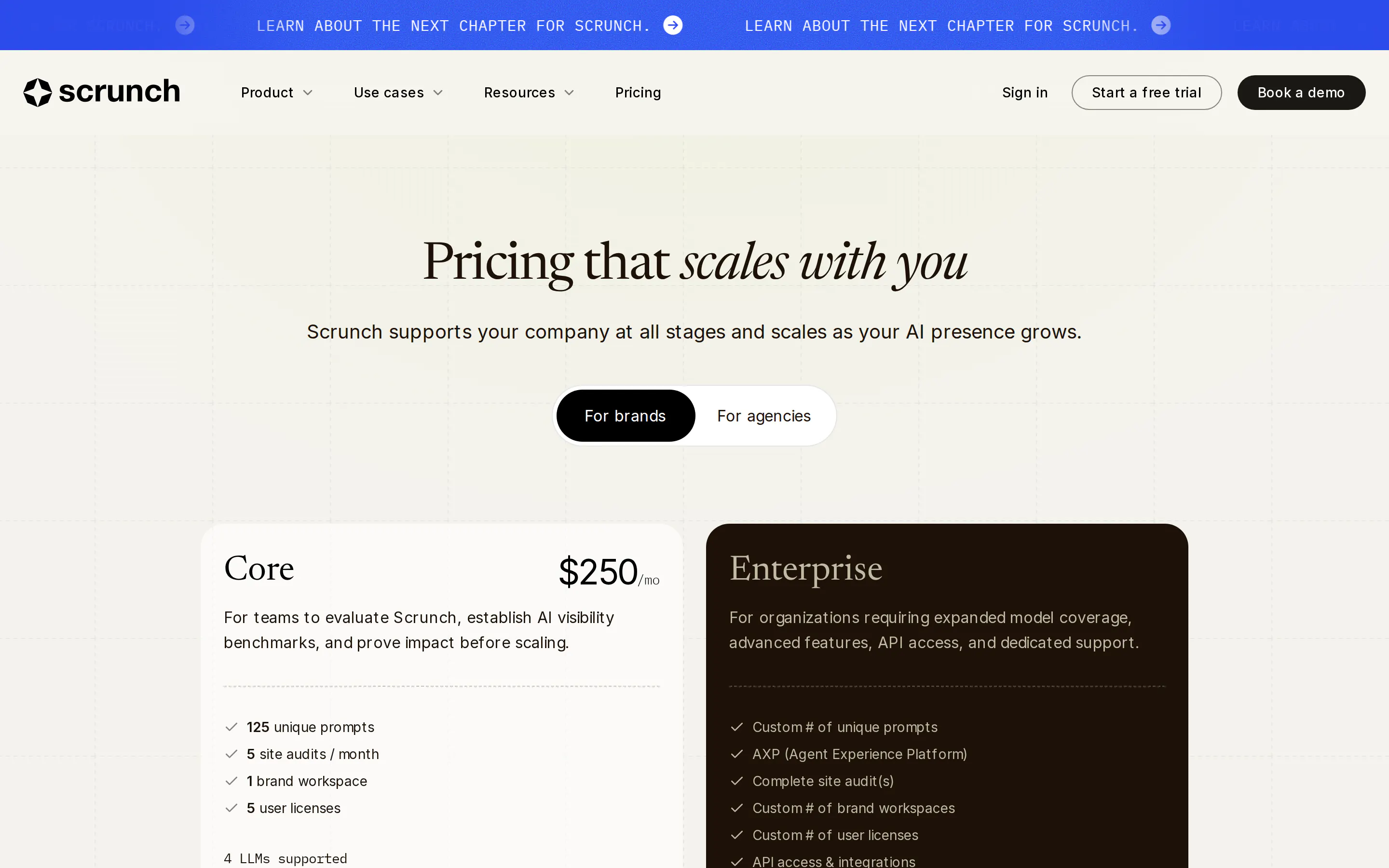
Scrunch pairs multi-engine monitoring with a delivery layer that serves content in a form AI systems can read directly.
Standout capability: the delivery layer is the differentiator. Rather than only reporting where you are missing, it formats content for AI consumption, and the Sitecore pairing gives Sitecore customers a monitoring-to-publishing path inside one vendor.
Best for: organisations already running Sitecore, where the combined roadmap is an advantage rather than a question.
Limitation: Core is $250 per month for 125 prompts, five site audits and four LLMs, which is a narrower model list than most at that price. On any stack other than Sitecore you are also evaluating a product whose priorities now sit inside a larger platform.
7. Semrush AI Visibility Toolkit
Semrush added AI visibility to its suite, covering AI Overviews, ChatGPT mentions, brand perception and prompt-level visibility.
Standout capability: it sits beside the keyword and backlink reports your team already reads, so AI visibility enters existing reporting without a new tool, a new login or a new procurement cycle.
Best for: teams already paying for Semrush who want a trend line rather than a programme.
Limitation: Semrush lists the toolkit at $189 per month for 100 prompts and $989 for 1,000, and it remains a module inside a suite rather than a product built for this job.
How the tracking tools compare
These are the questions buyers raise in demos. Which engines do you get for the money, how many prompts can you track, does the tool show the URLs being cited, and does it tell you what to do next?
Tool | Engines at entry price | Prompts at entry | Shows cited URLs | Tells you what to publish |
|---|---|---|---|---|
Peec AI | Choose 3 at $95 | 50 | Yes, plus fan-out queries | Yes, scored by gap size |
Profound | 1 (ChatGPT) at $99, 3 at $399 | 50 | Yes, plus crawler analytics | Yes, via agents |
Promptwatch | 4 models, every plan | 6,000 responses at $95 | Yes, plus crawler logs | Partly, 5 AEO articles |
Otterly | Limited | 15 at $29 | Yes | Fixes, not content |
AthenaHQ | 9 at $295, free tier exists | Credit-metered | Yes | Yes, via Action Center |
Scrunch | 4 LLMs at $250 | 125 | Yes | Yes, agent delivery layer |
Semrush | Suite-dependent | 100 at $189 | Limited | No |
GEO tools for creating and publishing content
Tracking tells you which prompts you lose. This category closes the gap, and it is where most programmes stall, because knowing where the gaps are was always the easier first step.
1. Prismic
Prismic connects to your AI visibility tool, reads the prompts you are losing and the sources being cited, and turns that into a prioritised list of pages to build. Agents then draft them for review, and approved pages go live the same day.
Standout capability: it covers the whole loop rather than one step. The recommendation layer reads live citation data from Peec AI, Profound or a similar tracker and works out which page closes which gap, so nobody is turning a dashboard into a brief by hand. Drafts come from your own material rather than the open web, pulling from sales calls, internal docs, Notion and Google Drive, so pages carry product detail and customer language competitors cannot copy. And Prismic publishes the pages itself, built the way AI systems prefer to read them.
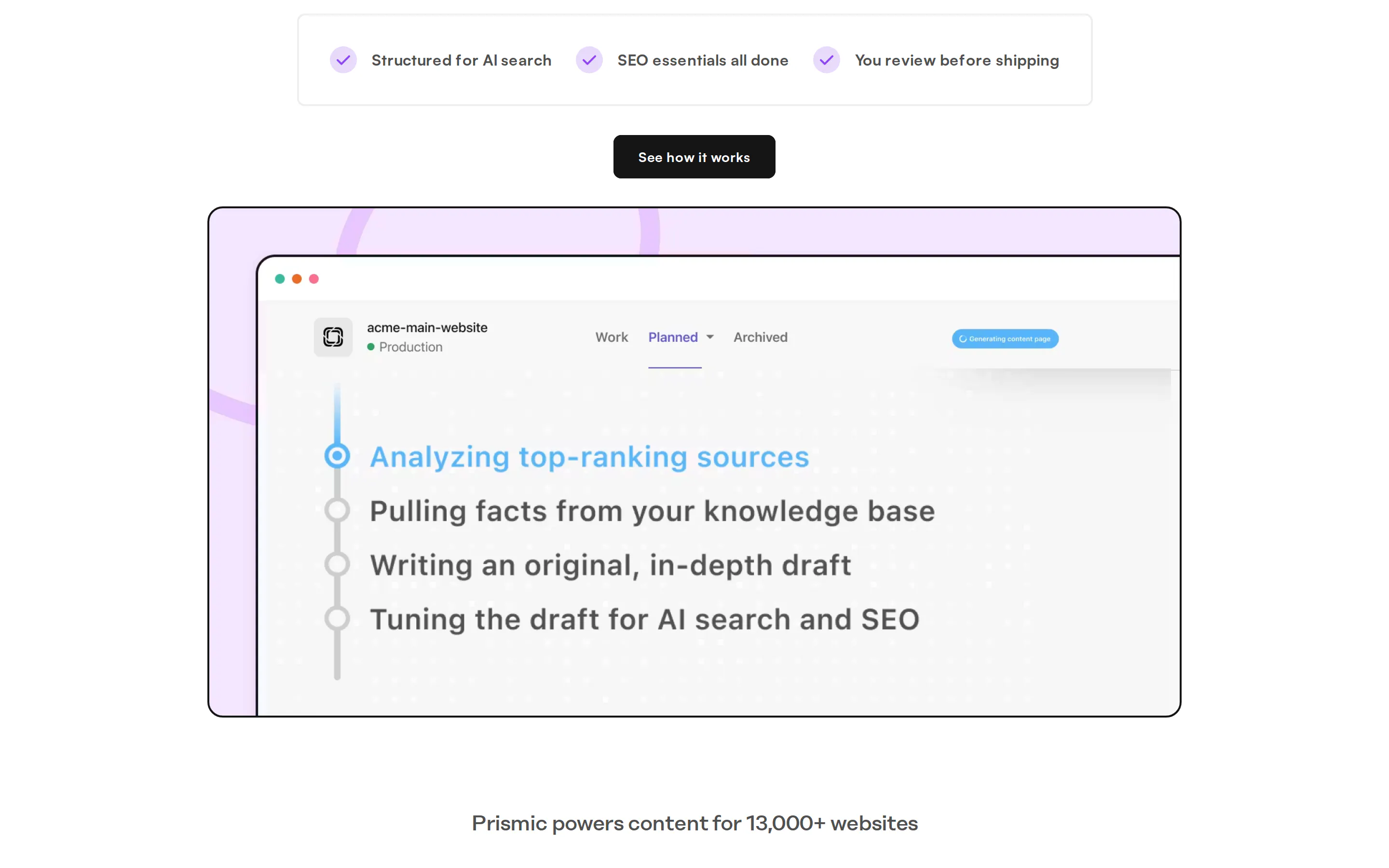
In a 30-day test on its own category, the first agent-drafted page was cited within 14 days.
Best for: marketing teams whose bottleneck is turning visibility findings into live pages, and who want that without waiting on developers.
Limitation: Prismic does not measure AI visibility itself. It reads from the tracker you already run, so it belongs alongside a tool from the first category rather than instead of one.
2. AirOps
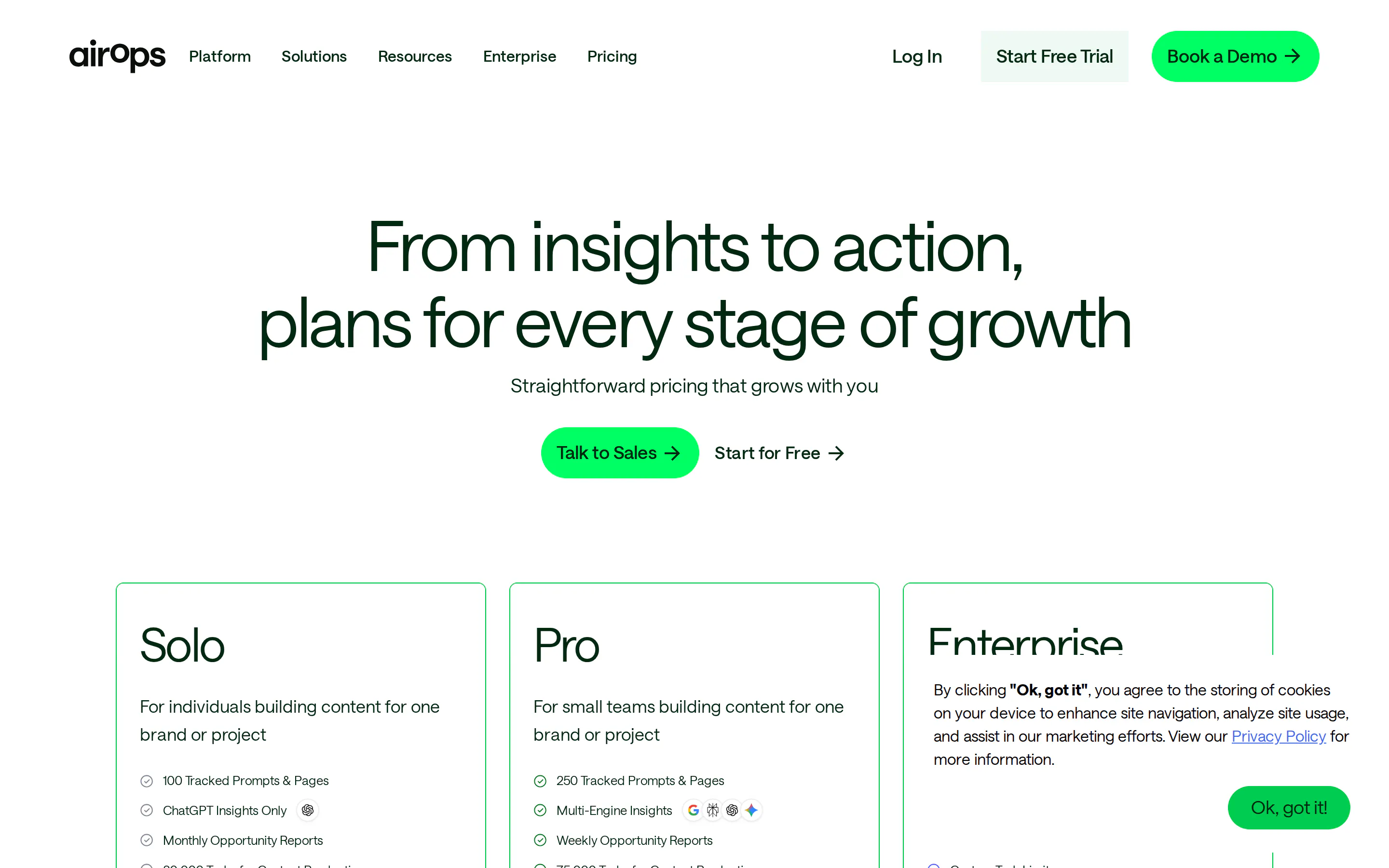
AirOps is a content engineering platform that runs AI workflows over your existing content operation.
Standout capability: it imports whole content collections from your CMS, runs them through workflows, and publishes back into Webflow, WordPress, Contentful, Sanity, Storyblok, Strapi and HubSpot. Approval steps route through Asana, ClickUp or Slack, so publishing stays gated.
Best for: teams with high content volume, an existing system they will not move off, and enough process to justify running a second platform alongside it. Agencies handling several clients get the most out of the workflow model.
Limitation: it sits alongside your CMS rather than inside it, which means another subscription, another permissions model, and an integration surface that has to keep working. The quality of the output still depends on what you feed the workflow.
3. SEOmatic
SEOmatic turns templates and structured data into large volumes of pages, then publishes them in bulk.
Standout capability: it handles the housekeeping that breaks most bulk page projects, keeping site maps current as pages publish and linking related pages to each other automatically instead of leaving them stranded.
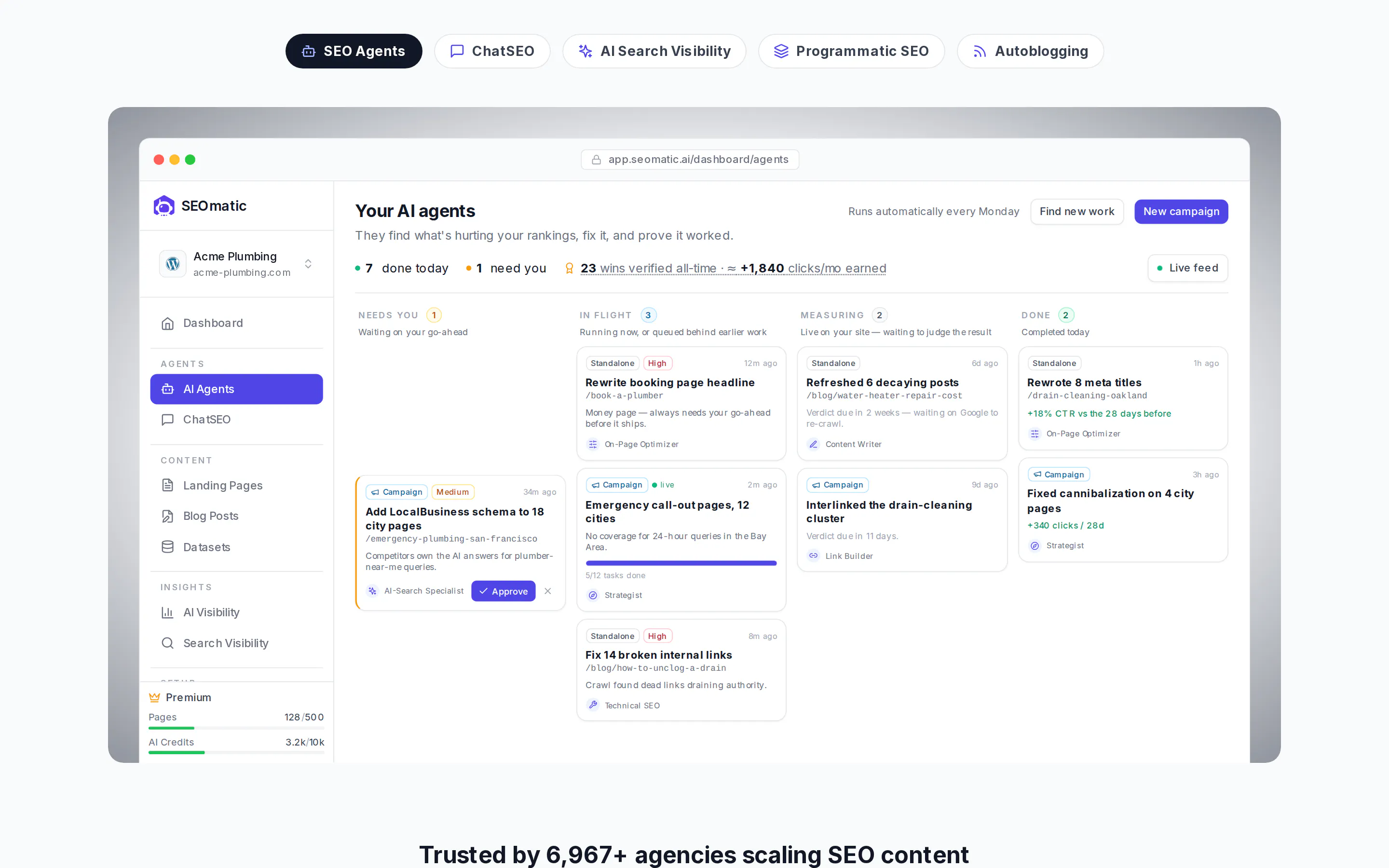
Best for: genuinely templated pages such as integration, comparison, location or glossary pages, where a spreadsheet carries real differences between one page and the next. It is the wrong tool for anything that needs a point of view.
Limitation: SEOmatic's pricing starts at $149 per month, rising to $399 and $899. It generates and publishes but does not read AI visibility data, so what to build is your decision, and thin datasets produce thin pages at speed.
4. Scalenut
Scalenut combines AI search visibility tracking with content planning, writing and optimization in one platform.
Standout capability: it covers briefs, drafts and on-page optimization scored against what currently ranks, without switching tools between steps. Its own visibility tracking feeds the planning stage, so a small team can run a basic loop inside one subscription.
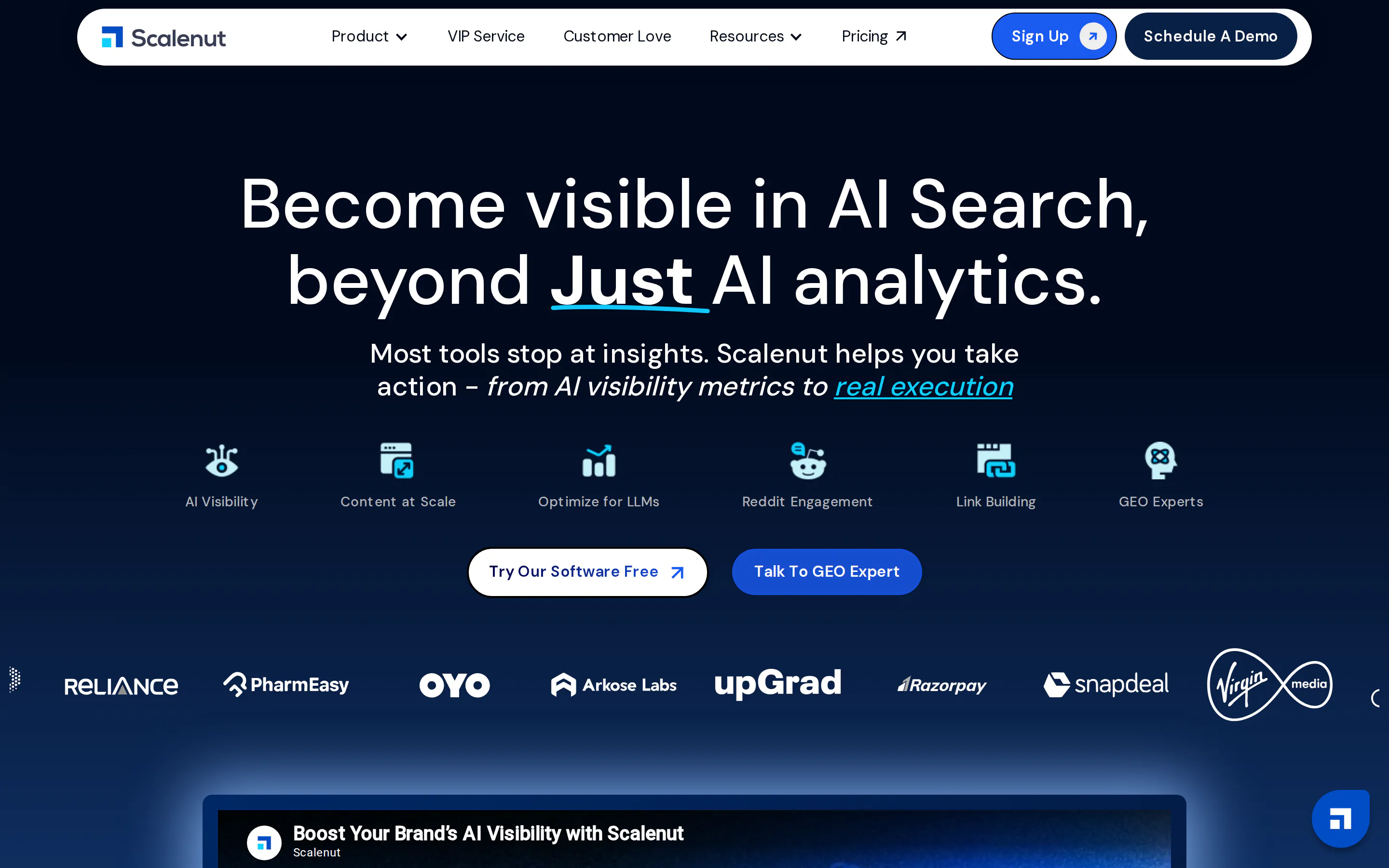
Best for: smaller content teams that would rather run one platform than assemble a stack.
Limitation: breadth costs depth. Its visibility tracking is lighter than a dedicated tool from the first category, so teams needing engine coverage or prompt volume usually end up buying both anyway.
How the creation tools compare
The questions that decide this purchase are different from the tracking category. Buyers want to know whether the tool tells them what to build, whether the output sounds like their company or like the open web, and how long an approved page takes to go live.
Tool | Reads your AI visibility data | Drafts from your own knowledge | Publishes without a developer | Human approval before live |
|---|---|---|---|---|
Prismic | Yes, from your existing tracker | Calls, docs, Notion, Drive | Yes, natively or to your CMS | Yes, required |
AirOps | Measures its own content performance | Brand kit and memory stores | Yes, into 7+ platforms | Yes, routed to your tools |
SEOmatic | No | Structured data you supply | Yes | Yes |
Scalenut | Yes, its own lighter tracking | Briefs and research you supply | Yes | Yes |
The first column is the one most teams underrate. A tool that writes well but cannot tell you what to write leaves the hardest decision on your desk every week.
GEO tools for refreshing content you already published
The cheapest visibility gains usually come from pages that already exist. Models favour content that reads as current, and a page untouched for two years looks stale to a system deciding what to cite.
1. Prismic
Prismic compares the citation data from your tracker against the pages you have already published, then decides whether a gap calls for a new page or an update to an existing one.
Standout capability: that decision. Turning a visibility gap into an update rather than a new URL avoids the common failure where a site competes against its own pages for the same phrasing, and it puts the work where authority already sits. The updated page inherits its existing structure and internal links rather than starting from zero.

Best for: teams with a library worth defending and gaps that existing pages could plausibly cover.
Limitation: it works from citation and ranking signals, so it finds stale pages well and cannot tell you that a claim became factually wrong.
2. AirOps
AirOps runs refresh workflows across a whole library rather than page by page.
Standout capability: bulk operations across hundreds of pages at once, including link repair, fact-checking passes and positioning updates, each batch routed for approval before anything goes live.
Best for: large estates where the backlog is measured in hundreds of URLs.
Limitation: bulk edits are only as good as the instructions behind them, and a poor instruction applies at scale too.
3. Profound and Conductor agents
Both platforms offer agent workflows that recommend content changes from visibility data.
Standout capability: the recommendations sit next to the analytics that produced them, so the reason for a change is visible alongside the change itself.
Best for: teams that already own either platform and want to act without adding a tool.
Limitation: the output is a recommendation rather than a finished page, and neither is a reason to buy the platform on its own.
How the refresh tools compare
Tool | Decides update versus new page | Scope | Time from decision to live |
|---|---|---|---|
Prismic | Yes, from your citation data | Page by page, prioritised | Same day once approved |
AirOps | No, you set the batch | Hundreds of pages at once | Depends on your publishing step |
Profound and Conductor | Recommends only | Advisory | You do the work |
Free GEO tools for a one-off audit
Use these before spending anything. They answer one question: whether you have a problem worth buying software to solve.
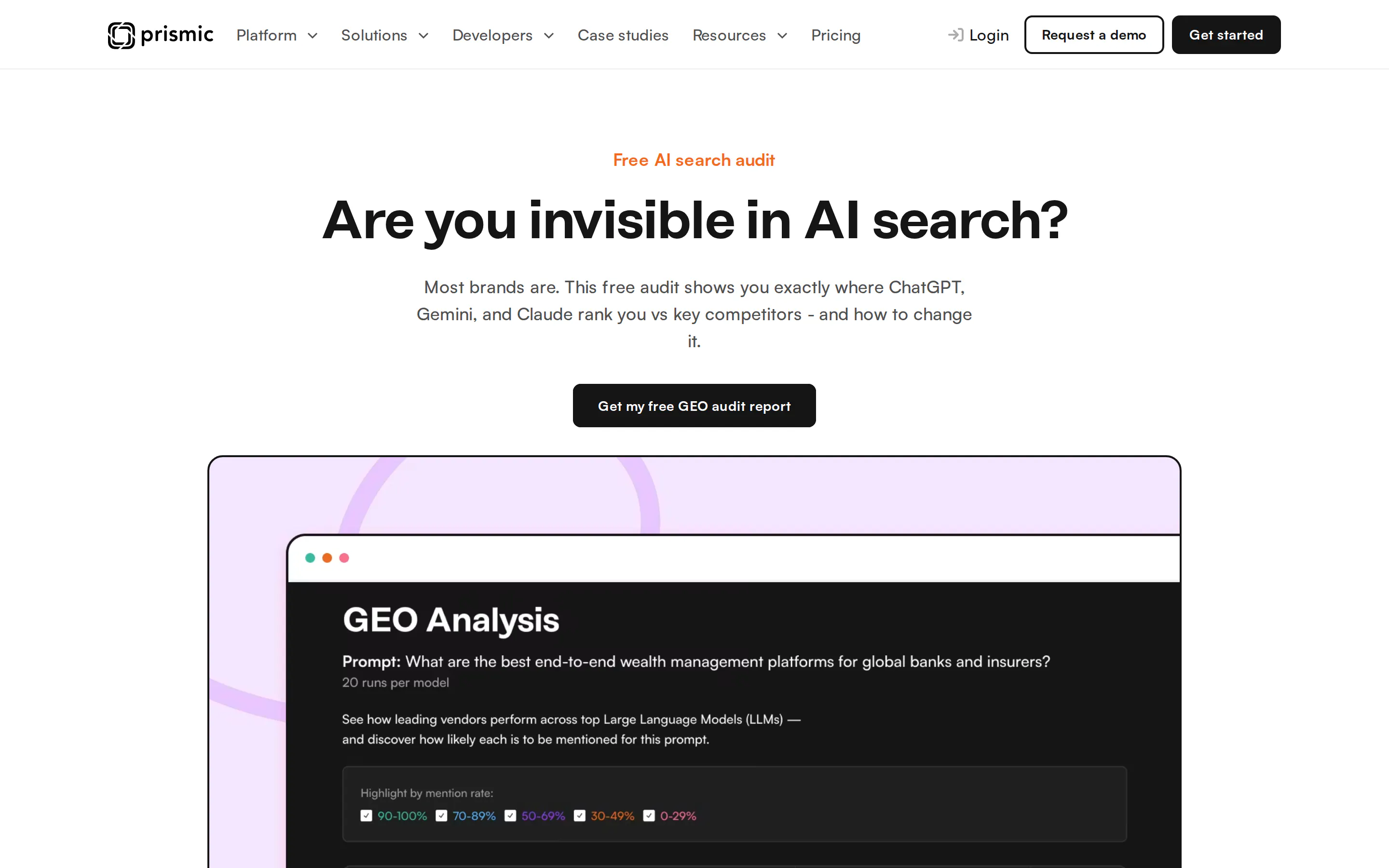
A free audit runs your prompt across the major models and shows the mention rate for every vendor competing for it, which is the fastest way to find out whether the problem is real.
Tool | Cost | What you get |
|---|---|---|
Free | Where you appear in AI answers and which content is missing | |
HubSpot AEO Grader | Free | A brand score across five dimensions |
Geoptie free audit | Free | An audit plus content and keyword checks |
Promptwatch free tier | Free | Ongoing tracking at a small prompt allowance |
An audit gives you a snapshot, not a trend. Once you know the problem is real, a snapshot stops being useful and you need something that runs daily.
The risk nobody's tool list mentions
Publishing generated pages at volume can raise visibility briefly and then cost more than it gained.
Google's spam policies define scaled content abuse as generating many pages primarily to manipulate rankings, and the policy applies whether pages came from automation, humans, or a mix. The pattern to avoid is a spike followed by a heavy decline, sometimes ending in pages dropping out of the index.
What separates safe use from unsafe use is not volume. It is whether each page carries something original: your data, your customers' language, a position a competitor cannot copy. It is also why where the content comes from is the most important question in the creation category, and the easiest one to skip during a demo.
Three questions worth asking any vendor that creates or refreshes content:
- Where does the draft's substance come from, my material or the open web?
- Can a person block publication, or is approval optional?
- What happens if I point this at 500 keywords tomorrow?
What you actually need to buy
If you have no data yet: run a free audit and buy nothing for a week.
If the audit shows you are missing from prompts that matter: buy one tracking tool. Peec for fan-out queries, Promptwatch if metered engine access annoys you, Otterly if budget is the constraint, Profound if the buyer is an enterprise.
If you have tracking and nothing is improving: the bottleneck is production, not measurement. This is the most common failure in the category, and a second dashboard will not fix it. Buy a creation tool that reads your visibility data, so the queue builds itself.
If you have a large existing library: start with refreshing before creating. Pages that already hold authority are cheaper to lift than new URLs are to establish.
If you are a small team without budget: a free tracking tier plus disciplined manual publishing beats an expensive tool nobody has time to act on.
Most teams end up with one tracking tool and one creation tool, with refreshing coming from the same vendor as creation.
This guide covers the full stack. Monitoring compared in more depth belongs in a dedicated comparison of AI visibility tools, and template-driven page generation belongs in a comparison of programmatic SEO tools.
What none of these tools can do yet
Attribution is unsolved across the whole category.
Assistants rewrite or drop the tracking parameters that normally trace a visit back to its source, so referrals arrive without the trail marketing teams rely on. Vendors are working on this. None has shipped end-to-end revenue attribution, and any pitch claiming otherwise is describing intent.
The consequence is that you will report on visibility and share of voice rather than pipeline for the foreseeable future. Agree that with whoever signs the budget before you buy, not after the first quarterly review.
Turn a prompt you are losing into a page
See how Prismic turns a visibility gap into published pages, using a prompt you are currently losing. We walk through your own data rather than a generic demo account.
Frequently asked questions
Where to start
Run a free audit before spending anything. If it shows gaps on prompts your buyers actually type, you have a case for a tracking tool. Once tracking shows gaps you cannot produce content fast enough to close, see how a gap becomes a published page.
Disclosure: Prismic publishes this guide and makes two of the products listed: the content creation and publishing tool, and the free GEO audit. Prismic does not sell a visibility tracker, and uses Profound and Peec AI for its own tracking. Prismic has a commercial partnership with Peec AI, and the same integration is open to other visibility tools.
Keep reading