
If Nuxt is your frontend framework, which CMS should you pair it with? This article covers seven platforms specifically evaluated for Nuxt in 2026: Prismic, Storyblok, Sanity, Strapi, Payload, Hygraph, and Directus.
TL;DR (key takeaways)
- Prismic stands out for its vendor-maintained @nuxtjs/prismic module, a visual Page Builder for marketers, and a component-driven Slice Machine workflow.
- Storyblok is best for teams that want WYSIWYG in-page editing with real-time visual feedback through its official Nuxt module.
- Sanity is the strongest choice for structured, code-defined content schemas with typed GROQ queries and auto-generated TypeScript types.
- Strapi suits teams that want an open-source, self-hostable CMS with full control over the content model, backed by a Nuxt team-maintained module.
- Payload fits teams that want a code-first, TypeScript-native CMS and don't mind a more manual Nuxt integration.
- Hygraph is the right fit for teams already working with GraphQL and needing content federation across multiple data sources.
- Directus works well for teams that want a CMS layer on top of an existing SQL database with full self-hosting control.
What makes a headless CMS a good fit for Nuxt?
The following elements set a strong Nuxt CMS integration apart from a generic API that requires extra configuration.
- Official Nuxt module vs. manual plugin setup: An official Nuxt module registers itself in nuxt.config.ts, auto-imports composables and components, and handles SSR and preview setup automatically. If the CMS ships a generic JavaScript SDK instead, you can initialize it in a Nuxt plugin, but you'll still handle auto-imports and SSR-safe fetching yourself. Without either, you're making raw API calls and wiring everything from scratch.
- On-demand cache invalidation: ISR requires Nitro route rules in nuxt.config.ts and a way to invalidate cached pages when content changes. Most CMSs handle this via webhooks, but how well they document the Nuxt-specific setup varies.
- Rendering mode support (SSR, SSG, ISR): Nuxt supports all three rendering modes. CMSs that document SSR, SSG, and ISR integration will save development time.
- Live preview in Nuxt: Some CMSs provide a dedicated Nuxt integration for preview mode. Others use iframe-based editors, which may require adjustments to your frontend's Content Security Policy.
- Nuxt starter templates: An official starter means the module, routing, and preview are already wired up, allowing you to build faster.
Now that we have the right context and evaluation criteria in mind, let’s explore these headless CMS solutions for Nuxt. The table below summarizes the learnings from each platform.
Check out our headless CMS guides
Explore our headless CMS guides, which cover the subject matter in detail.
CMS | Best for | Official Nuxt module | Live preview | Starts from |
|---|---|---|---|---|
Prismic | Vendor-maintained module, visual Page Builder, and component-driven workflow | ✅ | ✅ | $10/mo |
Storyblok | WYSIWYG in-page editing with real-time visual feedback | ✅ | ✅ | €90.75/mo |
Sanity | Structured, code-defined content schemas with typed GROQ queries | ❌ | ✅ | $15/seat/mo |
Strapi | Open-source, self-hostable CMS with full control over the content model | ❌ | ✅ | $45/mo |
Payload | Code-first, TypeScript-native CMS for teams comfortable with manual setup | ❌ | ✅ | Free |
Hygraph | GraphQL-native teams with content federation needs | ❌ | ✅ | $199/mo |
Directus | Layering a CMS over an existing SQL database with full self-hosting control | ❌ | ✅ | $99/mo |
7 Best headless CMS platforms for Nuxt
1. Prismic
Best for: Nuxt teams seeking a visual Page Builder for marketers and a component-driven developer workflow
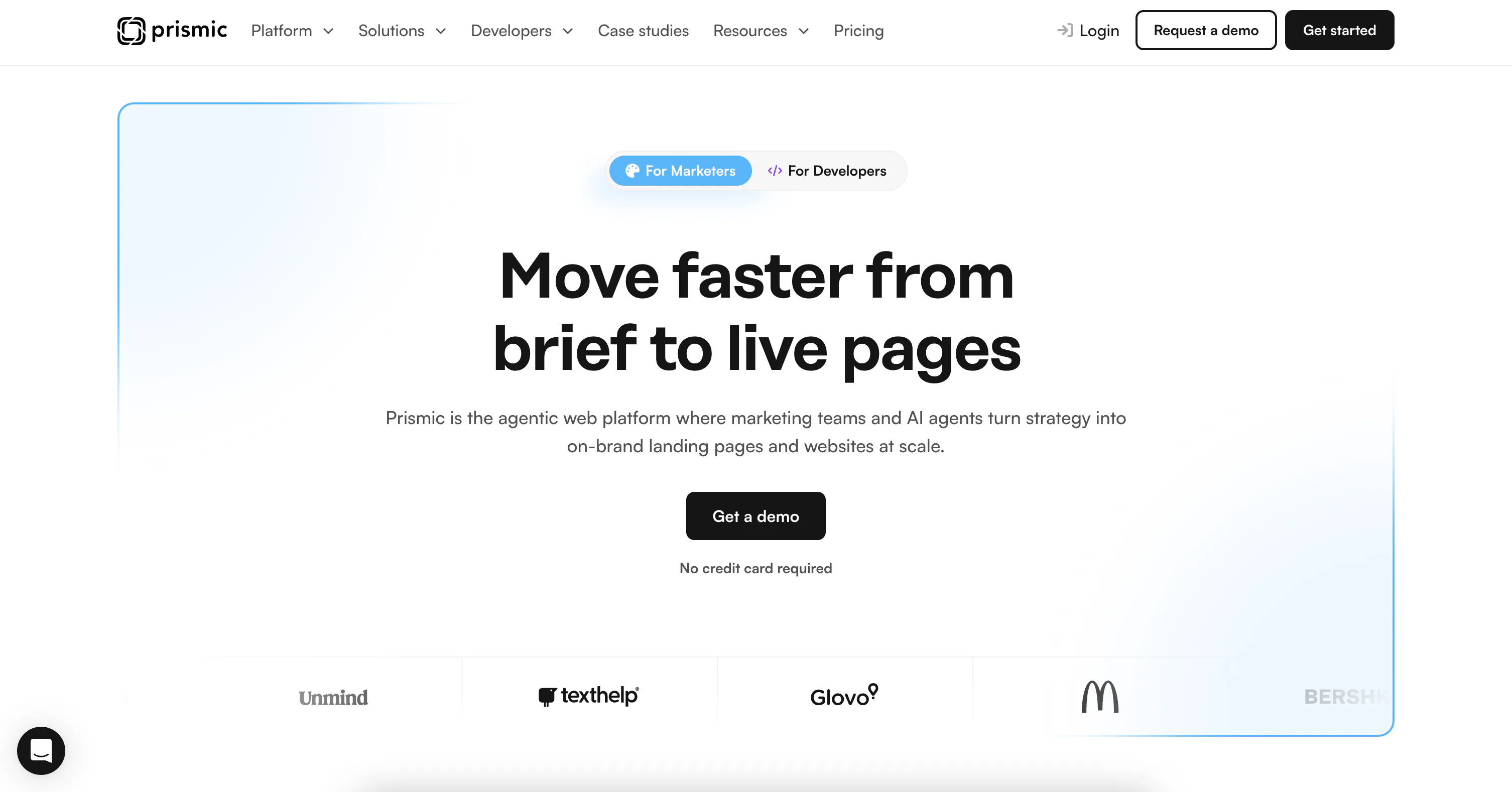
Prismic is a headless website builder built around a component-driven Page Builder, designed for teams that want developers and marketers working independently without stepping on each other.
Developers build reusable page sections called Slices using Slice Machine, locally alongside their Nuxt code. Marketers then use the Page Builder to assemble and publish the pages they need without filing a developer ticket.
Nuxt-specific strengths
- @nuxtjs/prismic is the official Nuxt module, maintained by Prismic. Adding it to
nuxt.config.tsauto-imports all@prismicio/vuecomponents across the project, including<PrismicRichText>,<PrismicImage>,<PrismicLink>, and<SliceZone>, eliminating any manual registrations. - Content fetching uses the
usePrismic()composable, which gives direct access to the Prismic client andisFilledhelpers inside<script setup>. It pairs naturally withuseAsyncData, which handles SSR, caching, and hydration the Nuxt way. - TypeScript types are generated per Slice and page type automatically, so content responses are fully typed in your
.vuefiles. - The module registers a
/previewroute automatically. Editors see real-time updates inside the Page Builder via the/slice-simulatorroute and the<SliceSimulator>component. - Works with hosting providers like Cloudflare and Vercel, which support Nitro's edge runtimes.
- The Nuxt module also handles route resolvers and i18n forwarding through
nuxt.config.ts. - There's a Prismic Nuxt starter that you can use to get started quickly.
Nuxt-based limitations
- New page layouts still require a developer to build the Slice first.
Pricing
- Free
- Starter ($10/month)
- Small ($25/month)
- Medium ($150/month)
- Platinum ($675/month)
- Enterprise (Custom)
Resources
2. Storyblok
Best for: Nuxt teams that want WYSIWYG in-page editing with real-time preview
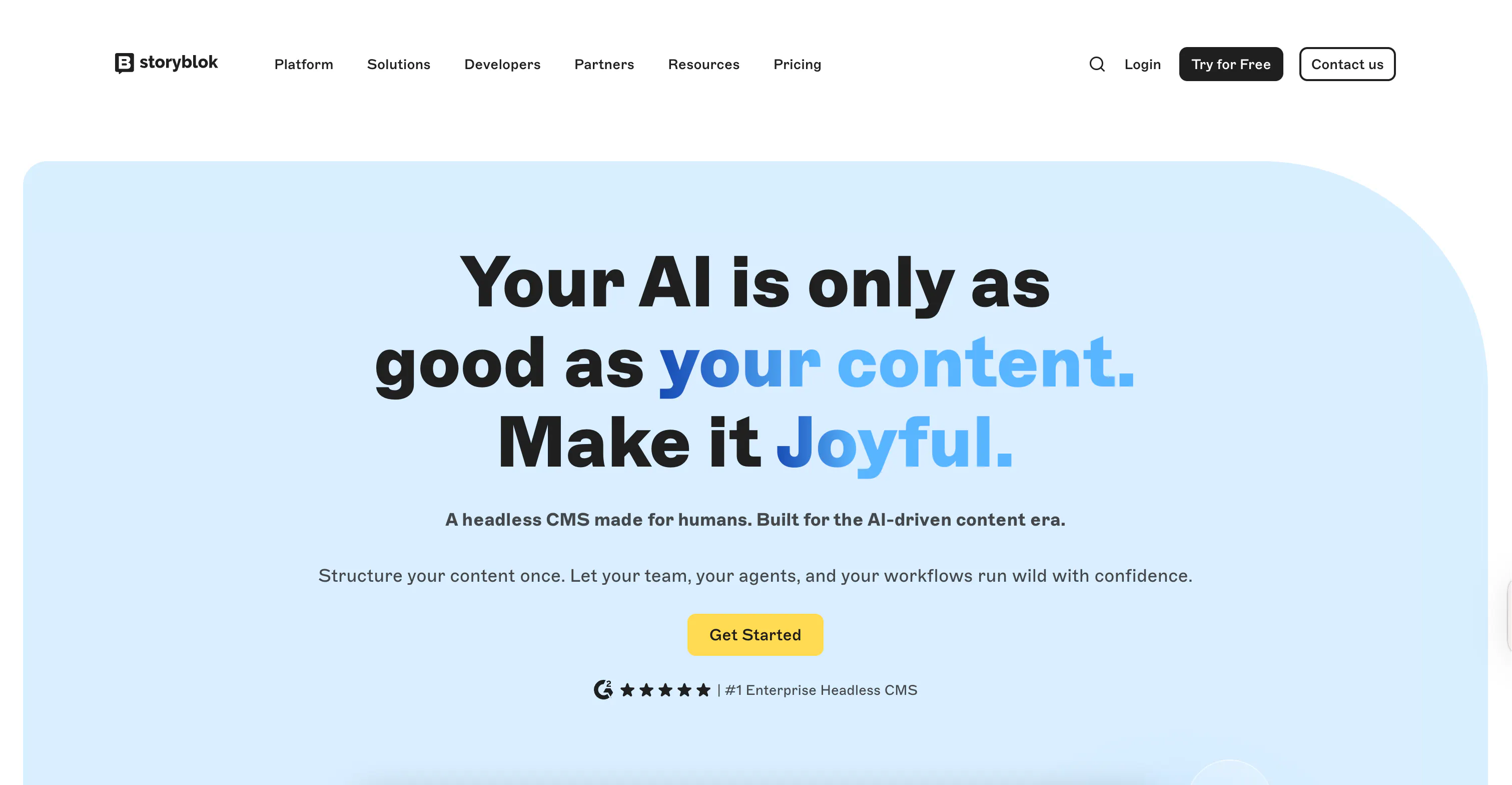
Storyblok is built around a component-based Visual Editor, where developers define reusable content blocks, and editors assemble pages through a drag-and-drop interface that supports real-time previews.
Nuxt-specific strengths
@storyblok/nuxtis Storyblok's official Nuxt module. As of v9, it brings full compatibility with Nuxt 4 while maintaining backward compatibility with Nuxt 3.15+.- The module makes
useAsyncStoryblokandStoryblokComponentavailable as auto-imports across the entire project, with no manual registration needed. - Vue components placed in the
/storyblokdirectory are automatically imported and mapped to their Storyblok block names. A block calledheroin Storyblok maps toHero.vueand renders automatically viaStoryblokComponent. - The
v-editabledirective connects any Vue component to the Visual Editor, so edits appear in the preview pane as the editor types, with no page reload. - Storyblok has a starter repo for Nuxt projects.
Nuxt-based limitations
- No built-in TypeScript type generation for content models. You need a community tool like
storyblok-generate-tsor manual type definitions. - The Visual Editor loads the frontend inside an iframe, so sites with strict Content Security Policy headers need adjustments before the editor can load.
@storyblok/nuxtv9 dropped support for older Nuxt 3 data-handling patterns, so upgrading from earlier versions requires some migration work.
Pricing
- Starter (Free)
- Growth (€90.75/mo)
- Growth Plus (€319.91/mo)
- Premium & Elite (Custom)
Resources
3. Sanity
Best for: Nuxt teams that need structured content and visual editing configured in
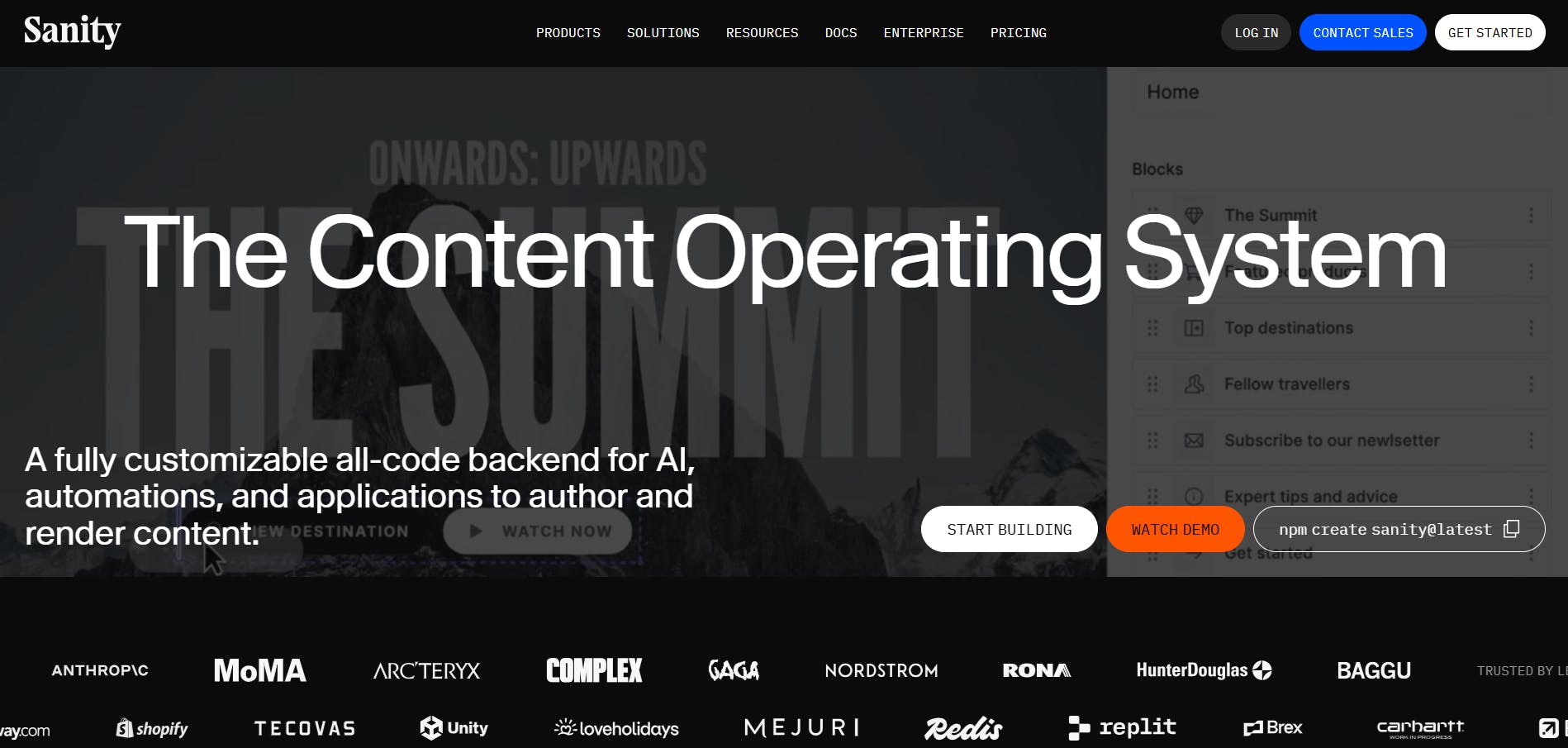
Sanity has a structured content approach where your schema lives in code, and your content is stored in a hosted Content Lake you query with GROQ, Sanity's own query language.
Nuxt-specific strengths
@nuxtjs/sanityis a dedicated Nuxt module (maintained by the Nuxt team) that handles client configuration, data fetching, TypeScript type generation, and visual editing setup.- The module provides a
useSanityQuerycomposable that works natively inside<script setup>with TypeScript generics for typed content responses. - The
typegenoption innuxt.config.tsreads your Studio schema and.vuefile paths to automatically generate typed GROQ query responses, with no separate codegen step. - Visual editing is configured via the
visualEditingoption in the module config, letting editors click on content in the preview pane to jump directly to the corresponding field in Sanity Studio. - The module also provides zero-config components like
SanityFileandSanityImage. - Sanity provides two official Nuxt starters for a quick start.
Nuxt-based limitations
- Developers must first learn how to use Sanity’s GROQ before they can fetch content effectively.
Pricing
- Free
- Growth ($15/month/per seat)
- Enterprise (custom)
Resources
4. Strapi
Best for: Nuxt teams that want an open-source, self-hostable CMS
Strapi, an open-source headless CMS, lets you design your content models while the platform generates REST and GraphQL APIs on top of them, without writing backend code.
Nuxt-specific strengths
- There’s a
@nuxtjs/strapimodule that auto-imports composables across the project. - The module provides Strapi Devtools integration, built-in authentication via
useStrapiUser, TypeScript support, and error handling hooks. - Because Strapi's API is framework-agnostic, you can also use
useFetchoruseAsyncDatadirectly with your Strapi URL without the module. - Strapi 5 is supported via the
version: 'v5'config option, and the Strapi documentation links to@nuxtjs/strapias the recommended Nuxt integration path. - Live preview works with Nuxt's native preview mode on the Growth plan and above.
Nuxt-based limitations
@nuxtjs/strapiis maintained by the Nuxt team, not Strapi, so updates depend on the Nuxt team's priorities and may not keep pace with new Strapi releases.- There is no official Strapi-maintained Nuxt starter template.
- Live preview requires the Growth plan ($45/month) and is not available on the free Community version.
Pricing
- Community (Free)
- Growth ($45/month)
- Enterprise (Custom)
Resources
5. Payload
Best for: Nuxt teams that are comfortable with a manual integration setup
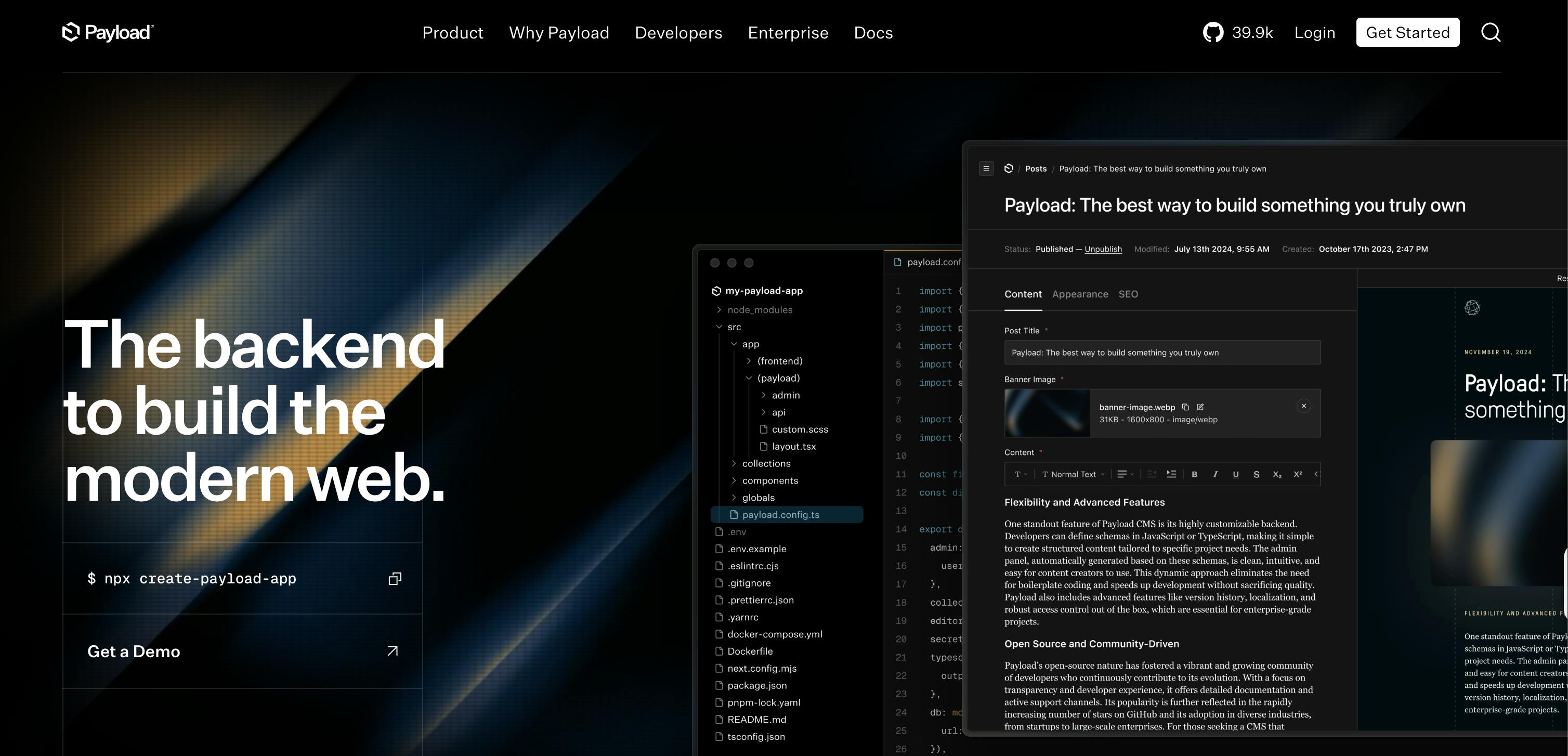
Payload is an open-source, code-first headless CMS and application framework built with TypeScript and React. You define your content schema in code, and Payload generates a full admin panel, REST API, and GraphQL API on top of it.
Nuxt-specific strengths
@payloadcms/live-preview-vueprovides auseLivePreviewcomposable for Vue 3 and Nuxt 3 projects, giving you a client-side live preview.- The REST and GraphQL APIs are framework-agnostic, so you can use
useAsyncDataor$fetchin Nuxt, to retrieve content without any adapter. - Payload is TypeScript-native. Content types defined in your Payload config can be imported and used directly in your Nuxt project for typed API responses.
Nuxt-based limitations
- There is no official Nuxt module. You set up a Nuxt plugin from scratch to initialize the Payload client and manage configuration manually.
- Server-side live preview officially supports React only. Nuxt projects are limited to client-side live preview via
useLivePreview. - There are no Nuxt starter templates and no Nuxt-specific documentation beyond the live preview page.
Pricing
- Free (Open source)
Resources
6. Hygraph
Best for: Nuxt teams comfortable with GraphQL and content federation
Hygraph is a GraphQL-native headless CMS with content federation at its core. Instead of treating your CMS as a single source of truth, Hygraph lets you stitch in data from external APIs, ecommerce platforms, or other systems and query everything through one GraphQL endpoint.
Nuxt-specific strengths
nuxt-graphql-client, a community Nuxt module, handles GraphQL codegen for Hygraph queries. Drop your.gqlfiles into a queries folder, and it auto-generates typed helper functions likeGqlPages()andGqlPage().- Hygraph works as a native image provider for
@nuxt/image. Point it at Hygraph's asset CDN in nuxt.config.ts, and Nuxt handles resizing and optimization. - Live preview works through a Nuxt plugin that watches for a
?preview=true query param and exposes a$previewvariable across components. - There are two Hygraph Nuxt starters that you can use to speed up the development process.
Nuxt-based limitations
- Hygraph itself doesn't offer a dedicated Nuxt SDK, meaning you must rely on community tools like
nuxt-graphql-client. - GraphQL is the only query option, so there's a learning curve if your team is coming from a REST-based CMS.
- The free Hobby plan has usage limits that make it more ideal for prototyping, and the first paid plan costs $199/month, making Hygraph expensive.
Pricing
- Hobby (Free)
- Growth ($199/month)
- Enterprise (Custom)
Resources
7. Directus
Best for: Nuxt teams that want a CMS layer over an existing SQL database with full self-hosting control
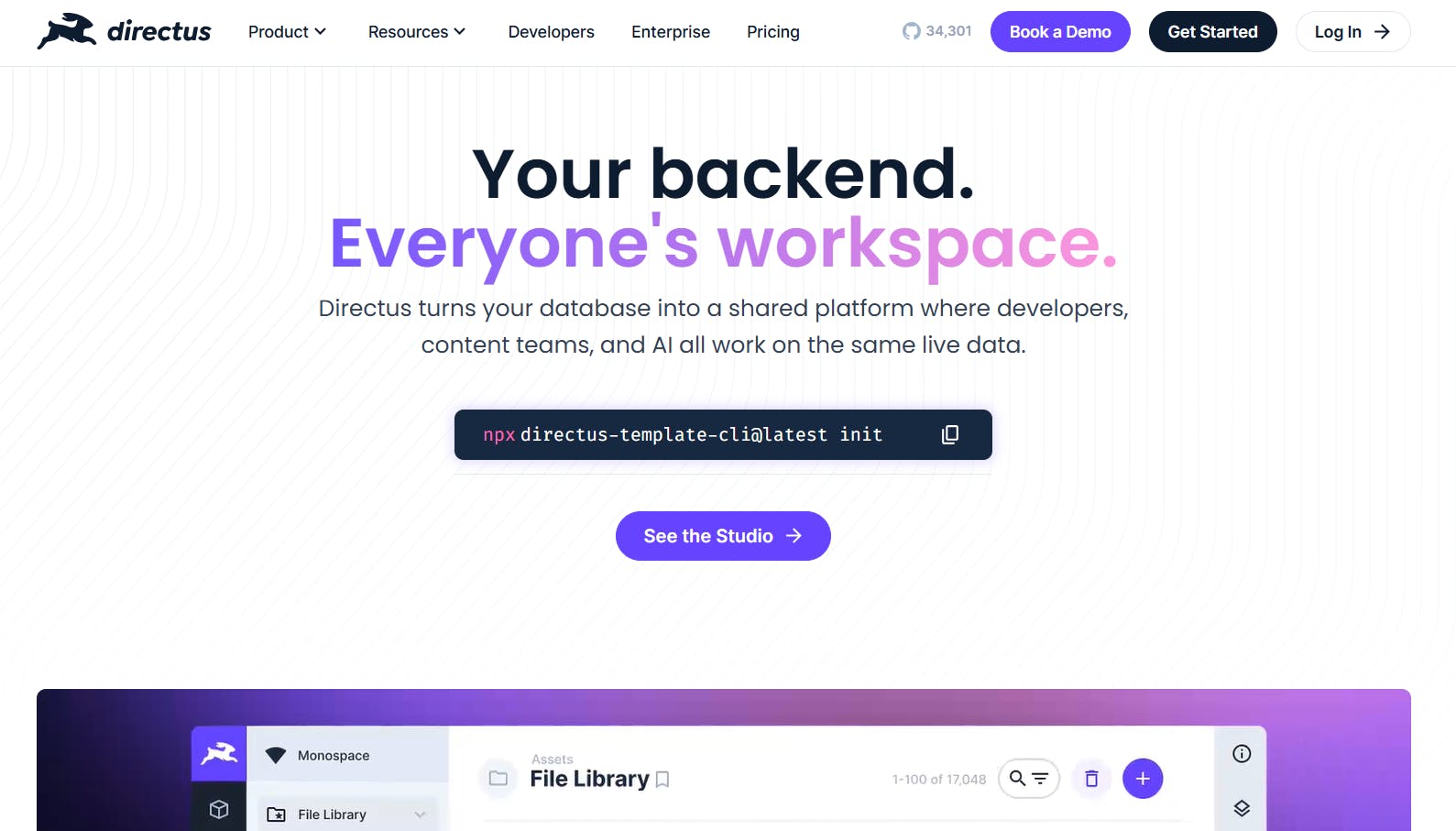
Directus wraps around your existing SQL database (PostgreSQL, MySQL, SQLite, and others) and instantly generates REST and GraphQL APIs, an admin interface, and real-time WebSocket support on top of it, without touching your schema.
Nuxt-specific strengths
- The
@directus/sdkis a composable client. You initialize it in a Nuxt plugin (plugins/directus.ts) and expose it across all pages and components viauseNuxtApp(). - The SDK supports TypeScript out of the box.
- There's a
nuxt-directusmodule maintained by the Nuxt team. It handles authentication, REST methods, and TypeScript support out of the box.
Nuxt-based limitations
- There is no official Nuxt module from Directus. The plugin approach requires more manual setup than a module.
nuxt-directusis community-maintained, not an official Directus product.- Directus is self-hosted by default, so running your own instance means managing infrastructure, backups, and upgrades.
Pricing
- Free (Open source)
- Cloud ($99/month)
Resources
Nuxt Content vs. external headless CMS: when to use each
Nuxt Content is a first-party Nuxt module that turns Markdown, YAML, and JSON files into a /content directory into a queryable collection of documents. It has zero external API dependencies and works across static, server, serverless, and edge deployments.
The decision really comes down to two things: who's editing your content, and how often it changes.
Use Nuxt Content if:
- Your editors are comfortable working in a Git workflow.
- Your content is mostly Markdown-based, like blog posts, docs, or changelogs.
- You want zero external API calls at build or request time.
- Content updates can go through a pull request workflow.
Use an external headless CMS if:
- Non-technical editors need to publish content without touching the codebase.
- You need a visual page builder that lets marketers assemble pages independently.
- Your content model is structured, relational, or localized in ways that are complex to represent in Markdown.
- Content updates need to happen outside of a deployment cycle.
The two aren't mutually exclusive. Many teams use Nuxt Content for developer-maintained docs and an external CMS for marketing pages.
SSR vs. SSG vs. ISR in Nuxt: how your CMS choice affects rendering
Nuxt supports three main rendering strategies, and your CMS choice directly affects how each one performs.
SSG (Static Site Generation) is the simplest. Your CMS content gets fetched once at build time, and that's it. Any CMS with an API works here, but if your content changes often, you're looking at a rebuild every time.
SSR (Server-Side Rendering) renders on every request. It’s good for frequently updated content, but every uncached page view is routed directly to your CMS API. Rate limits and response times start to matter a lot more here.
ISR (Incremental Static Regeneration) sits between the two. Pages are cached, but you can revalidate individual ones without touching the rest of the site. You set it up via Nitro route rules in nuxt.config.ts.
Recap and next steps: start building with Nuxt and Prismic
We've explored seven headless CMS platforms built for Nuxt in 2026, each with a different approach to content modeling, live preview, and editing experience, as well as varying prices.

For Nuxt teams that want the deepest integration out of the box, including a vendor-maintained module, auto-imported composables, a visual Page Builder for marketers, and a local Slice-building workflow via Slice Machine, get started with Prismic for free.
You can explore the platform at your own pace or book a demo with the product team.