7 Headless CMS Platforms with the Best Performance & Scalability in 2026
 By Alison Brunk
Beyond making content management easier, headless CMS solutions have become a critical part of performance infrastructure. When content is delivered via API to high-traffic applications, every millisecond of latency matters.
In this article, we'll look at 7 headless CMS platforms that offer some of the best performance and scalability in 2026, namely Prismic, Contentful, Sanity, Hygraph, Storyblok, Kontent.ai, and DatoCMS.
TL;DR (key takeaways)
- All 7 platforms covered in this guide are built for performance and scalability, with global CDN infrastructure and no rate limits on cached API requests.
- Prismic is best for JS framework-heavy stacks that need fast CDN delivery, generous API call limits, and built-in image optimization without extra configuration.
- Contentful is best for large enterprises that need proven infrastructure, dual CDN delivery, and auto-scaling Kubernetes architecture with multi-region redundancy.
- Sanity is best for teams that need server-side query filtering, three separate CDN layers, and a platform proven at billions of requests during peak traffic events.
- Hygraph is best for GraphQL-native architectures that need surgical cache invalidation and content federation across multiple data sources.
- Storyblok is best for high-traffic marketing sites that need 1,000+ cached requests per second with automatic cache versioning and visual editing.
- Kontent.ai is best for teams that want a guaranteed minimum uptime across all plans and straightforward Fastly-powered CDN delivery with a 40ms real-world API response time.
- DatoCMS is best for teams that need purpose-built asset pipelines for images and video, surgical cache tag invalidation, and 74 global edge locations serving over 650TB monthly.
What to actually check for when evaluating a headless CMS for performance and scalability
Picking a headless CMS based on marketing claims alone is a good way to end up with a platform that looks fast in demos but struggles in production.
Here are the things that actually matter.
- CDN architecture: Find out which CDN provider the platform uses, how many edge locations it has, and whether cached requests count against your rate limits or monthly quota.
- Cache hit rate and invalidation strategy: A high cache hit rate matters more than a fast origin API. Platforms that clear the entire cache on every publish will drive more origin traffic than those that only clear what actually changed.
- Rate limits for uncached requests: Check both the delivery and management API limits separately, since they're often very different.
- How limits are counted: Some platforms count CDN bandwidth separately from API calls, meaning you can exhaust one limit while staying within the other.
- GraphQL vs REST: GraphQL lets you request only the fields you need, reducing response size and bandwidth on every request. REST returns fixed data structures regardless of what you actually need.
- Pagination limits: Platforms that cap responses at 10 or 100 entries require more requests to paginate through large datasets, which adds latency and burns through your API quota faster.
- Limit transparency: Many platforms don't publish their actual limits for high-traffic use cases. If you have to contact sales just to find out your rate limit, that's worth noting before you commit to a plan.
The table below summarizes the learnings from each platform.
Platform | CDN | Cached request limit | Uncached rate limit | Major limitation |
|---|---|---|---|---|
Prismic | AWS CloudFront | Unlimited | 200 req/sec | 1TB max CDN bandwidth on Platinum |
Contentful | Fastly + AWS CloudFront | Unlimited | 55 req/sec | Management API capped at 7 req/sec |
Sanity | Google CDN (3 layers) | Unlimited | 500 concurrent queries; 25 mutations/ sec | API CDN is opt-in, not default |
Hygraph | Fastly Compute Edge | Unlimited | Varies by plan and region load | Max 100 entries per query |
Storyblok | AWS CloudFront | 1,000+ req/sec | 50 req/sec (single story); 6 req/sec (75-100 stories) | GraphQL point-based limit of 100 points/sec |
Kontent.ai | Fastly (global) | Unlimited | 100 req/sec; 2,000 req/min | Exact monthly limits not publicly listed |
DatoCMS | 74 edge locations | Unlimited | 40 req/sec; 1,000 req/min | Queries over 8KB are not cached by CDN |
Explore more about headless CMS
Explore our headless CMS guides, which cover the subject matter in detail.
Top headless CMS platforms for performance and scalability
1. Prismic:
Best for: JS framework-heavy stacks that need fast CDN delivery and built-in image optimization
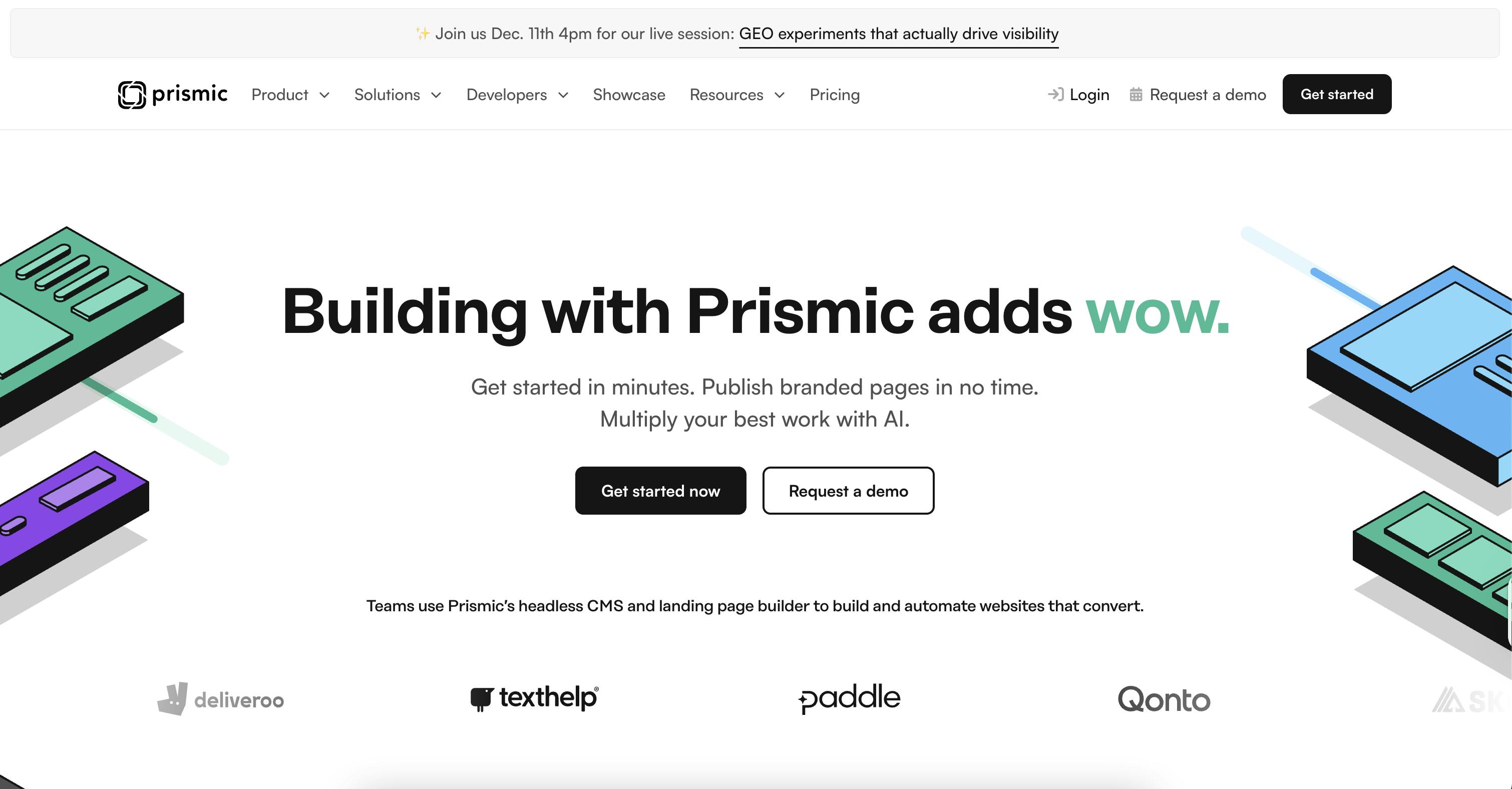
Prismic is a headless CMS built for both developers and content teams, designed to give each side the control they need without getting in each other's way. Developers build reusable content components called Slices, which content teams then use to create and manage pages independently via a no-code Page Builder.
Performance strengths
- Prismic serves content through a global CDN with edge caching. Over 90% of API requests are served from cache.
- SDKs automatically use the CDN endpoint, so most requests are cached without any extra configuration.
- The rate limit for the Content API is 200 requests per second (for uncached requests), and cached CDN requests have no rate limit.
- Offers built-in image optimization and processing via Imgix, included on all plans.
- Prismic replicated the
/apiendpoint to servers closer to Europe and APAC regions, reducing response times for that region by approximately 70%. - Offers native integrations with Next.js, Nuxt, and SvelteKit, so you get SSG and ISR support out of the box.
Scalability considerations
- When you hit your API call limit, Prismic automatically upgrades you to the next plan rather than cutting off access.
- Free, starter, and small plans get 4 million API calls per month. Medium gets 5 million. Platinum has a soft limit of 10 million and a hard limit of 50 million.
- Starter and Free plans include 100GB of CDN bandwidth per month. Medium plans include 500GB. Platinum includes 1TB.
Limitations at scale
- There's no uptime SLA below the Enterprise tier.
- The maximum CDN bandwidth across all plans is 1TB per month on Platinum. If you're running a high-traffic site with heavy assets, you can hit this.
- The Platinum plan hard limit is 50 million calls per month. Above that, you need a custom Enterprise agreement.
- Prismic counts CDN bandwidth separately from API calls, so a media-heavy site can hit the bandwidth ceiling before it ever gets close to the API call limit.
Pricing
- Free
- Starter ($10/month)
- Small ($25/month)
- Medium ($150/month)
- Platinum ($675/month)
- Enterprise (Custom)
Resources
2. Contentful
Best for: large enterprises that need proven, auto-scaling infrastructure with multi-region redundancy
Contentful is a headless CMS built around a composable, modular content architecture and is favored by enterprise teams looking to create content once and deliver it across any channel or region.
Performance strengths
- Contentful offers a Dual CDN setup. It uses Fastly for JSON content delivery and AWS CloudFront for media assets.
- Contentful maintains cache hit rates above 90%. When traffic spikes, intelligent routing, load balancing, and cache invalidation kick in to maintain stable performance.
- Applications run on elastic Kubernetes infrastructure on AWS that auto-scales to handle extra traffic, adding or removing replicas based on current load.
Scalability considerations
- The Content Delivery API imposes a 55 requests-per-second rate limit on uncached requests. However, cached CDN requests are not rate-limited.
- Contentful does not set a hard cap on extra API calls, so you won't get cut off. Overages are billed at $5 per million API calls per month, which can add up quickly at high volumes.
- The multi-region delivery infrastructure add-on is available only to enterprise customers.
- The free plan includes 100K API calls per month; the Lite plan provides 1 million monthly API calls/month; and the Enterprise plan includes unlimited API calls per month.
- The Free plan includes 50GB of CDN bandwidth per month; the Lite plan provides 100GB; and the Enterprise plan offers a custom amount.
- Contentful offers a 99.99% availability SLA across its multi-region delivery infrastructure, covering the Content Delivery API, GraphQL Content API, Images API, and Asset CDN.
Limitations at scale
- The headline pricing looks manageable, but once you factor in overages, extra spaces, and enterprise add-ons, costs can grow significantly. Third-party assessments note you can end up paying 40 to 60% more than the base price once you hit real-world usage.
- The Content Management API (used for editorial operations) defaults to just 7 requests per second. This matters for teams doing bulk content operations or heavy automation.
- The default 55 req/sec limit on uncached delivery is lower than you'd expect for an enterprise platform, so if your caching strategy isn't solid, you will hit it under heavy traffic.
- High availability at a global infrastructure level isn't included by default. You have to negotiate it as part of an enterprise agreement.
- The uptime SLA is only available as an enterprise add-on.
Pricing
- Free
- Lite ($300/month)
- Premium (custom pricing)
Resources
3. Sanity
Best for: high-traffic applications that need server-side query filtering and multiple CDN layers
Sanity is a headless CMS built around structured content, where your schema lives in code, and your content is stored in a hosted Content Lake you can query with GROQ.
Performance strengths
- Sanity runs three distinct CDNs: an asset CDN that handles images, videos, and files, an API CDN that caches your content query responses for fast delivery to end users, and a Live CDN that delivers content updates in 60 seconds or less for teams that need fresh content without the cache tradeoff.
- Cached responses from the API CDN are not rate-limited, meaning you can serve unlimited cached content to end users.
- Sanity's native query language filters and shapes data server-side before transmission, so you only get back exactly what you ask for. This directly reduces bandwidth consumption and response size on every request.
Scalability considerations
- Sanity caps write operations (create, update, delete) at 25 requests per second.
- If a request isn't cached, it bypasses the API CDN and hits the direct API, where concurrency limits apply.
- The API CDN is opt-in, not the default. The default endpoint is uncached, meaning every request hits the backend directly. If you don't configure
useCdn: true, you lose the performance benefits. - The Growth plan includes 5M API CDN requests per month and 1M direct API requests per month. The Increased Quota add-on at $299/month extends this to 5M API CDN requests and 1M API requests.
- Sanity offers greater than 99.9% uptime with 24/7/365 monitoring on enterprise infrastructure.
Limitations at scale
- Responses larger than 10MB are not cached by the API CDN, so content-heavy payloads always hit the origin.
- Free and Growth Trial projects have hard caps on API, API CDN, and bandwidth usage. When you hit the cap, the project gets blocked, not throttled.
- Static builds that fire many parallel API requests can exceed Sanity's 500-concurrent-query limit, resulting in 429 errors during the build.
- Sanity does not provide uptime SLA on Free or Growth plans.
Pricing
- Free
- Growth ($15/month/per seat)
- Enterprise (custom)
Resources
4. Hygraph
Best for: GraphQL-native architectures that need content federation and surgical cache invalidation
Hygraph is a GraphQL-native headless CMS that's API-first by design, with built-in content federation so you can pull data from external sources without duplicating it across your project.
Performance strengths
- Hygraph runs two separate API endpoints: regular, which handles reads and writes with basic caching logic, and High Performance, which serves cached responses directly from the edge while updating content in the background.
- The High Performance endpoint only clears the affected content models from the cache when something changes, so everything else stays cached and keeps serving at full speed.
- Cached requests are unlimited and served directly from the CDN. Rate limits only apply to uncached requests hitting the origin API.
- API response times depend on your location, with a maximum of 70-100ms per request.
Scalability considerations
- All paid self-service plans include 1 million API operations per month and 0.5TB of asset traffic.
- If you exceed your API operations or asset traffic limits on a Growth plan, additional usage is billed automatically at $0.20 per 10,000 API operations and $0.20 per GB of asset traffic.
- Hygraph offers uptime guarantees of up to 99.95% with support response times as low as 30 minutes for critical issues on enterprise plans.
Limitations at scale
- The API will be blocked if you exceed your API operations or asset traffic limits, unless you’ve set up a credit card to automatically cover overage charges.
- Rate limits on shared plans are not fixed numbers. They vary depending on the current load of the shared region and your subscription plan, which makes capacity planning harder to predict.
- Uptime SLAs are only available on enterprise plans.
- Hygraph returns up to 100 entries per query. If you're paginating through large datasets, you'll need more requests to fetch everything, which adds up and increases latency for content-heavy applications.
Pricing
- Hobby (Free)
- Growth ($199/month)
- Enterprise (Custom)
Resources
Deliver a fast website with a visual Page Builder
Prismic is a headless solution, with a visual Page Builder for your marketing team to release pages independently.

5. Storyblok
Best for: marketing-heavy sites that need high cached request throughput with visual editing
Storyblok positions itself as a “headless CMS made for humans, built for the AI-driven content era.” It combines an API-first, component-based architecture with a visual editor that lets marketers and editors create and manage content without developer support.
Performance strengths
- Storyblok's content delivery is built on AWS and Amazon CloudFront, with multi-zone failover, autoscaling, and edge delivery across five data centers on three continents.
- Cached requests from the CDN can handle over 1,000 requests per second, compared to just 50 per second for uncached single-story requests. This makes cache hit rate a critical factor in how well Storyblok performs under load.
- The CDN caches both API responses and image variations generated by the Image Service, so optimized asset versions are automatically cached after the first request and served from the edge on every subsequent one.
- Storyblok uses a cache versioning system to maintain high cache hit rates. When content is published, only the affected cache entries are invalidated rather than the entire cache, and the JavaScript SDKs handle this automatically.
Scalability considerations
- Storyblok does not enforce a fixed monthly cap on total API requests. The only fixed limits are requests per second. The Management API is capped at 6 calls per second on paid plans.
- The Enterprise Premium plan offers 99.9% uptime, and the Enterprise Elite plan offers 99.99% uptime.
- Storyblok's standard content item limit is 1 million, but this can be increased at any time for spaces on a paid plan.
Limitations at scale
- The uncached request rate limit drops significantly as you fetch more entries per request. For requests fetching between 75 and 100 stories (content entries), the limit drops to just 6 per second. If you're building pages that pull large story collections, you'll hit this ceiling fast.
- Storyblok's GraphQL API uses a point-based rate limit of 100 points per second, not 100 calls per second. A single complex query can consume multiple points, so high-complexity queries reduce your effective throughput quickly.
- Uptime SLAs are enterprise-only.
Pricing
- Starter (Free)
- Growth (€99/mo)
- Growth Plus (€349/mo)
- Premium & Elite (Custom)
Resources
6. Kontent.ai
Best for: teams that need guaranteed minimum uptime across all plans
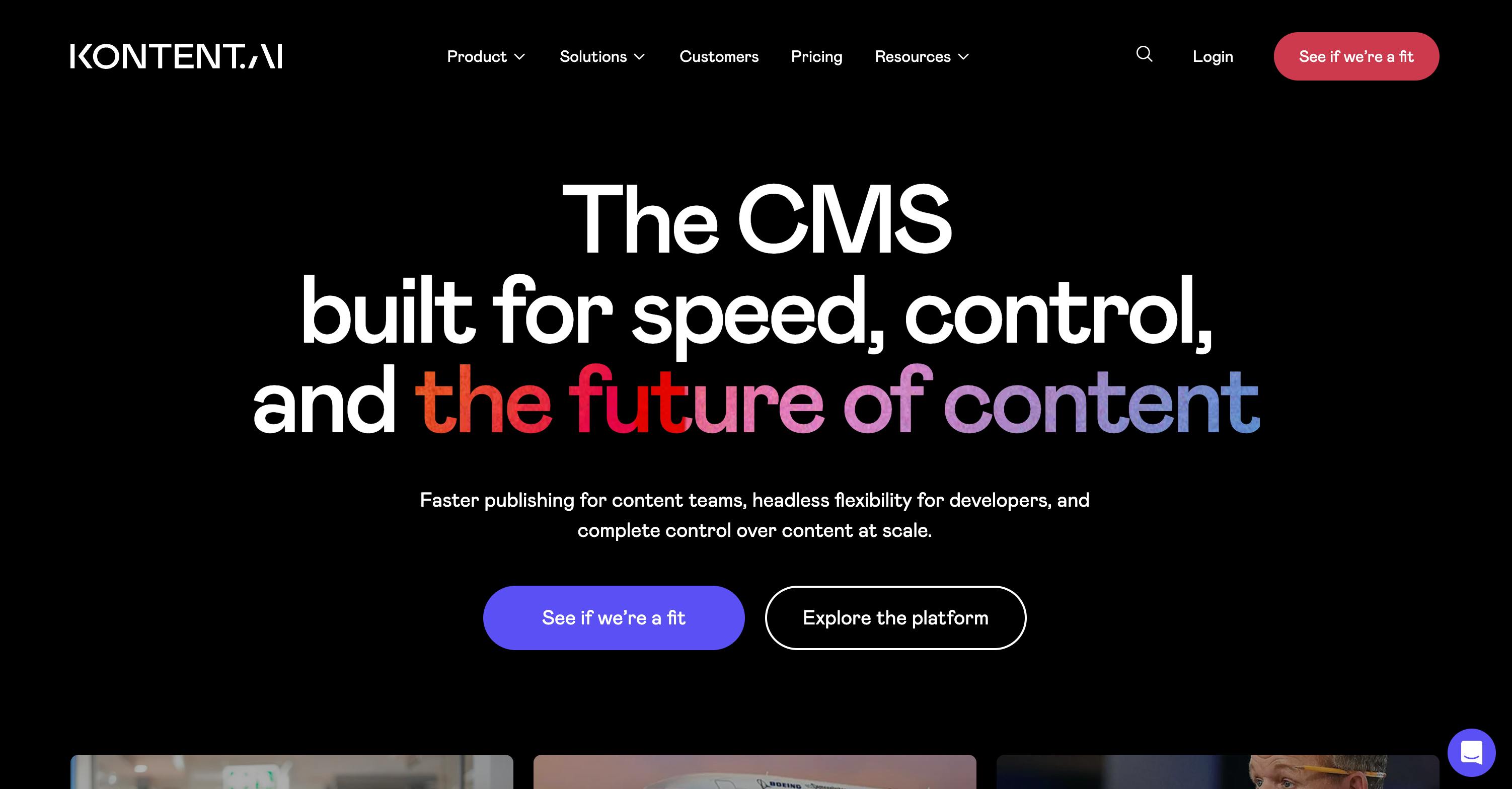
Kontent.ai uses AI agents to automate tasks like audits, governance, and localization, and describes itself as an “Agentic CMS,” where automation handles the busywork so teams can focus on strategy and creativity.
Performance strengths
- Kontent.ai uses a global CDN powered by Fastly, with edge nodes worldwide, ensuring fast content delivery regardless of where your users are located.
- Cached Delivery API requests are unlimited with no rate limit applied. The rate limit only applies to uncached requests hitting the origin.
- In real-world load testing, the mean API response time was 40ms, and the CDN automatically served stale content if the origin was slow or unavailable.
Scalability considerations
- The uncached Delivery REST API rate limit is 100 calls per second and 2,000 calls per minute. The Management API is capped at 10 calls per second and 400 calls per minute.
- If your usage consistently exceeds plan limits, Kontent.ai will first contact you about upgrading. If overages continue for several months, they may throttle, suspend, or, in extreme cases, terminate your account.
- The Delivery REST API response is capped at 2,000 content items per response, including linked items. The GraphQL API has a query complexity limit of 1,000 content items and content components combined.
- Kontent.ai guarantees a minimum 99.5% uptime across all plans, with custom SLAs available for teams that need stricter requirements.
Limitations at scale
- The Management API cap of 10 calls per second and 400 calls per minute may be low for teams running heavy automation, bulk content imports, or migration scripts at scale.
- Monthly and cumulative API call limits are governed by a Fair Use Policy rather than specific numbers. This makes capacity planning harder since you can't see exact limits upfront without contacting sales.
- The GraphQL API has a query complexity limit of 1,000 content items and content components combined per query. For applications pulling large, deeply nested content structures, you'll need to break queries into smaller chunks.
Pricing
- Available on request
Resources
7. DatoCMS
Best for: teams that need purpose-built asset pipelines with surgical cache tag invalidation
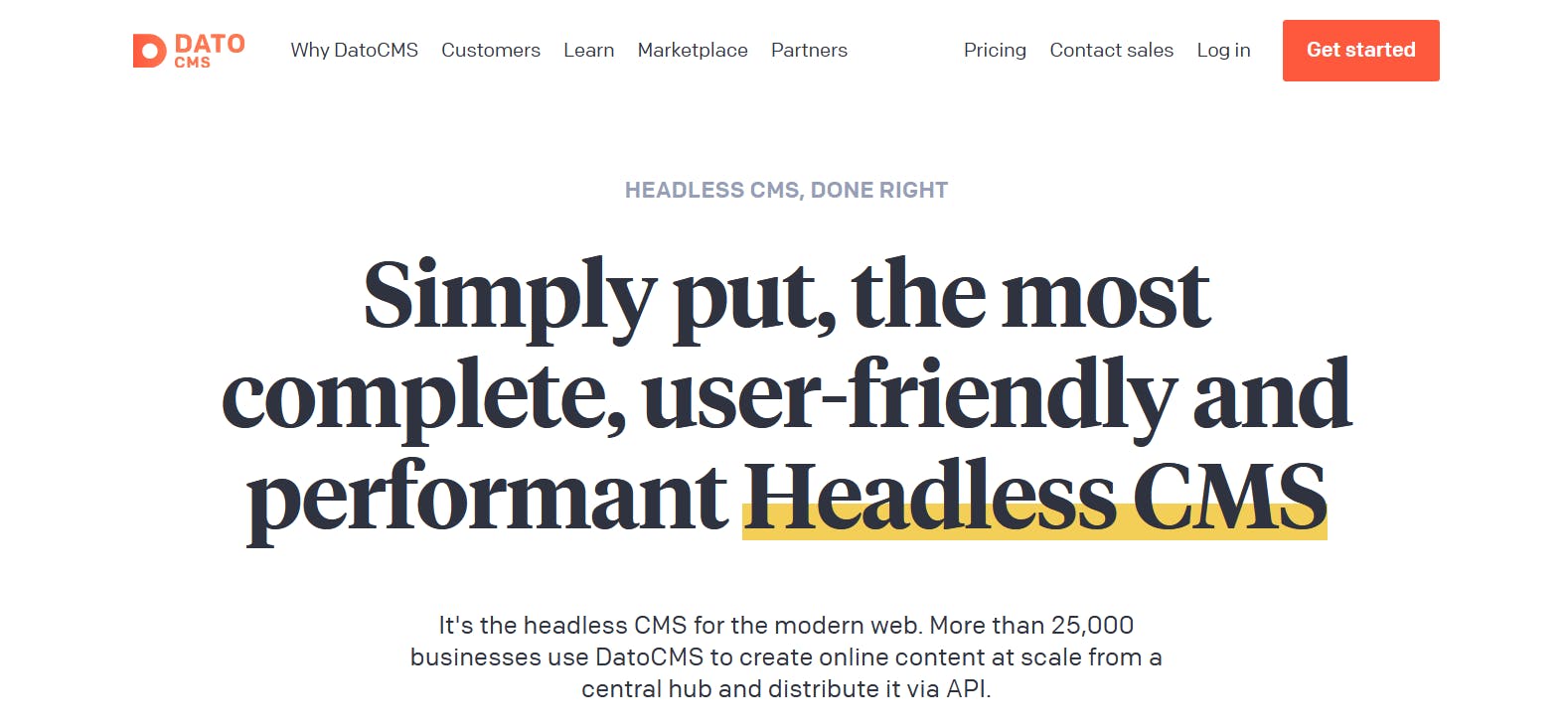
DatoCMS is a GraphQL-native headless CMS with a flexible schema builder that lets teams model, manage, and distribute content across websites and digital products from a single hub.
Performance strengths
- DatoCMS delivers content from 74 edge locations worldwide, serving over 650 TB of data per month.
- DatoCMS has consistently maintained a CDN cache hit ratio of over 90% across billions of API responses, using cache tags to surgically invalidate only the content that actually changed rather than wiping the entire cache.
- No rate limits are enforced on requests that hit the CDN cache. They only apply to uncached requests hitting the origin.
- Images are served via imgix and videos via Mux, meaning assets pass through purpose-built optimization pipelines rather than a generic CDN layer.
Scalability considerations
- Uncached requests to the Content Delivery API are rate-limited at 40 requests per second and 1,000 requests per minute per API token.
- The Content Management API is rate-limited at 60 requests per 3 seconds by default, with higher limits available depending on your plan.
- On paid plans, exceeding your monthly API or bandwidth limits does not block your service. Additional usage is billed automatically. On the free plan, the service stops working once you hit the limit until the next billing cycle.
- DatoCMS advertises 99.99% uptime on its CDN infrastructure.
Limitations at scale
- GraphQL queries with a compressed body exceeding 8KB will not be cached by the CDN and will fall through to the origin servers, where rate limits apply. DatoCMS says this affects less than 1% of customers, but this is worth knowing if you're running complex nested queries.
- Each plan has a default maximum query complexity limit of 10 million. Filters and sorting parameters each add 250 to the complexity cost, so heavily filtered or sorted queries can hit this ceiling faster than you'd expect.
- Even when you're within your rate limits, you can still get 429 responses on shared infrastructure during peak system load.
- Uptime SLAs are only available on Enterprise plans.
Pricing
- Free
- Professional (€149/month)
- Enterprise (Custom)
Resources
What "Headless CMS Performance" Actually Means (and How to Test It)
When people say a headless CMS is "fast," they usually mean the marketing site loads quickly. But that's not the same as the CMS being performant. The CMS itself doesn't render your pages. Your frontend does. What the CMS controls is how quickly it can deliver content to your frontend when it requests it. So, performance in this context comes down to metrics such as API response time, cache hit rate, CDN architecture, rate limits, and payload size.
It's best not to trust vendor benchmarks. Here's a simple way to get real numbers yourself:
- Pick a query that reflects what your frontend actually fetches in production, such as a product listing page that fetches a large collection of records with filters applied.
- Run it twice against each platform's API: once cold (bypassing the cache) and once warm (caching). You can use curl with timing flags or Postman to capture response times.
- Use a load-testing tool like k6 or Artillery to simulate concurrent requests and identify where performance begins to degrade.
- Check the response headers. Most platforms return headers that tell you whether a response was served from cache or not.
- Monitor your CDN dashboard over time to track your actual cache hit rate in production, not just in testing.
CDN vs. Edge vs. Origin: How Headless CMS Delivery Architecture Works
When you make an API request to a headless CMS, that request doesn't always travel all the way to the server where your content lives.
Where it stops and how quickly it gets back to you depend on how the platform's delivery architecture is set up.
Here's how the three layers work:
- Origin: The source of truth where your content is stored. Every request that can't be answered from the cache ends up here. Origin requests are the slowest, and hitting the origin at scale is what causes performance problems.
- CDN: A global network of servers that cache your content closer to your users. This is where most of your production traffic should be handled. The further a user is from your origin, the more the CDN helps.
- Edge: Takes CDN a step further by running logic like personalization, authentication checks, or content transformations at the network boundary before the response reaches the user.
Recap and next steps
In this article, we explored 7 headless CMS platforms that offer some of the best performance and scalability in 2026: Prismic, Contentful, Sanity, Hygraph, Storyblok, Kontent.ai, and DatoCMS.
Each of these platforms handles CDN delivery, caching, and API performance differently, and the right choice depends on your specific use case, traffic patterns, and infrastructure requirements.
If you need a framework-optimized CMS with generous API call limits and fast CDN delivery for JS-heavy stacks, explore Prismic.
You can get started with Prismic for free or book a demo with our product experts for a more guided experience.