6 Instapage Alternatives for Building Hyper-Personalized Landing Pages in 2026


TL;DR – Quick picks for Instapage landing page alternatives
- For AI-powered personalization at scale: Prismic generates hundreds of visitor-specific page variations from one template using behavioral, firmographic, or campaign data—full narrative-level personalization, not just token swapping.
- For conversion optimization: Unbounce's Smart Traffic AI automatically routes each visitor to the page variant most likely to convert them based on their attributes and behavior.
- For ecosystem integration: HubSpot landing pages integrate directly with CRM data for teams already using Marketing Hub, enabling smart content based on contact properties.
- Budget-friendly options: Leadpages and Landingi offer straightforward builders with basic personalization at lower price points.
Why teams seek Instapage alternatives
Instapage works well for creating professional landing pages with its drag-and-drop builder and collaboration features. But the platform has become expensive—starting at $199/month billed annually for the Build plan—with user reviews on platforms like G2 and Capterra citing frequent price increases without proportional feature improvements.
Beyond pricing, teams hit friction in predictable places:
Limited personalization depth: Dynamic text replacement swaps tokens like {{Company}} or {{FirstName}} with actual values, but it doesn't adapt the actual messaging strategy, use cases, or framing based on who's visiting. A first-time visitor sees the same page as a returning customer who abandoned their cart last week.
Manual scaling bottlenecks: Creating meaningful variations for different audience segments, campaigns, or customer journeys means duplicating pages one by one. For marketing teams running multiple campaigns across channels, this becomes unsustainable quickly.
Collaboration vs. speed trade-offs: While Instapage offers strong collaboration features for agencies, smaller teams often find they're paying for capabilities they don't need while lacking the personalization automation that would actually save time.
The result? Campaigns launch slower, personalization stays surface-level, and marketing teams either compromise on relevance or burn out creating variations manually.
6 best Instapage alternatives for hyper-personalized landing pages
1. Prismic Landing Page Builder
Best for: Marketing teams that need to create dozens or hundreds of personalized page variations without multiplying production work

Prismic's landing page builder turns one approved page into many tailored variations. You create a single base page that locks in your brand, design, and structure, then upload visitor or account data from your CRM, email platform, enrichment tools, or CSV files.
The platform's AI analyzes this data to identify relevant narrative angles, then generates personalized variations that adapt headlines, messaging framing, use cases, social proof, and CTAs for each segment or individual. Unlike simple token swapping, the personalization operates at the narrative level—the way a skilled copywriter would tailor messaging for different audiences.
Use cases:
- B2B ABM: Generate account-specific pages for target accounts with relevant industry messaging and proof points
- Event marketing & outbound: Create personalized pages for different attendee types, industries, or job roles
- Multi-product SaaS: Show different feature emphasis based on visitor company size or use case
- Agency work: Efficiently create client-specific campaign pages at scale
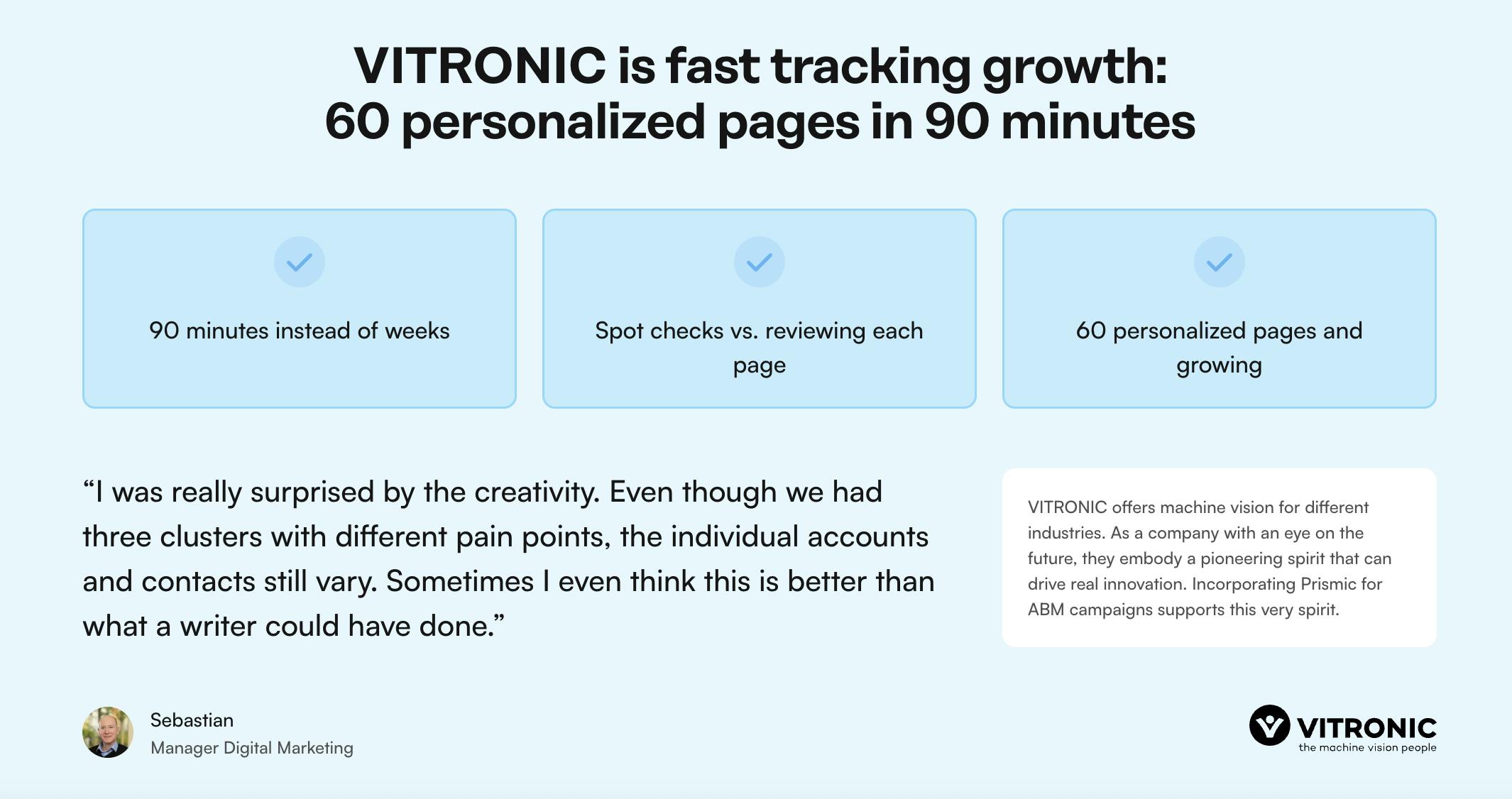
Drafts arrive in organized batches for review, so marketing maintains full control. The Vitrionic team used Prismic's AI landing page builder to launch 60+ personalized pages in approximately 90 minutes - work that previously required weeks.
Key personalization feature: AI-generated narrative variations from one brand-approved template
Pricing: Mid-market to Enterprise (custom quotes, typically starting around $12,000-$25,000+ annually based on volume and features)
Pros:
- Scales from 10 to 1,000+ variations with the same workflow
- Marketing teams maintain full control through approval workflows
- Integrates with CRMs, enrichment platforms, and accepts CSV imports
- No developer dependency for variation generation
- Works primarily for B2B but can be used for some B2C use cases
Cons:
- Requires initial template setup and data preparation
- Higher price point than basic landing page builders
- Best suited for teams with clear segmentation or targeting strategies
Want to see how Prismic's hyper-personalized landing pages work in practice?
👋 Prismic’s landing page builder is designed for teams scaling one-to-one ABM and ads without increasing production overhead.
2. Unbounce
Best for: Conversion-focused teams prioritizing optimization and testing across campaigns
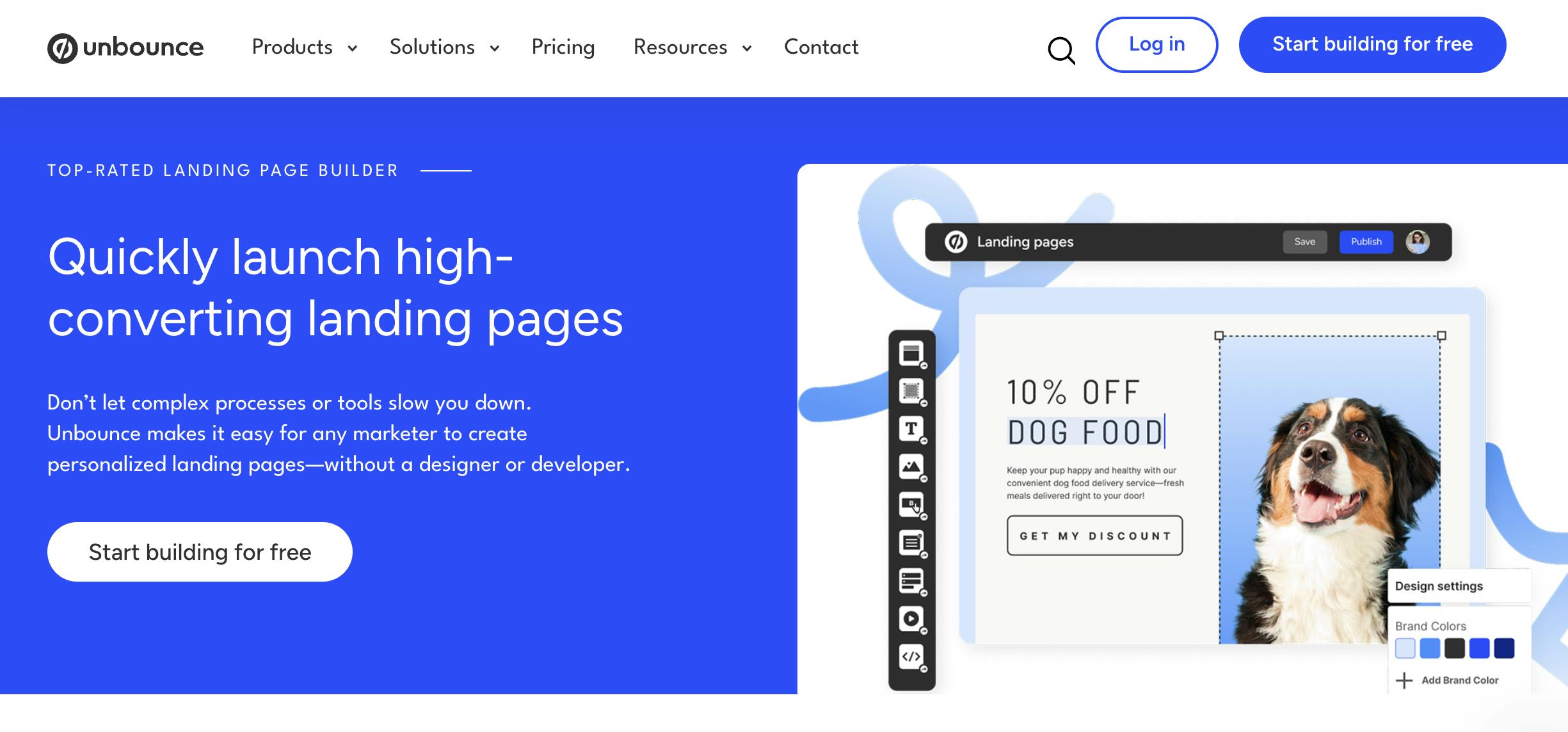
Unbounce has established itself as a leading landing page platform focused on conversion rate optimization. The standout feature is Smart Traffic, an AI system that automatically routes each visitor to the page variant where they're most likely to convert based on their attributes like location, device, browser, and behavior patterns.
Unlike traditional A/B testing that declares a single winner, Smart Traffic recognizes that different page variants work better for different visitor segments. The AI begins optimizing after just 50 visits and continues learning over time. According to Unbounce's data, users see an average conversion lift of 30% compared to traditional testing.
The platform also offers dynamic text replacement to match headlines to search terms or ad copy, plus a drag-and-drop builder with over 100 conversion-optimized templates.
Use cases:
- PPC campaigns: Match landing pages to ad copy and automatically optimize by traffic source
- Multi-channel marketing: Create variations for different channels (social, search, email) and let AI optimize
- Product launches: Test messaging approaches and let the AI surface what resonates
- Lead generation: Optimize form fields, CTAs, and messaging for maximum conversions
Key personalization feature: Smart Traffic AI routing that matches visitors to optimal page variants
Pricing: Build plan at $99/month ($74/month annual), Experiment plan at $149/month ($112/month annual), Optimize plan with Smart Traffic at $249/month ($187/month annual). All plans include 14-day free trial.
Pros:
- Automated optimization without manual intervention
- Works with limited traffic (starts at 50 visits)
- Strong A/B testing capabilities across all plans
- Extensive template library
- Sticky bars and popups for additional conversion tools
Cons:
- Smart Traffic only available on higher-tier plans
- Personalization is visitor-routing rather than content generation
- Base plan limited to 20,000 monthly visitors
- More expensive than budget alternatives
3. HubSpot Landing Pages (Marketing Hub)
Best for: Inbound marketing teams already in the HubSpot ecosystem
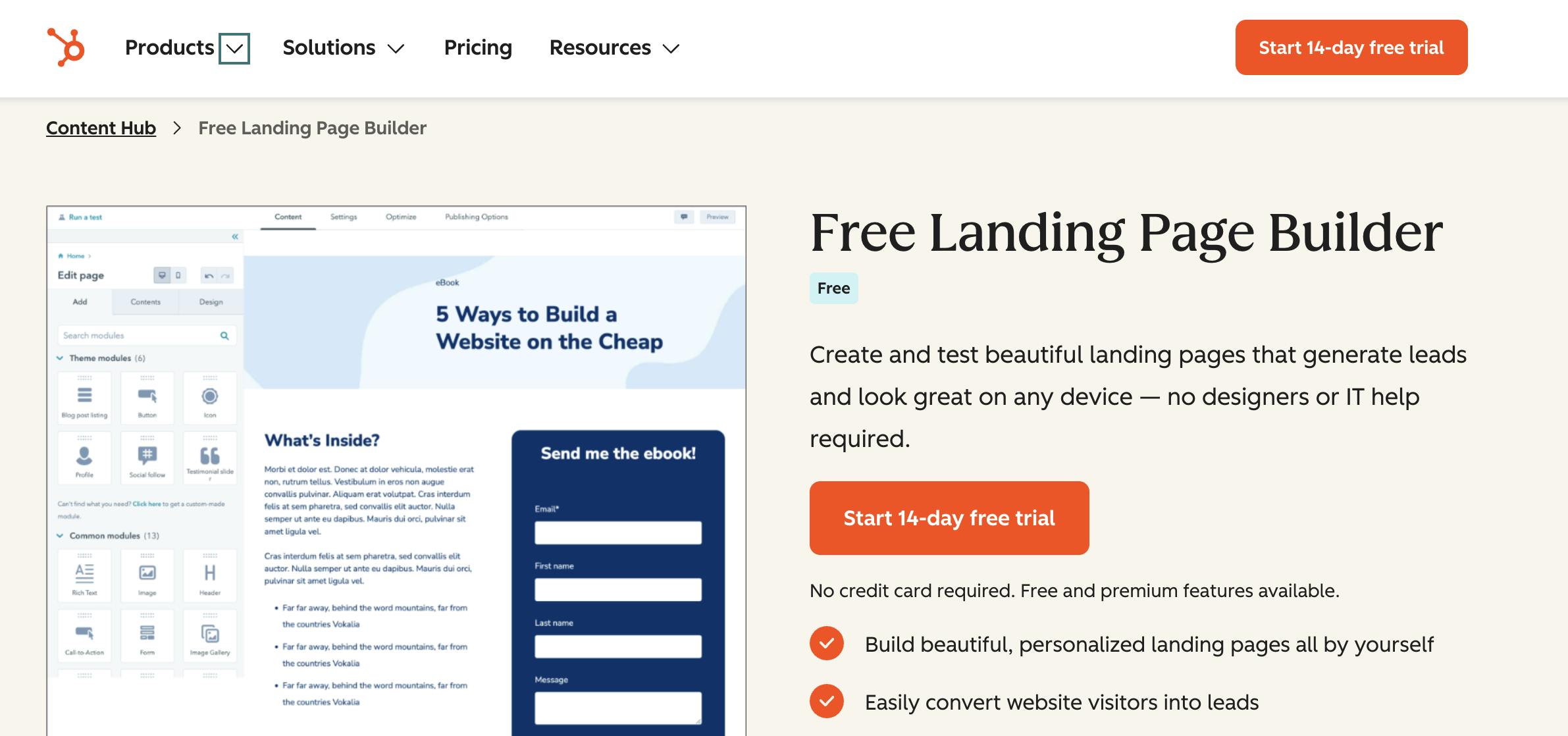
HubSpot's landing page builder integrates natively with the HubSpot CRM, enabling smart content that adapts based on contact properties. If someone's already in your database, you can show them personalized content based on lifecycle stage, industry, company size, previous interactions, or custom fields.
The platform uses "smart rules" to display different content modules to different visitor segments. For example, you might show enterprise case studies to visitors from large companies while showing startup success stories to smaller prospects. Smart content can be applied to text modules, CTAs, forms, and images.
The AI content generator (Breeze) can help draft landing page copy, though you'll still create pages individually rather than generating variations at scale.
Use cases:
- Lead nurturing: Show different content based on lifecycle stage (awareness vs. decision)
- Regional campaigns: Adapt messaging, proof points, and offers by location
- Account-based marketing: Personalize for known accounts already in your CRM
- Product marketing: Show relevant features based on visitor profile or previous behavior
Key personalization feature: Smart content tied to CRM contact properties and lifecycle stages
Pricing: Available in Marketing Hub Professional ($800/month for 3 seats) and Enterprise ($3,600/month for 5 seats). Free landing page builder available with limited features.
Pros:
- Seamless CRM integration with rich contact data
- Familiar interface for existing HubSpot users
- Smart content based on extensive contact properties
- Strong analytics and attribution reporting
- Form submissions auto-sync with contact database
Cons:
- Smart content only available on Professional and Enterprise plans
- Personalization limited to contacts already in your CRM (not anonymous visitors)
- Not designed for generating hundreds of variations
- Premium tiers expensive for mid-market teams
- Primarily works for known contacts, not broad segmentation
4. Leadpages
Best for: Small businesses and solopreneurs getting started with landing pages on a budget
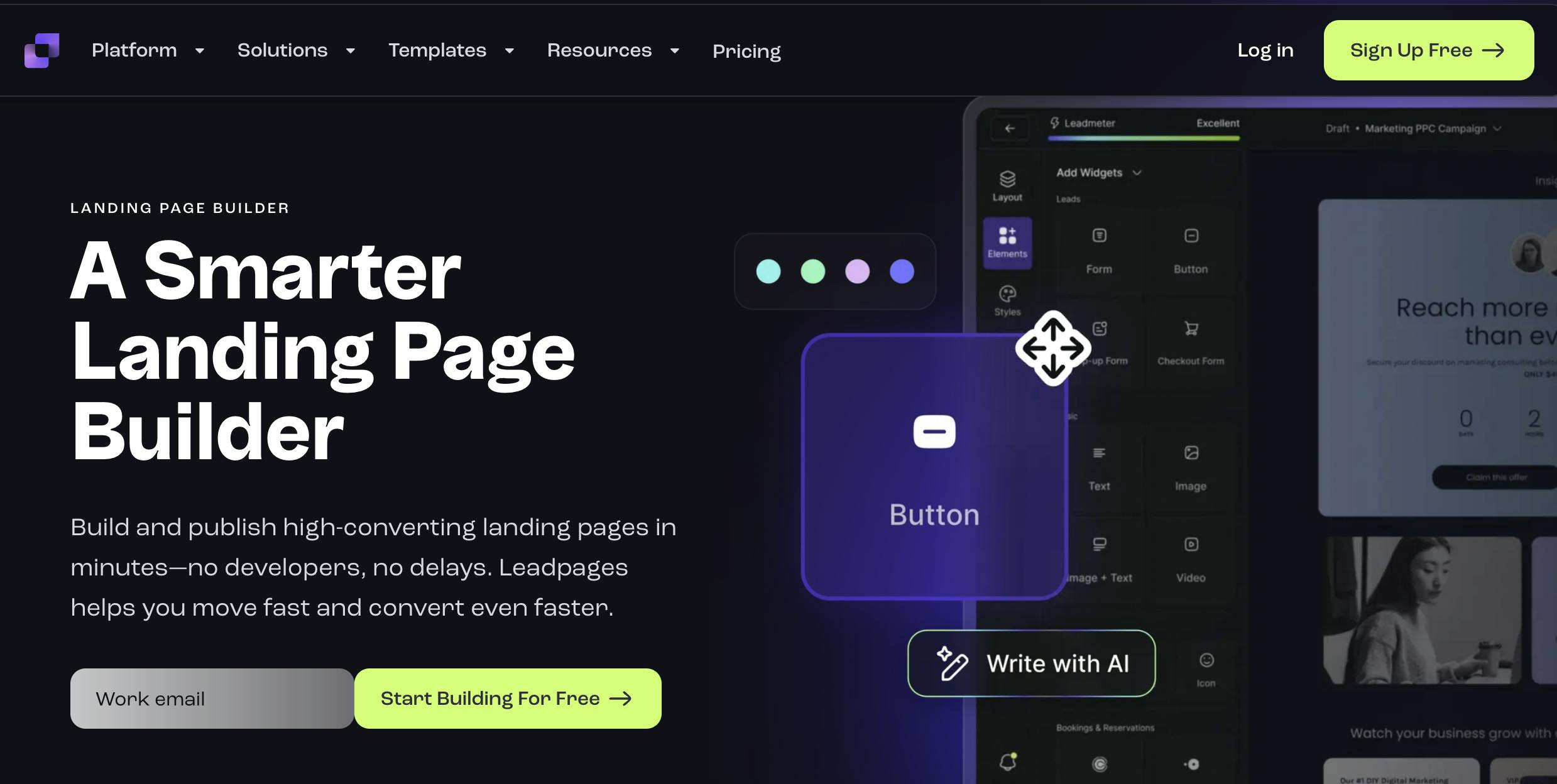
Leadpages offers a straightforward landing page builder with over 250 templates optimized for conversions. The platform includes an AI writing assistant, A/B testing (on higher plans), and integrations with popular email marketing and CRM tools.
The Leadmeter feature scores your landing pages in real-time and suggests improvements for conversion optimization. Leadpages also includes popups, alert bars, and basic analytics.
Personalization capabilities are limited compared to platforms purpose-built for it. You can use basic integrations to pass URL parameters or connect with your email marketing platform, but there's no native sophisticated personalization or batch generation.
Use cases:
- Email campaigns: Simple landing pages for email list building
- Small business lead gen: Basic contact forms and lead capture
- Digital product sales: Built-in payment integration for selling ebooks, courses, etc.
- Simple campaign pages: Quick launches without complex requirements
Key personalization feature: Basic URL parameter passing and email integration
Pricing: Standard plan at $49/month (annual billing), Pro plan at $99/month (annual billing). 14-day free trial available.
Pros:
- Affordable pricing for small businesses
- Quick setup with conversion-optimized templates
- Built-in Leadmeter for optimization guidance
- Unlimited landing pages and traffic on all plans
- Payment integration for selling directly from pages
- No landing page limits
Cons:
- Very limited personalization beyond basic integrations
- A/B testing only on Pro plan and above
- Not designed for sophisticated segmentation
- Some users report customer service challenges
- Templates can feel dated compared to newer platforms
5. Landingi
Best for: Teams wanting ease of use with basic dynamic content at mid-tier pricing
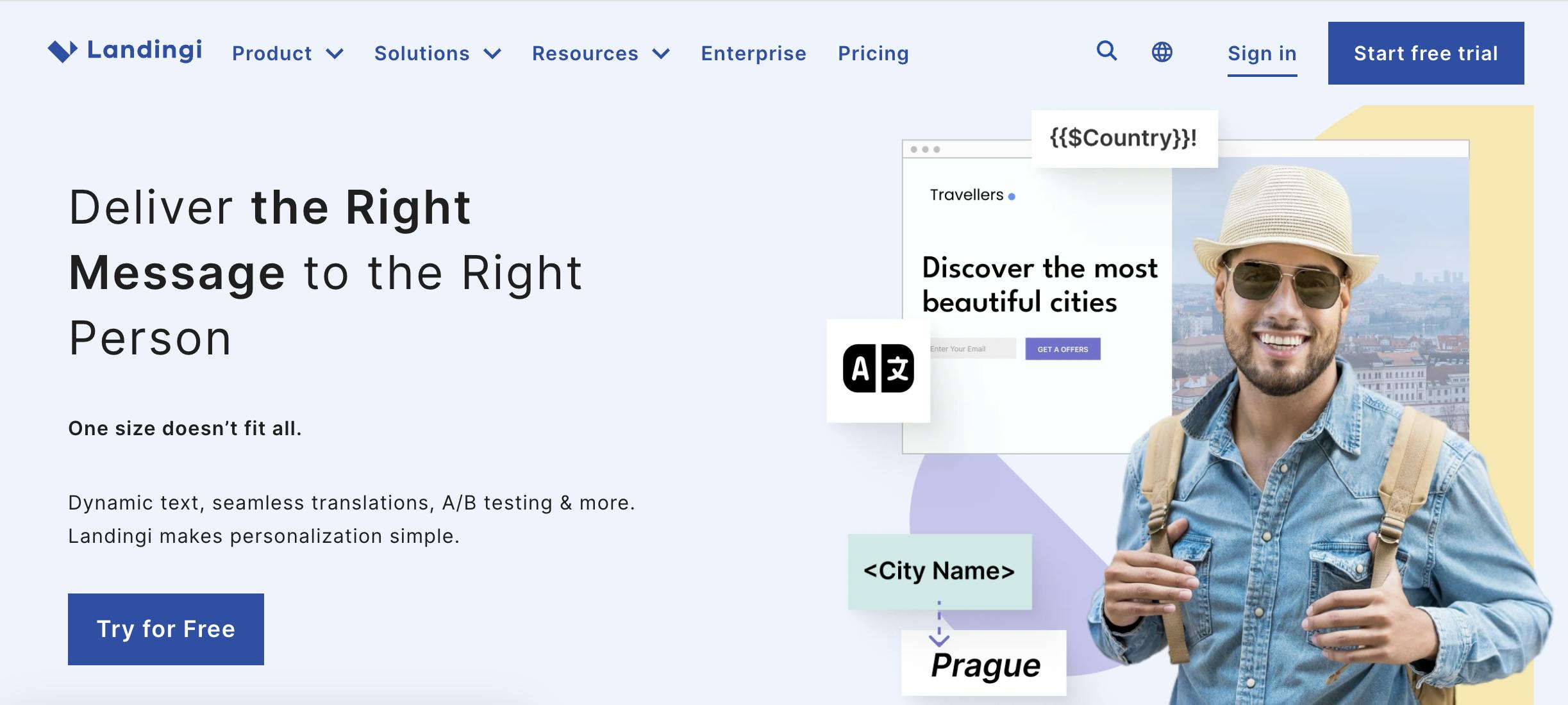
Landingi provides a user-friendly landing page builder with over 400 templates and a drag-and-drop editor. The platform includes Smart Sections (reusable content blocks), EventTracker for conversion tracking, and an AI Assistant for content creation.
Landingi supports some dynamic content capabilities and A/B testing, making it more approachable for teams who want simplicity with light personalization options. The platform positions itself as a mid-tier alternative to higher-priced solutions.
While Landingi offers more customization options than basic builders, it lacks the deep personalization and batch generation capabilities of specialized tools.
Use cases:
- Multi-channel campaigns: Different pages for social, search, email with basic customization
- A/B testing: Simple variant testing without complex AI
- Template-based marketing: Quick launches using customizable templates
- Growing businesses: Teams outgrowing basic tools but not ready for enterprise platforms
Key personalization feature: Smart Sections for reusable, swappable content blocks and basic dynamic content
Pricing: Starting around $29/month for basic plans (custom pricing for higher tiers). Free plan available with limited features.
Pros:
- Lower cost than Instapage and Unbounce
- Over 400 templates to choose from
- Smart Sections for content reusability
- User-friendly interface
- Includes AI content assistant
- EventTracker for detailed analytics
Cons:
- Limited sophisticated personalization
- Fewer integration options than enterprise platforms
- Not designed for scaling to many variations
- Some users report limitations with custom coding
6. Carrd (Budget option)
Best for: Solopreneurs and bootstrapped startups needing extremely simple one-page sites
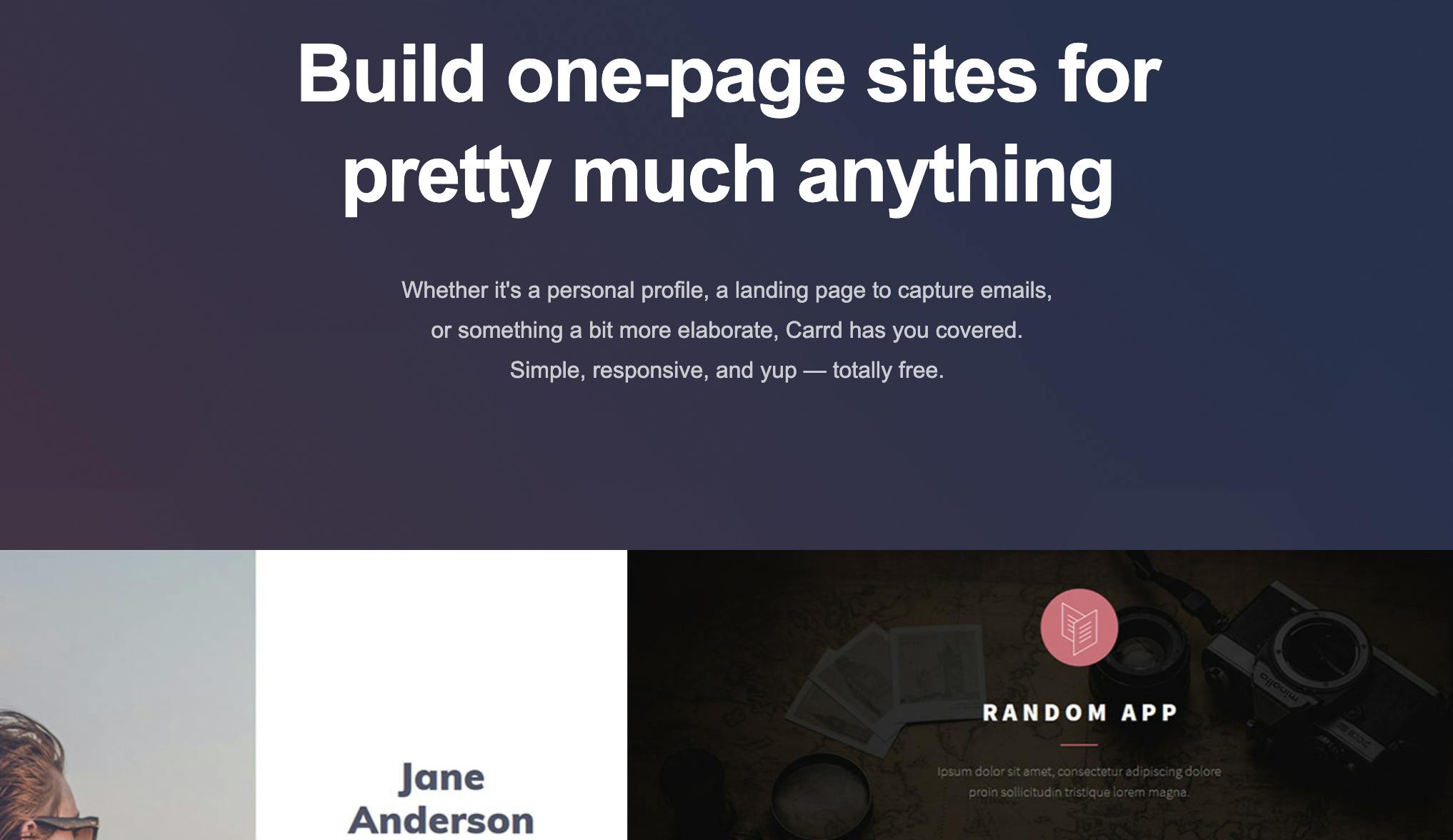
Carrd specializes in simple, single-page sites that can function as basic landing pages. It's extremely affordable and easy to use, though it lacks the advanced features of dedicated landing page platforms.
There's no native personalization, no A/B testing, and very limited integrations. But if you need a basic landing page extremely quickly and cost is the absolute priority, Carrd delivers.
Use cases:
- Personal projects: Portfolio sites, event announcements, simple captures
- MVP testing: Validate ideas before investing in full platforms
- Single-purpose pages: One clear CTA with minimal functionality needs
- Budget constraints: When cost is the primary concern
Key personalization feature: None
Pricing: Free plan available. Pro plans start at $19/year (not per month—per year).
Pros:
- Extremely affordable ($19/year for Pro)
- Very fast setup for simple pages
- Good for portfolio sites and basic landing pages
- Minimal learning curve
- Generous free tier
Cons:
- No personalization features whatsoever
- No A/B testing capabilities
- Very limited integrations
- Not suitable for complex campaigns
- No advanced functionality
Feature comparison for personalization capabilities
Tool | AI Content Generation | Data Integration | Batch Workflows | Visitor Tracking | Marketing Autonomy | Starting Price |
|---|---|---|---|---|---|---|
Prismic | ✓ Yes (narrative-level) | ✓ CRM, CSV, APIs | ✓ Yes | ✓ Detailed | ✓ Yes | ~$12K+/year |
Unbounce | Smart Traffic (routing) | Via integrations | ✗ No | ✓ Good | ✓ Yes | $99/mo |
HubSpot | Limited (Breeze AI) | ✓ Native CRM | ✗ No | ✓ Excellent | ✓ Yes | $800/mo (Pro) |
Leadpages | Basic AI assistant | Basic integrations | ✗ No | Basic | ✓ Yes | $49/mo |
Landingi | Basic AI assistant | Basic integrations | ✗ No | ✓ Good | ✓ Yes | $29/mo |
Carrd | ✗ No | ✗ No | ✗ No | ✗ No | ✓ Yes | $19/year |
Key features to look for
Here's what separates basic landing page tools from ones built for meaningful personalization.
AI-powered content generation or smart routing
Look for platforms that either generate personalized variations automatically or use AI to route visitors to the right experience. This could mean batch-generating dozens of pages from one template, or intelligently serving different versions to different segments.
Deep data integration
The tool should connect to your data sources—CRM platforms, email lists, ad parameters, behavioral tracking—to pull the attributes that drive personalization. CSV imports, API connections, and native integrations all matter.
Brand control and approval workflows
Marketing teams need to maintain control. The best tools deliver variations in ways you can review and refine before publishing—not fully automated black boxes that might go off-brand.
Visitor-level or segment-level tracking
Personalized URLs, UTM parameter tracking, and engagement signals help you understand which variations perform best for which audiences. You want actionable insights, not just aggregate traffic numbers.
Marketing autonomy
The tool should be operable by marketing teams without constant developer involvement. When a campaign needs adjustments or new variations, you need to move in hours or days, not weeks.
How to choose the right alternative
1. Define your personalization needs
Are you creating 3-5 variants or 50-500? Simple token swapping or narrative-level personalization? Dynamic routing or distinct pages?
Consider:
- Number of variations needed per campaign
- Level of personalization depth required
- Frequency of campaign launches
- Audience segmentation complexity
2. Evaluate your tech stack
HubSpot users should start with HubSpot Landing Pages due to native integration. Teams using enrichment tools, advanced CRMs, or custom data sources need platforms with flexible integration capabilities.
Key questions:
- What CRM or marketing automation do you use?
- Do you have enrichment data (Clearbit, Clay, etc.)?
- Do you need API access for custom integrations?
- Will you import data via CSV or need real-time sync?
3. Assess team resources
Do you have developers available, or does marketing need to operate independently? Can you handle some technical setup, or do you need a completely no-code solution?
Team factors:
- Developer availability and capacity
- Marketing team technical comfort level
- Speed requirements for campaign changes
- Approval workflow needs
4. Calculate true cost
Factor in more than just license fees: implementation time, learning curve, ongoing maintenance, and time saved through automation.
Cost considerations:
- Monthly/annual license fees
- Implementation and setup time
- Training requirements
- Time saved through automation
- Cost per variation created
A $12K platform that saves 40 hours per campaign might cost less than a $100/month tool that requires extensive manual work.
5. Match to campaign complexity
Simple campaigns (3-5 landing pages per quarter): Basic builders like Leadpages or Landingi might suffice
Moderate complexity (10-20 variations, regular updates): Consider Unbounce for testing or HubSpot for CRM integration
High volume or complexity (50+ variations, multiple campaigns, sophisticated targeting): Specialized tools like Prismic become necessary
6. Consider your industry and use case
B2B SaaS: Prismic (for ABM/segmentation), HubSpot (for lead nurturing), Unbounce (for PPC testing)
Ecommerce: Unbounce (for PPC conversion), Prismic (for audience segments), basic tools for simple product pages
Events: Prismic (for attendee type variations), basic tools for simple registration
Agency: Instapage (for collaboration), Unbounce (for client testing), Prismic (for client variety)
Which Instapage Alternative Should I Choose for my Use Case?
Best for personalization at scale
Prismic is specifically designed for generating many personalized variations from one template—whether for B2B account targeting, ecommerce audience segments, event attendee types, or campaign variations. If you're creating dozens or hundreds of variations and can't afford to multiply production work, batch generation becomes essential.
Best for conversion optimization and testing
Unbounce leads with Smart Traffic AI and extensive A/B testing capabilities. If your primary goal is optimizing conversion rates through testing rather than creating many distinct variations, Unbounce offers the deepest testing and optimization features.
Best for HubSpot users
HubSpot Landing Pages make sense if you're already paying for Marketing Hub Professional or Enterprise. The CRM integration and smart content features work well for teams committed to the ecosystem, especially for nurturing known leads.
Best budget-friendly option
Leadpages offers the best balance of features and affordability for small businesses at $49/month. Landingi is slightly cheaper at $29/month. Carrd is the absolute budget option at $19/year but lacks features most teams need.
Best for agencies
Instapage offers the strongest collaboration features for agencies managing multiple client campaigns, though the premium pricing ($199/month+) means it's worth evaluating whether those features justify the cost versus alternatives.
FAQs About Instapage Alternatives
You might also like...