
TL;DR (key takeaways)
- Next.js pairs best with a headless CMS when non-technical users need to manage content without touching code.
- Prismic stands out for Next.js projects thanks to its visual page builder, Slice Machine, live previews, and strong developer tooling.
- Sanity and Payload are excellent alternatives for teams prioritizing deep customization, real-time collaboration, or a code-first approach.
- Open-source and Git-based options like Payload and Outstatic work well for teams that want full control or minimal overhead.
- Enterprise and data-heavy use cases may benefit from platforms like Contentful or Hygraph, depending on scale and complexity.
- The best approach is to evaluate 2–3 CMSs in a real Next.js project, with Prismic being an ideal starting point for most teams building marketing or brand-driven sites.
When it comes to managing content on a Next.js-powered website or application, there are a few approaches you can take depending on your requirements. One approach to strongly consider, especially if you have non-technical users, is a headless CMS platform.
In this post, we’re going to take a look at the top Next.js headless CMS platforms in 2026, including Prismic, Sanity, and Payload. We will also explore other options such as Outstatic and Ghost.
Each of these CMS platforms will satisfy your content needs in a Next.js application, but they do have their differences. In this post, we aim to help you make an informed decision by highlighting those differences. Let’s jump into it!
Next.js platform overview
Before we jump into the details of each headless CMS provider, let’s first take a high-level view of each of the providers we’re going to consider throughout this post.
It’s also worth noting that each provider we’re looking at in this post supports both TypeScript and the Next.js App Router and offers a free plan to help you trial the platform.
CMS Platform | Pricing | Ideal for | REST / GraphQL API Support |
|---|---|---|---|
Free, Medium ($150/month), Platinum ($675/month), Enterprise (Custom) | Teams and agencies with visual page-building requirements | REST and GraphQL API | |
Free (open source) | Developers and teams who want a higher level of control and avoid vendor lock-in. | REST and GraphQL APIs | |
Free, Growth ($15/month/per seat), Enterprise (custom) | Complex projects with real-time collaboration needs. | HTTP API, GraphQL, and GROQ query language | |
Community (Free), Growth ($45/month), Enterprise (Custom) | Self-hosting/open source requirements with full backend control | REST and GraphQL API | |
Free, List ($300/month), Premium (custom pricing) | Teams wanting more emphasis on content management vs page building | REST and GraphQL APIs | |
Hobby (Free), Growth ($199/month), Enterprise (Custom) | Data-rich applications, projects needing GraphQL-native architecture | GraphQL API | |
Starter (Free), Growth (€99/mo), Growth Plus (€349/mo), Premium & Elite (Custom) | Teams building multi-channel applications across various tech stacks. | REST and GraphQL APIs | |
Free (self-hosted), Starter ($15/month), Publisher ($29/month), Business ($199/month), Custom (Custom). Price changes based on audience size. | Content-driven sites, professional blogs, newsletter platforms, publishing teams | REST API | |
Free, Professional plan (€149/month), Enterprise (Custom) | Teams that want an unobtrusive headless CMS | REST and GraphQL APIs | |
Free and open source | Cost-conscious projects needing simple content management. Developers seeking GitHub-based backend | REST and GraphQL APIs (via GitHub) |
Explore more about headless CMSs
Our collection of headless CMS guides contains various in-depth resources. Explore them to learn more.
Why Use a Headless CMS With Next.js?
Next.js is an excellent tool that has significantly changed how we build web applications in recent years. However, one area where it falls short is managing content, particularly for users who may not have strong technical skills.
This is where headless CMSs come in. They allow us to connect a user-friendly content management system to Next.js, enabling anyone–regardless of their technical background– to intuitively manage content.
However, if we take a step back and focus on the bigger picture for a moment, there are many reasons you should consider using a headless CMS, whether or not it’s with Next.js.
We cover these reasons in our post here, but headless CMSs improve performance, SEO, and scalability, among other benefits. Now let's take a look at the top Next.js Headless CMS Platforms!👇
Best Next.js Headless CMS Platforms
1. Prismic
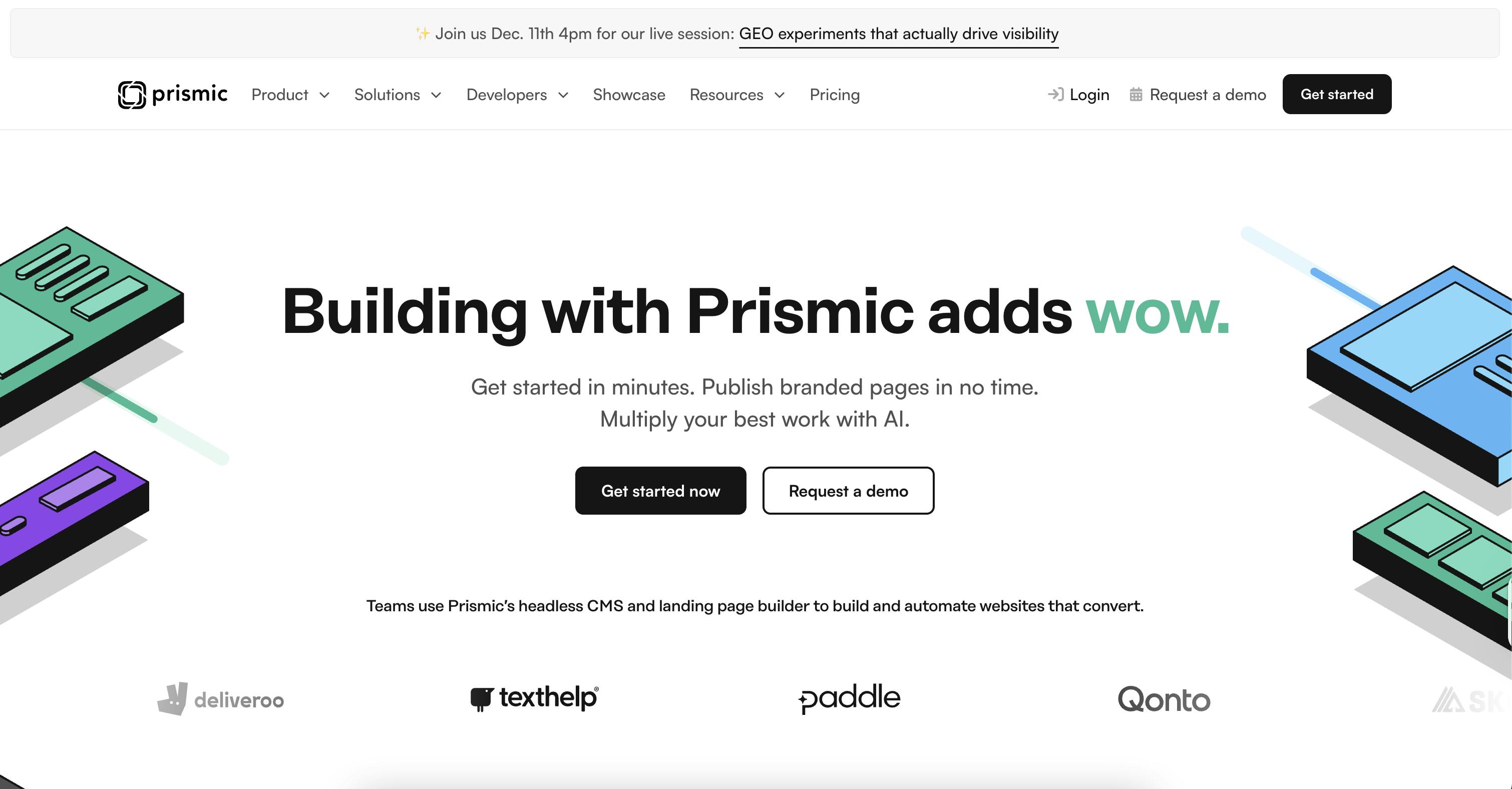
Prismic is an API-based headless CMS platform with an emphasis on visually building component-driven websites using its Slice Machine.
Standout Features
- Slice Machine for building component-driven websites
- Preview mode with live editing
- Scheduled content releases and standalone environments
Limitations
- REST-first querying: Works well with Next.js, but developers who prefer fully GraphQL-native workflows may find it less flexible.
- Website-focused by design: Excellent for page-driven Next.js sites, but complex multi-channel or app-heavy use cases can require extra modeling.
Pricing
- Free
- Medium ($150/month)
- Platinum ($675/month)
- Enterprise (Custom)
Ideal For
Teams and agencies with visual page-building requirements.
Resources
2. Payload
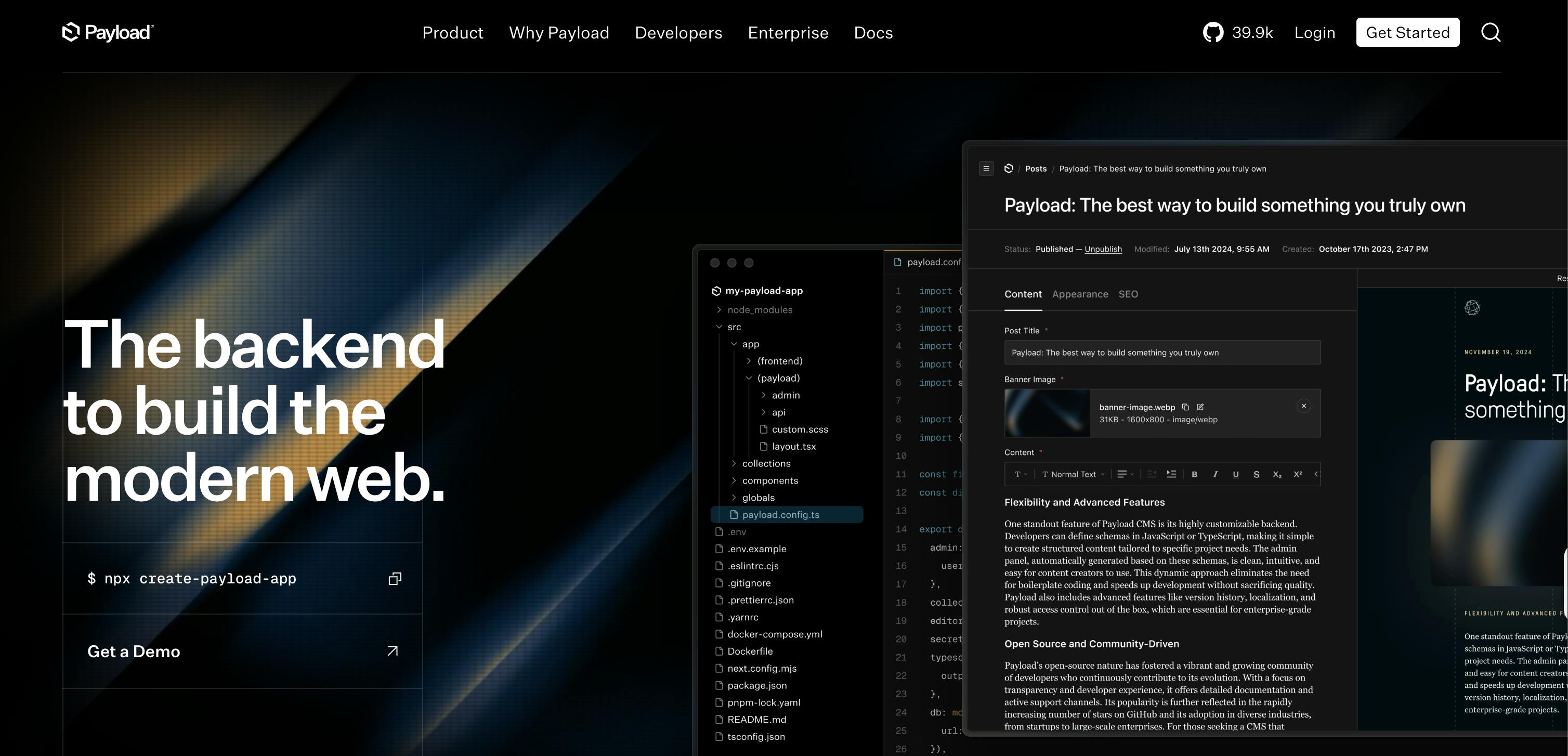
Payload is an open-source CMS that offers native integrations with Next.js with a code-first approach and quick deployment options.
Standout Features
- Self-hosted with complete control of the code
- Code-first, Next.js native approach, easing integration
- Native form builder from the admin panel
Limitations
- Developer-heavy setup: Tight Next.js integration is a strength, but non-technical editors may need more guidance.
- Self-hosting responsibility: Scaling, security, and preview reliability depend entirely on your infrastructure.
Pricing
- Free (Open Source)
Ideal For
Developers and teams who want a higher level of control and to avoid vendor lock-in.
Resources
First time here? Discover what Prismic can do!
👋 Meet Prismic, your solution for creating performant websites! Developers, build with your preferred tech stack and deliver a visual page builder to marketers so they can quickly create on-brand pages independently!
3. Sanity
Sanity emphasizes being flexible and developer-first, offering features like real-time collaboration and having a fully configurable editing environment.
Standout Features
- Sanity Studio (Custom content editing environment)
- Sanity Releases (staged content updates)
- Real-time collaboration
Limitations
- Steeper learning curve: Custom schemas, GROQ, and Studio configuration add complexity for new Next.js teams.
- Requires ongoing engineering effort: Previews, layouts, and workflows are powerful—but rarely plug-and-play.
Pricing
- Free
- Growth ($15/month/per seat)
- Enterprise (custom)
Ideal For
Complex projects with real-time collaboration needs.
Resources
4. Strapi
Strapi offers an impressive plugin system while also being a flexible and streamlined headless CMS that users can self-host.
Standout Features
- Strapi Cloud (Fully managed hosting)
- Content modelling with their visual builder
- Large plugin system/marketplace
Limitations
- Hosting impacts performance: Next.js API performance and preview stability depend on how well Strapi is deployed.
- Unopinionated page modeling: Flexible for Next.js, but teams must define their own page-building patterns and editorial workflows.
Pricing
- Community (Free)
- Growth ($45/month)
- Enterprise (Custom)
Ideal For
Self-hosting/open source requirements with full backend control.
Resources
First time here? Discover what Prismic can do!
👋 Meet Prismic, your solution for creating performant websites! Developers, build with your preferred tech stack and deliver a visual page builder to marketers so they can quickly create on-brand pages independently!
5. Contentful
Contentful targets more of the enterprise market, putting an emphasis on global audiences and driving engagement across multiple channels.
Standout Features
- Contentful Studio
- App Framework
- Advanced Localisation
Limitations
- High cost at scale: Pricing escalates quickly for Next.js projects with large teams or high traffic.
- Page composition feels rigid: Layout-heavy Next.js sites often require more developer involvement.
Pricing
- Free
- List ($300/month)
- Premium (custom pricing)
Ideal For
Teams that want more of an emphasis on content management vs page building.
Resources
6. Hygraph
Hygraph is a GraphQL-native headless CMS that offers powerful features like content federation and asset management.
Standout Features
- Content Federation
- Audience-specific personalisation
- GraphQL-first architecture
Limitations
- Limited visual editing: Not ideal for teams that want live page previews or component-driven page building.
- Preview setup is developer-dependent: Live previews, visual editing, and page-level feedback in Next.js require custom preview infrastructure and are not available out of the box.
Pricing
- Hobby (Free)
- Growth ($199/month)
- Enterprise (Custom)
Ideal For
Data-rich applications and projects that need a GraphQL-native architecture.
Resources
7. Storyblok
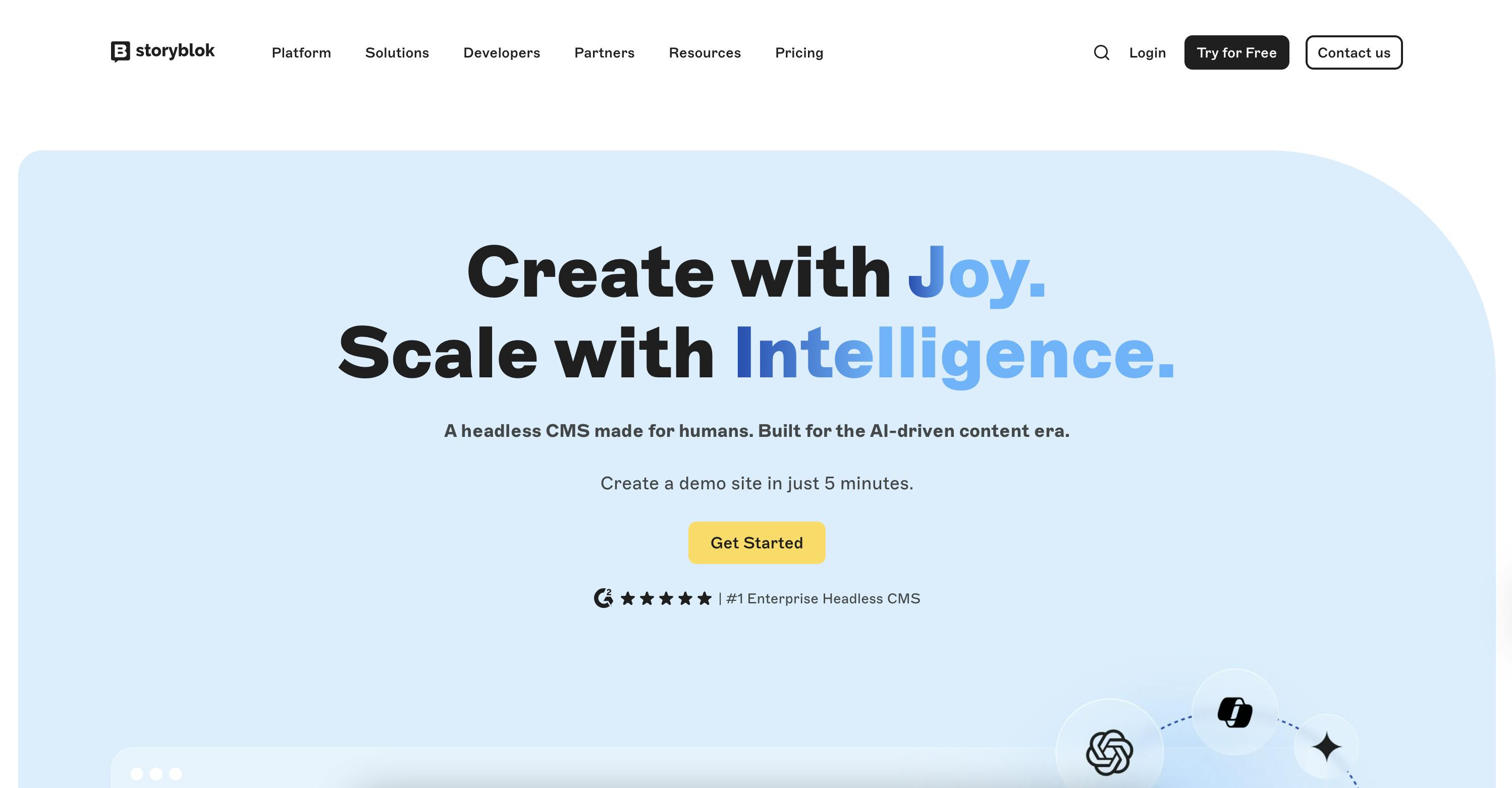
Storyblok has an impressive visual editor that makes publishing content easier with good collaboration and ideation tooling.
Standout Features
- Native Visual Editor
- Ideation Room
- On-page collaboration
Limitations
- Visual editor complexity: Deeply nested components can become difficult to manage in large Next.js projects.
- Requires strong component discipline: Poor setup can lead to confusing editor experiences.
Pricing
- Starter (Free)
- Growth (€99/mo)
- Growth Plus (€349/mo)
- Premium & Elite (Custom)
Ideal For
Teams that are building multi-channel applications across various tech stacks.
Resources
8. Ghost
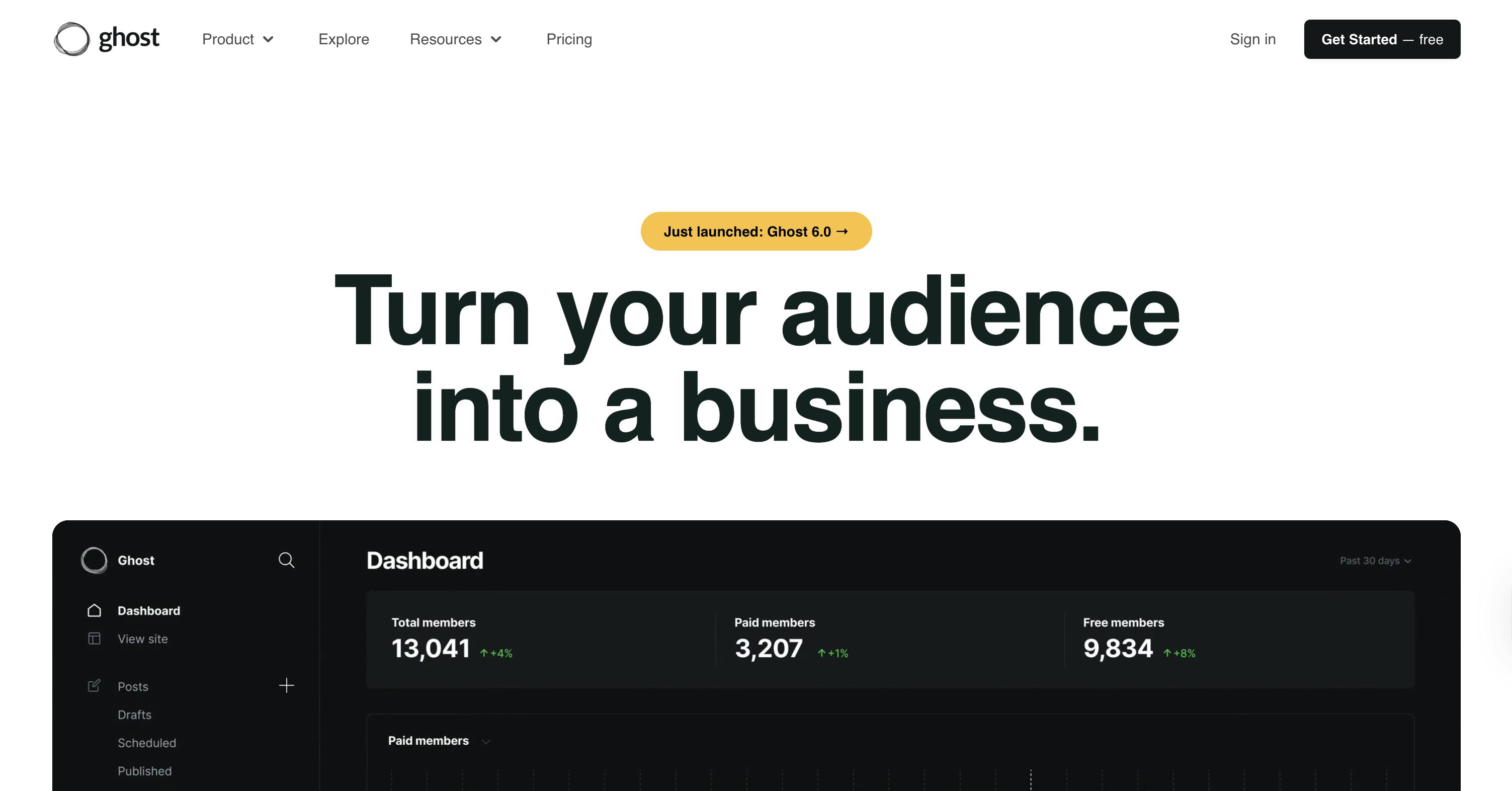
Ghost is an open-source publishing platform and headless CMS focused on blogs and newsletters.
Standout Features
- Membership and subscription management
- Newsletter functionality
- Focus and intuitive writing experience
Limitations
- Narrow use case: Excellent for blogs and newsletters, but not suited for complex Next.js applications.
- Limited customization: Advanced layouts and dynamic content require workarounds.
Pricing
- Free (self-hosted)
- Starter ($15/month)
- Publisher ($29/month)
- Business ($199/month)
- Custom (Custom).
NOTE: Price changes at each tier based on your audience size (excluding self-hosted).
Ideal For
Content-driven sites, professional blogs, newsletter platforms, and publishing teams.
Resources
9. Dato CMS
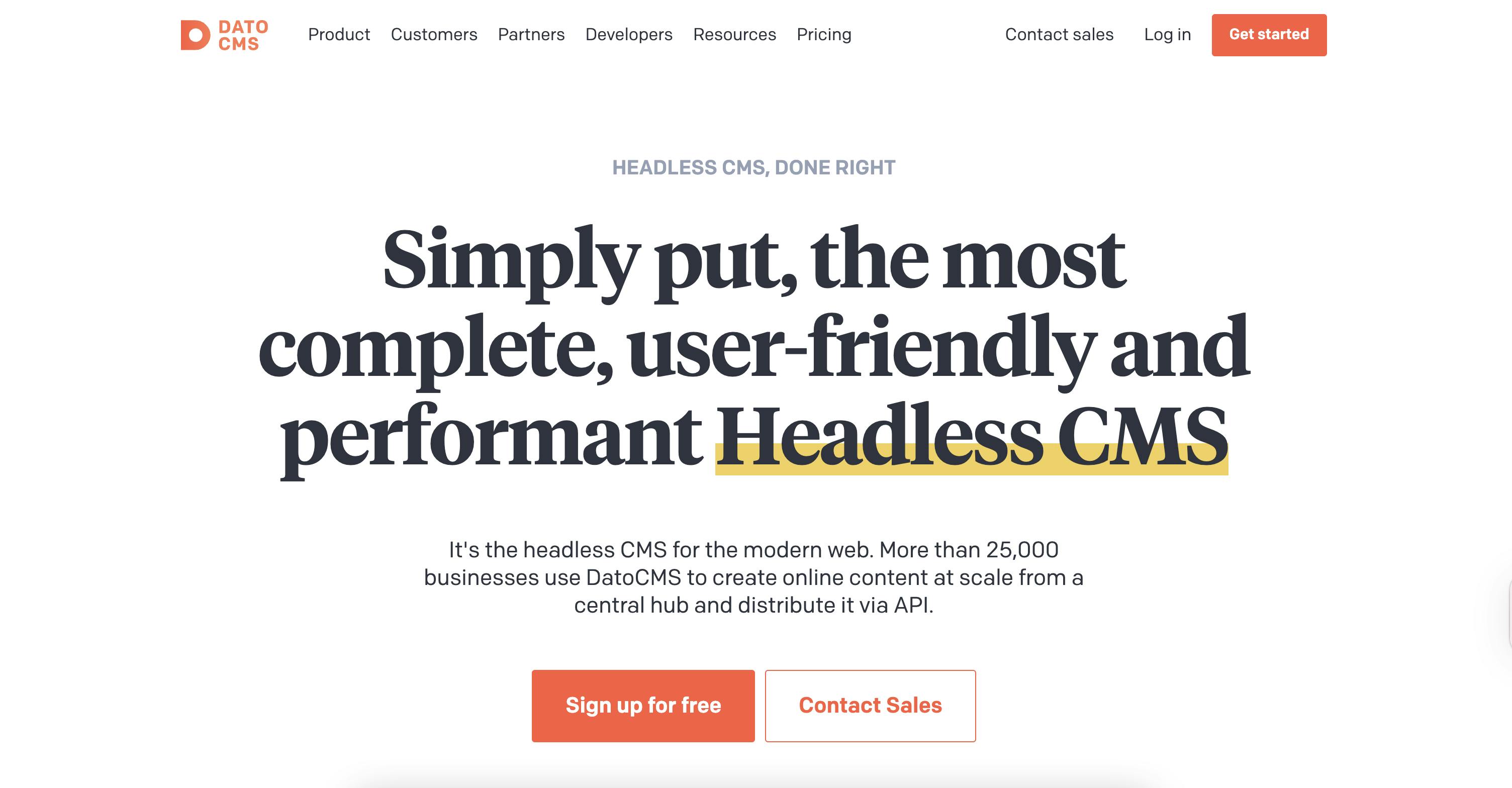
Dato CMS focuses on offering a streamlined, intuitive interface that also offers powerful features, making content management easy.
Standout Features
- Real-time collaboration
- Modular content blocks
- Native video encoding and streaming
Limitations
- Less opinionated about page structure: Next.js teams must define their own layout and preview strategy.
- Smaller ecosystem: Fewer Next.js-specific examples compared to larger platforms.
Pricing
- Free
- Professional plan (€149/month)
- Enterprise (Custom)
Ideal For
Teams that want an unobtrusive headless CMS experience.
Resources
10. Outstatic
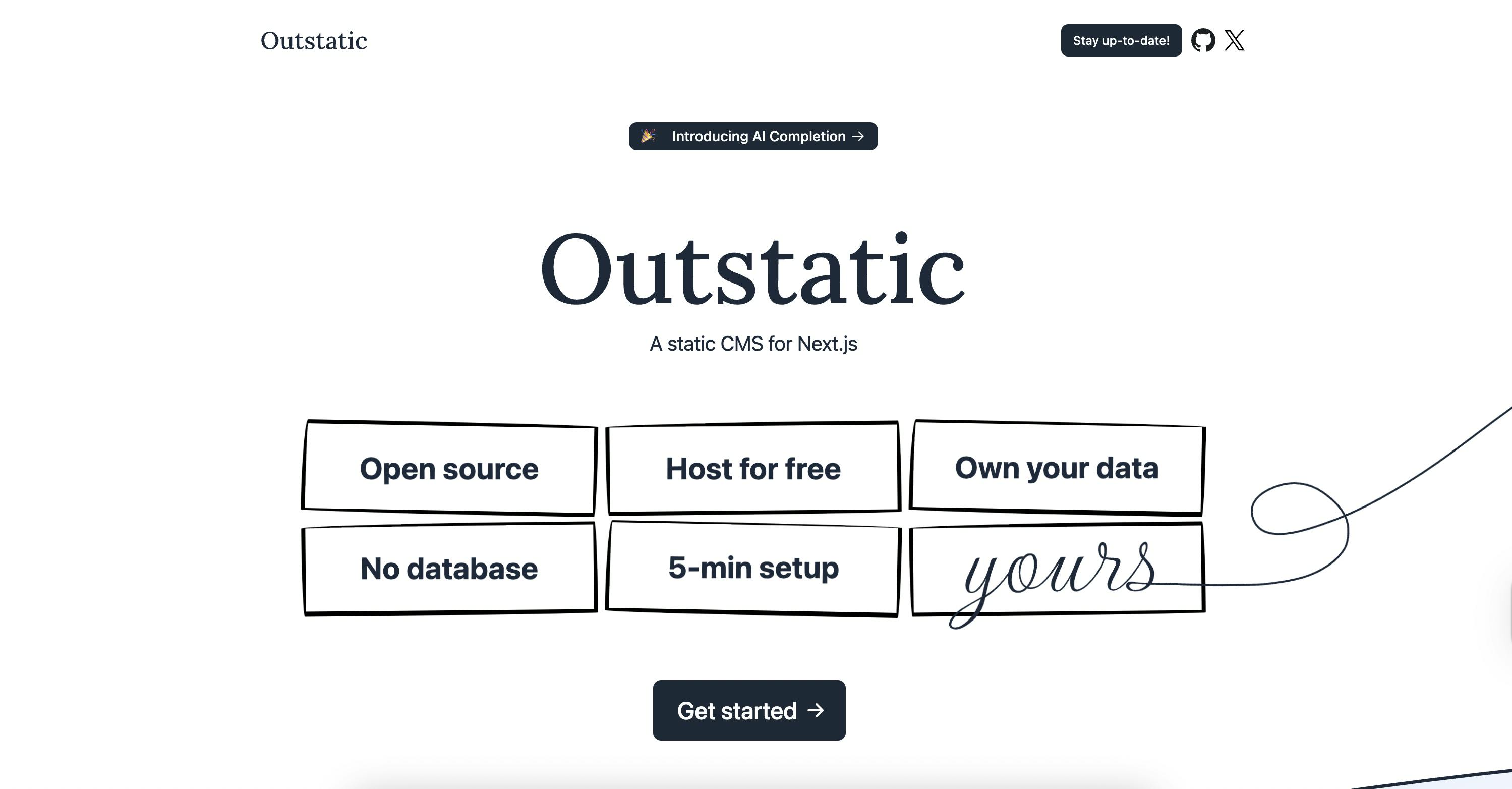
Outstatic is a Git-based CMS that stores your content in Markdown alongside your code while also offering a focused editing environment.
Standout Features
- Next.js native solution
- Content stored in Git, no external dependencies
- Content is stored as Markdown with your code
Limitations
- Git-based workflow limits editors: Best for developer-led Next.js teams, not large editorial groups.
- Minimal CMS features: No advanced workflows, permissions, or real-time collaboration.
Pricing
- Free (Open Source)
Ideal For
Cost-conscious projects that need a simple content management system, as well as developers seeking a GitHub-based solution.
Resources
Choosing the Right Headless CMS for Your Next.js Project
While we’ve explored 10 different headless CMS tools in this post, it’s hard to give one definitive answer for which one is the best overall. They all have their own unique benefits, drawbacks, and features, which make picking a standout winner difficult.
So, the question then becomes, what is the best headless CMS tool for you and your current requirements? And, to find the answer to that question, you should explore the various options we’ve looked at because ultimately, what is perfect for one team might not be ideal for you.
However, to help you get started, here are some suggestions for where to begin based on some common requirements.
- Developer Experience is the priority ⇒ Sanity, Payload, Prismic
- Need enterprise support/features? ⇒ Prismic, Sanity, Contentful, Hygraph
- Want Git-based workflows? ⇒ Outstatic
Recap
Throughout this post, we’ve explored 10 different headless CMS platforms that can be paired with Next.js. We’ve looked at their features, prices, and who they’d be ideal for to help you make an informed decision about which headless CMS you should use in your Next.js project.
And, if you’re not sure where to go from here, I’d suggest picking your two or three favourite headless CMS from the list above and experiment with them in a test Next.js project. From this, you can learn what you like and dislike and use that experience to inform your decision on which platform to use.
Finally, if you’re stuck on which platforms to try out, why not try out Prismic and follow along with the Next.js getting started guide.